
Gray Zone Warfare All LZ: Locations and Unlock Guide
Gray Zone Warfare all lz guide: Find landing zone groups, unlock helicopter routes, check Golf 2's location, and plan your next trip across Lamang Island.
Jump to
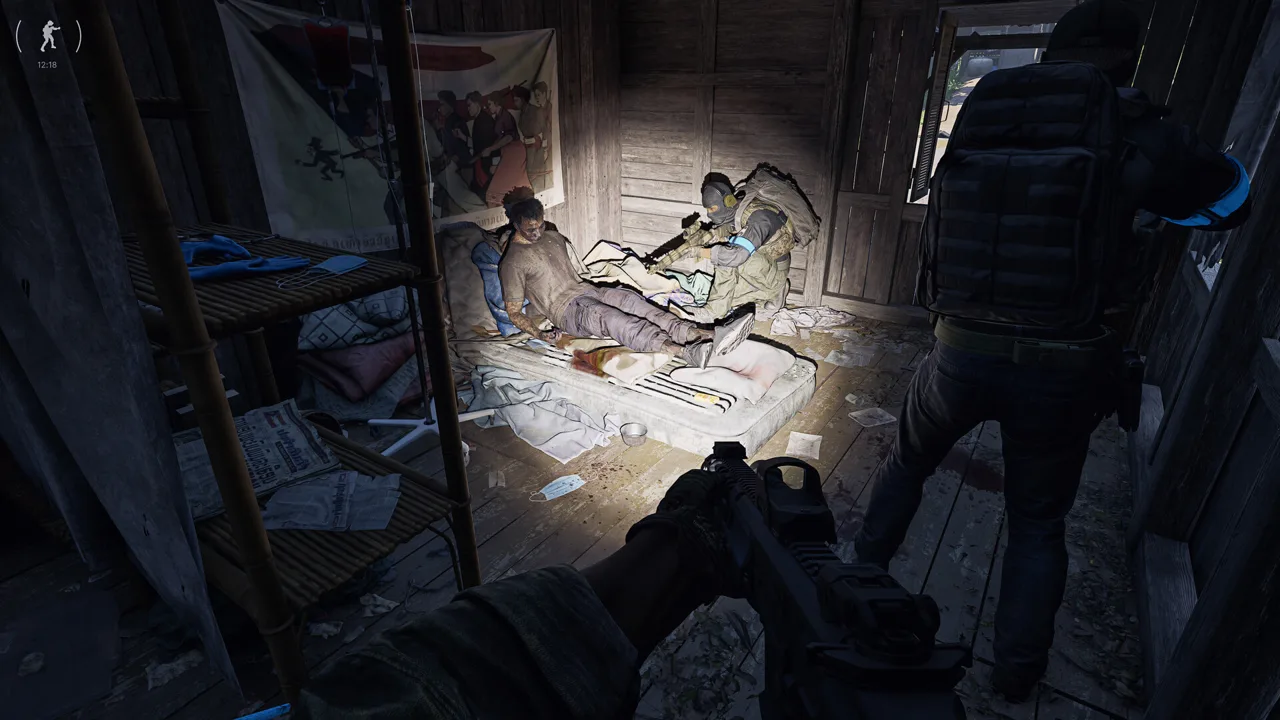
All LZ Groups and Their Locations
A long jungle hike gets old fast when your next objective is across Lamang. This Gray Zone Warfare all lz checklist organizes the named helicopter landing zones so you can find the groups around your destination and shorten the walk. Use the Gray Zone Warfare all lz tables below to track exploration, plan approaches, and give yourself more extraction options.
LZ means Landing Zone: a designated helicopter pickup and drop-off location. Discovering more of them expands your travel options around major points of interest, including Fort Narith, Midnight Sapphire, and Tiger Bay.
Start with the groups attached to familiar destinations:
| Area | Landing zones |
|---|---|
| Nam Thaven / Mithras starting area | Bravo 1, Bravo 2, Bravo 3 |
| Kiu Vongsa / Crimson starting area | Charlie 1, Charlie 2, Charlie 3 |
| Fort Narith | Delta 1, Delta 2, Delta 3, Delta 4 |
| Sawmill | Echo 1, Echo 2, Echo 3 |
| Hunter’s Paradise | Foxtrot 1, Foxtrot 2, Foxtrot 3 |
| Pha Lang Airfield | Golf 1, Golf 2, Golf 3 |
| Midnight Sapphire | Hotel 1, Hotel 2, Hotel 3 |
| Ban Pa | India 1, India 2, India 3 |
| Tiger Bay | Juliett 1, Juliett 2, Juliett 3, Juliett 4 |
| Blue Lagoon | Kilo 1, Kilo 2, Kilo 3 |
| YBL-1 | Lima 1, Lima 2, Lima 3 |
Read the letter group as your regional reference, then check the individual number before traveling. Delta 1 and Delta 4 belong to the Fort Narith group, for example, but choosing between them should be part of planning your approach.
Your Gray Zone Warfare all lz checklist should also include these additional named groups:
| LZ group | Landing zones |
|---|---|
| Alpha | Alpha 1, Alpha 2, Alpha 3 |
| Mike | Mike 1, Mike 2, Mike 3, Mike 4 |
| November | November 1, November 2, November 3 |
| Oscar | Oscar 1, Oscar 2, Oscar 3 |
| Papa | Papa 1, Papa 2, Papa 3 |
| Quebec | Quebec 1, Quebec 2, Quebec 3 |
| Romeo | Romeo 1 |
Alpha 3 is associated with Pha Lang. Keep that separate from the Golf group around Pha Lang Airfield when checking names on your map.
Update 0.5: Rogue Ops also adds Lakevale Sanctuary, Northern Reach, and RLSL-1 as Tier 4 points of interest. Keep those destinations on your exploration plan alongside the established towns, military areas, and resort routes.
Official page: Gray Zone Warfare (grayzonewarfare.com)
How to Unlock Landing Zones
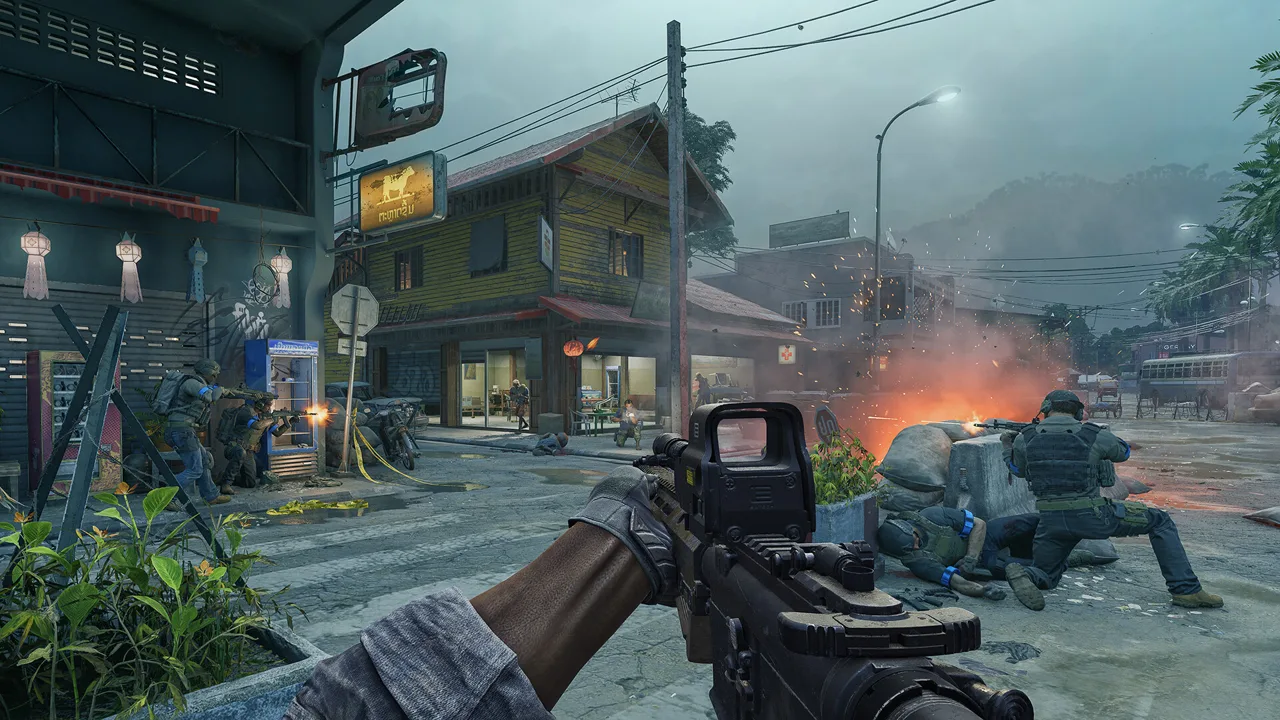 Image: Steam / MADFINGER Games, a.s.
Discover LZs by physically approaching them. The discovery distance is approximately 50–100 meters, so reaching the general neighborhood and reaching the landing zone are different things.
Tasks no longer automatically unlock new LZs. Explore the area and discover its landing zones yourself; reaching new locations and opening nearby travel options can also bring new task lines into view.
Use this sequence when adding another destination to your map:
| Step | What to do |
|---|---|
| Choose a destination | Identify the POI and its nearby LZ group. |
| Travel toward the area | Walk from an accessible location or ride with a PMC who has the destination unlocked. |
| Approach the landing zone | Move within approximately 50–100 meters. |
| Check your map | Look for the newly discovered LZ. |
| Continue exploring | Check other nearby landing zones before moving to another region. |
A helicopter ride with another PMC can help you reach an undiscovered destination. Coordinate with someone who already has that LZ available, then check your own map after arriving.
For a Gray Zone Warfare all lz run, make discovery the objective of the trip. Bring supplies for the walking between landing zones, and resist turning every nearby building into a separate loot stop.
Check the map after each approach. If the marker has not appeared, continue toward the landing area while watching for enemies. Do not use an estimated distance alone as your completion check.
Keep your checklist simple: record the exact LZ name after it appears. That prevents a return trip caused by remembering “somewhere near Ban Pa” when you actually need India 3.
Faction Access and Update 0.5 Progression
Starting-area landing zones have faction restrictions. Walking into another faction’s starting region does not give you unrestricted access to its helicopter network.
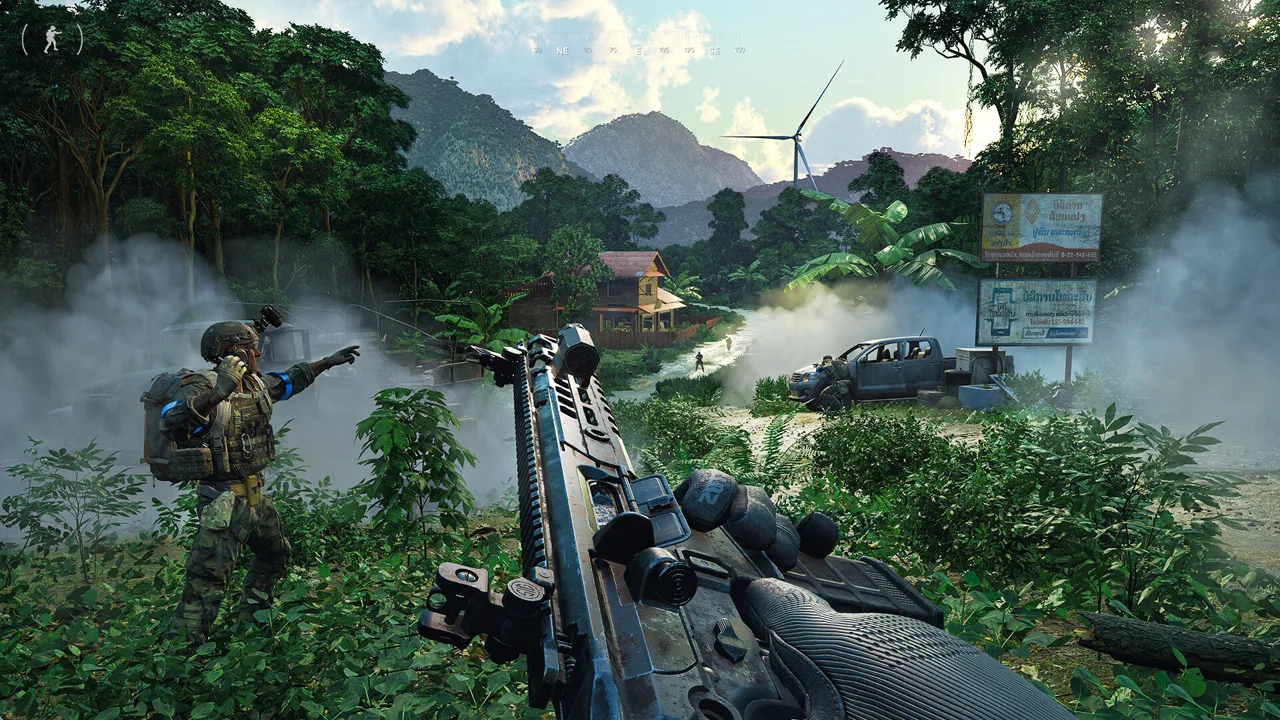 Image: Steam / MADFINGER Games, a.s.
Bravo belongs to the Nam Thaven/Mithras starting side, while Charlie covers the Kiu Vongsa/Crimson side. Keep faction access in mind before spending a deployment trying to fill every starting-area entry on a checklist.
Plan your discoveries around the character you intend to use. Update 0.5 introduces separate progression for PvE and PvEvP through characters with a selected mode and faction.
You can have up to four playable characters on an account. Each character has its own mode-and-faction combination, and you cannot simultaneously create two characters with the same combination.
That changes the value of older advice about unlocking travel options in PvE before switching to PvP. In Rogue Ops, choose Joint Operations for a PvE character or Warfare for a PvEvP character, then plan that character’s exploration accordingly.
Use your Gray Zone Warfare all lz checklist with the character’s faction and mode written at the top. This keeps your travel notes tied to the character you are actually deploying.
Joint Operations removes opposing-player combat from the equation, but enemy AI remains a threat around POIs, villages, and roads. Pack for those encounters even when your only goal is discovering helicopter stops.
In Warfare, include other factions in your approach planning. Before committing to a landing area, check the surroundings and keep an alternate destination in mind.
Plan Your LZ Unlock Runs
Group discoveries by destination instead of running across Lamang for isolated markers. When you head toward Sawmill, put Echo 1, Echo 2, and Echo 3 on that outing’s checklist. For YBL-1, check the Lima group.
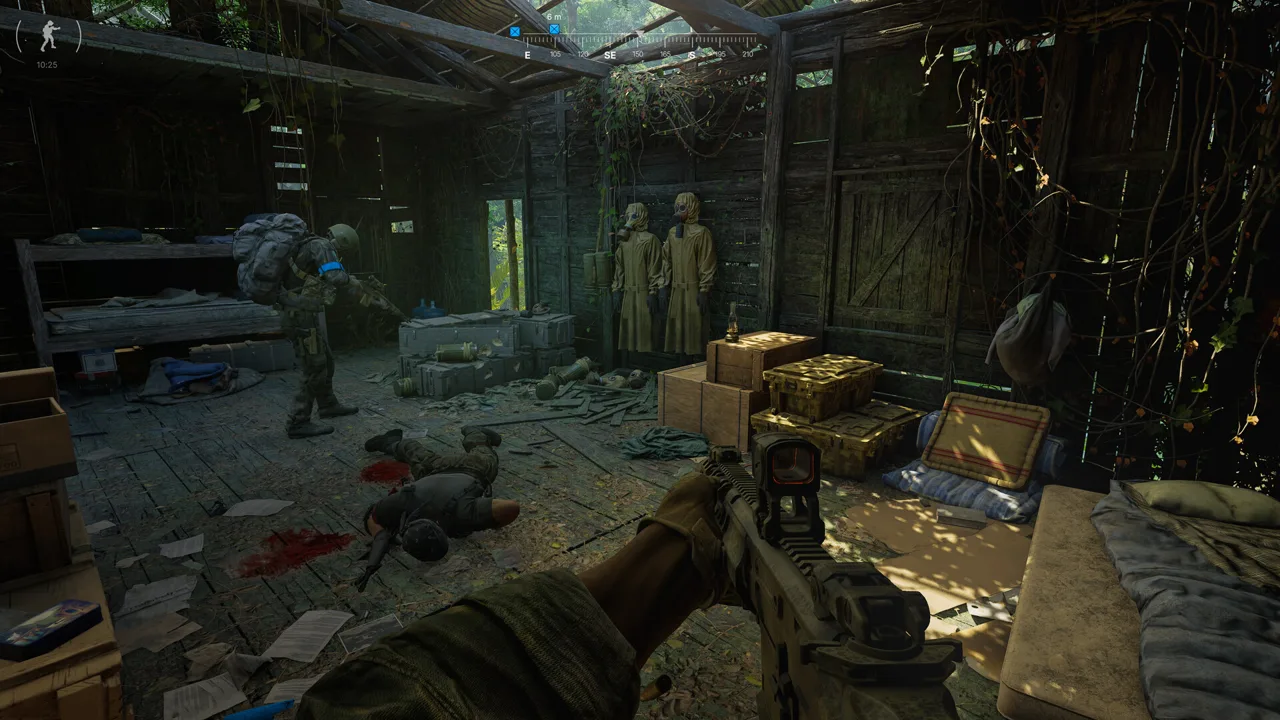 Image: Steam / MADFINGER Games, a.s.
Bring supplies that support the distance you plan to cover:
| Item | Purpose during an LZ run |
|---|---|
| Food | Replenish energy during extended travel. |
| Drinks | Maintain hydration while crossing the map. |
| A dependable weapon | Handle AI encounters near roads and POIs. |
| Medical supplies | Treat injuries before continuing toward another LZ. |
| A larger backpack | Carry provisions and any loot collected along the route. |
Pack provisions before leaving base. A nearly empty bag offers little help when you still have a long walk ahead and nothing left to drink.
Work Through One Area at a Time
Choose a POI, identify its LZ group, and check which entries you already have. Plan the remaining discoveries around that destination.
For example, if a Blue Lagoon trip is already on your agenda, add Kilo 3 to the checklist alongside Kilo 1 and Kilo 2. At Hunter’s Paradise, remember Foxtrot 3 as well as the other Foxtrot stops.
Older two-LZ habits can leave gaps around several established locations. Check these entries specifically:
- Echo 3 around Sawmill.
- Lima 3 near YBL-1.
- India 3 around Ban Pa.
- Kilo 3 around Blue Lagoon.
- Foxtrot 3 around Hunter’s Paradise.
Give Dangerous Areas More Attention
Fort Narith has Delta 1 through Delta 4. Tiger Bay has Juliett 1 through Juliett 4. Both areas contain dangerous opposition, making approach planning especially useful.
Unlock additional nearby stops before committing to repeated visits. Compare the landing zones against your objective and the ground you intend to cover.
At Midnight Sapphire, check Hotel 1, Hotel 2, and Hotel 3 while planning resort or villa tasks. Select the stop that fits the part of the area you intend to visit.
Use the Gray Zone Warfare all lz checklist between deployments to identify the next useful discovery. Prioritize a missing stop near an active task over an isolated marker that adds another long hike to your session.
Golf 2, Missing Markers, and Extraction Choices
Golf 2’s updated position is near grid 186, 155, close to the river when heading straight off the runway. Use that location when checking the airfield group.
Approach the area and watch your map for the discovery marker. Pay attention to the river and open ground rather than stopping at an older remembered location.
Charlie 3 is on the southern side of the Crimson starting area near the gas station. Keep your faction’s access restrictions in mind when checking that part of the map.
When a landing zone is missing from your map, work through the practical checks:
- Recheck the exact name and number.
- Move closer to the landing area.
- Inspect nearby roads, open fields, and riverside ground.
- Check whether you are pursuing another faction’s starting-area LZ.
For Gray Zone Warfare all lz completion, distinguish discovering a location from planning a useful journey through it. After adding a marker, look at how it connects your next objective with an extraction point.
Helicopters support travel between landing zones as well as transport back to your main base. When you request transportation, pickup is assigned to the closest LZ.
Check that pickup location before moving. Compare it with your position and the route you intend to take, especially after leaving a large POI from a different side.
Keep alternate extraction options in your plan around Fort Narith and Tiger Bay. If your intended route leads toward an active fight, reassess the nearby stops before crossing more exposed ground.
Before ending an exploration trip, review what actually appeared on your map. Mark those entries complete, note the remaining names, and prepare the next outing around those gaps.
FAQ
How do I unlock every landing zone in Gray Zone Warfare?
Approach each accessible LZ until its marker appears, usually within approximately 50–100 meters. Use the Gray Zone Warfare all lz tables to track named groups, and account for faction restrictions around starting areas.
Do tasks automatically unlock LZs?
No. Discover landing zones through exploration rather than waiting for task rewards to add them. Walk to the destination or ride with another PMC who already has it unlocked.
Where is Golf 2?
Golf 2’s updated location is near grid 186, 155, by the river when heading straight off the Pha Lang Airfield runway. Approach the landing area and check your map for discovery.
Can I unlock LZs in PvE and use that progression in PvP?
Update 0.5 separates PvE and PvEvP progression through characters assigned a mode and faction. Plan exploration for the character and mode you intend to play.
Continue with
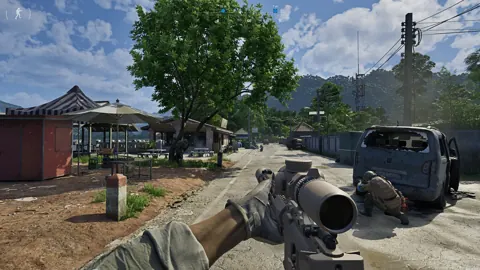 Gray Zone Warfare Fort Narith Buried Caches Location GuideFind your Gray Zone Warfare fort narith buried caches location with landmark directions for four Tier 3 stashes, plus handy tips for your next loot run.
More in Maps & Locations
Gray Zone Warfare Map: Rogue Ops Locations and Tips
Explore the Gray Zone Warfare map with Rogue Ops locations, Tier 4 threats, smuggling rules, and practical route tips. Plan your next trip across Lamang.
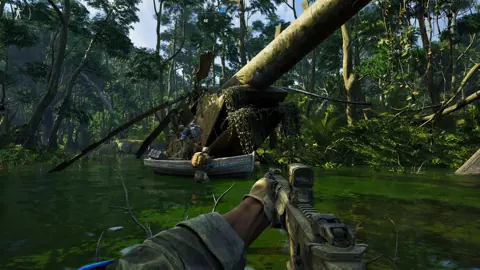
Gray Zone Warfare Na Thong Farms: Map & Task Guide
Find Gray Zone Warfare Na Thong Farms at grid 178, 129 in the 0.4 map, explore its Like A Boss task connection, and plan your trip through Blue Lagoon.
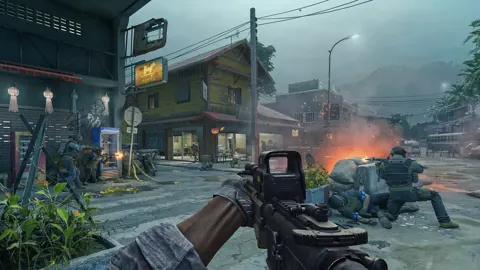
Gray Zone Warfare Roadside Market: Location & Tasks
Find the Gray Zone Warfare roadside market at 152, 163 in Hunter's Paradise, check Nicked Shipment objectives, and prepare for Rogue Ops combat changes.
Gray Zone Warfare Where Is the Mithras Command Tent?
Gray Zone Warfare where is the Mithras command tent? Find the green tent, collect the Native Negotiations briefcase, and follow the Mithras delivery route.
Continue exploring
Join the community
Official channels for news, updates and player help: