Fan-Made Community Wiki

Gray Zone Warfare

Head into Lamang with a plan for the firefight and the trip home. Find task objectives, track down keys, build your loadout, and learn how to handle injuries before your next deployment.

  • Early Access Apr 30, 2024
  • Rogue Ops Oct 22, 2026
  • 3 PMC Factions
  • Up to 4-Player Squads
Start the Beginner Guide
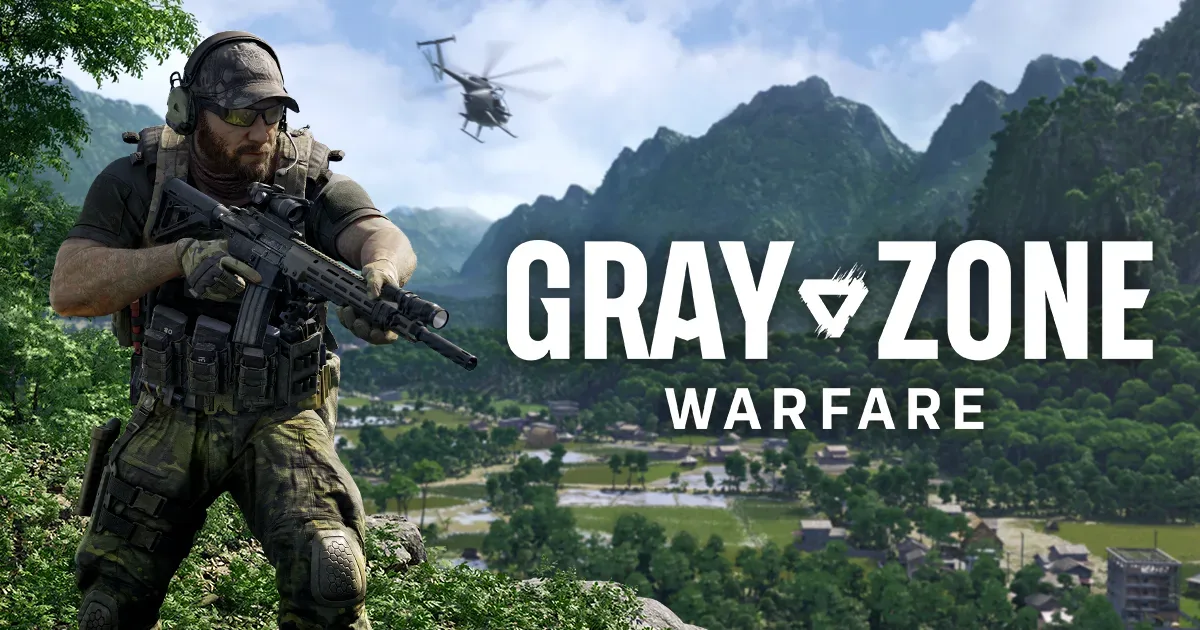
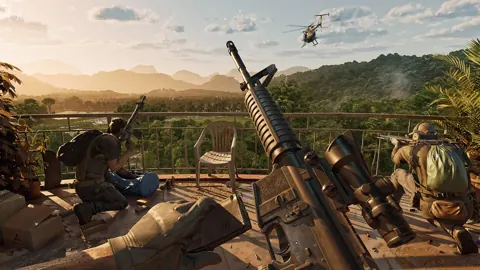
Gray Zone Warfare official key art
Image: www.grayzonewarfare.com

Latest guides

Gray Zone Warfare Discord: Find Squads and Get Help
Community

Gray Zone Warfare Discord: Find Squads and Get Help

Find your Gray Zone Warfare Discord community, plan squads by faction and mode, and get practical help with Rogue Ops crafting, tasks, and smuggling runs.

Gray Zone Warfare Reddit: Your Guide to Rogue Ops 0.5
Community

Gray Zone Warfare Reddit: Your Guide to Rogue Ops 0.5

Use Gray Zone Warfare reddit to navigate Rogue Ops 0.5, understand the soft wipe, plan your Hideout, and ask questions about PvE, PvP, and performance.

Gray Zone Warfare Steam Charts: Rogue Ops Population
Community

Gray Zone Warfare Steam Charts: Rogue Ops Population

Track Gray Zone Warfare steam charts, compare player counts and peaks, and see how Rogue Ops changes the outlook for returning squads and new players.

Gray Zone Warfare Twitch Drops: Rewards & Claim Guide
Community

Gray Zone Warfare Twitch Drops: Rewards & Claim Guide

Get Gray Zone Warfare twitch drops with this Rogue Ops guide to campaign dates, reward packs, account linking, claims, and apparel that survives wipes.

Gray Zone Warfare Invite Friends: Squad Setup Guide
Guides

Gray Zone Warfare Invite Friends: Squad Setup Guide

Gray Zone Warfare invite friends guide: learn squad setup, match factions and modes in Update 0.5, join deployed teammates, and troubleshoot invite issues.

Gray Zone Warfare PvE Guide: Modes, Progression & Tips
Guides

Gray Zone Warfare PvE Guide: Modes, Progression & Tips

Explore Gray Zone Warfare PvE in Rogue Ops 0.5, including Joint Operations, separate progression, Hideout crafting, healing, and practical survival tips.

What is Gray Zone Warfare?

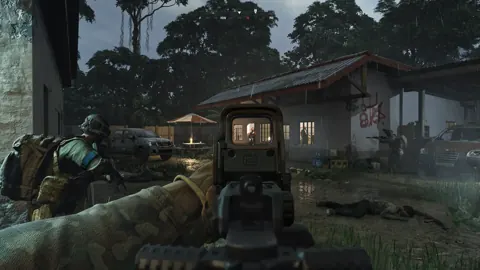
Gray Zone Warfare is a PvE-first open-world tactical shooter set on Lamang, a quarantined island in Southeast Asia. You deploy as a private military contractor, complete missions, recover equipment, and build your reputation with vendors.

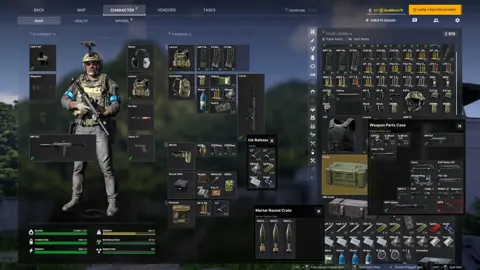
Weapon preparation, ammunition, and medical supplies all matter once you leave base. Go solo or work with a squad, explore towns and military locations, and bring your loot back from each deployment.

Developer
MADFINGER Games
Platform
Windows PC via Steam
Genre
Open-World Tactical FPS
Release
Apr 30, 2024
PMC Factions
3
Squad Size
Up to 4 Players

Explore the game

Gray Zone Warfare Task Guide

Find your next objective and understand how tasks unlock better gear and new regions. Separate main missions, side stories, and contracts so you know what you are working toward before deploying.

Main Tasks: Follow your PMC's main storyline and investigate the events unfolding across Lamang.
Side Tasks: Explore additional stories and uncover more of the island's hidden history.
Contracts: Take on simpler objectives alongside story missions.
Vendor Progression: Complete tasks and trade to build vendor reputation, unlock regions, and access better equipment.
Read the full guide

Gray Zone Warfare Map and Locations

Plan your route through Lamang before heading into unfamiliar territory. Check objective markers and learn which locations put you against tougher enemies.

Task Markers: The tactical map shows available tasks and approximate objective locations, with tasks accepted directly from the map.
Tier 3 Locations: Fort Narith, Midnight Sapphire, and Tiger Bay feature increased AI difficulty in Rogue Ops.
Tier 4 Locations: RLSL-1, Lakevale Sanctuary, and Northern Reach introduce higher-difficulty encounters and new storylines.
Read the full guide

Gray Zone Warfare Beginner Guide

Get comfortable with movement, shooting, and medical supplies before your first serious expedition. Use the training area, then pick an early objective instead of wandering into a harder region.

  1. 1: Complete the introductory tutorial in the dedicated training area.
  2. 2: Practice at the shooting range and visit the infirmary tent to learn the basic systems.
  3. 3: Consult the in-game help when you need to understand equipment or mechanics.
  4. 4: Choose an available task on the tactical map and check its objective area before deploying.
Read the full guide

Gray Zone Warfare Weapons and Ammo Guide

Get familiar with the arsenal before spending money on your next loadout. Compare weapon options, customization, and ammunition behavior without relying on an arbitrary tier ranking.

Rogue Ops Weapons: The Benelli M4, FAMAS, and G36 join the arsenal in Update 0.5.
Weapon Customization: Customize firearms with parts, mounts, and accessories to suit your preferred setup.
SP and HP Ammo: Soft-point and hollow-point ammunition create larger wounds than FMJ and AP rounds in Update 0.5.
Read the full guide

Gray Zone Warfare Medical Guide

Read your injuries and choose the supplies that address them. Rogue Ops changes healing to work by body part, so learn the updated system before relying on an older medical routine.

  1. 1: Open the health panel to identify injured body parts and check treatment information.
  2. 2: Address bleeding and treat the affected body part; healing now applies by body part rather than individual wound.
  3. 3: Check remaining supply volume: blood bags and drinks consume only the amount your character needs.

Gray Zone Warfare Factions and Game Modes

Choose your PMC and decide between PvE and PvEvP before building your character. Coordinate those choices with friends because each character has its own faction and mode.

Factions: Choose Crimson Shield International, Lamang Recovery Initiative, or Mithras Security Systems.
PvE and PvEvP: Play against AI in PvE or face AI and opposing players in PvEvP, with separate progression between modes.
Character Slots: Create up to four characters. Two characters cannot share the same combination of faction and game mode.
Read the full guide

Gray Zone Warfare Hideout and Crafting Guide

Turn gathered resources into a working Hideout and useful crafted equipment. Build production stations, find recipes, and decide whether to sell your products safely or risk a smuggling run.

Production Rooms: Develop the Laboratory, Electronics Workshop, and Utility Room.
Stations and Recipes: Build and upgrade stations, then use materials and recipes to craft items as your Hideout progresses.
Selling and Smuggling: Sell products to vendors for a safer payout or attempt timed contraband deliveries for greater rewards.
Read the full guide

Gray Zone Warfare PC System Requirements

Check your hardware before installing and leave enough room on an SSD. Compare the minimum and recommended specifications, especially RAM and processor requirements.

Minimum CPU and RAM: Intel Core i5-8600 or AMD Ryzen 5 2600 with AVX2 support, plus 16 GB RAM.
Recommended CPU and RAM: Intel Core i7-9700K or AMD Ryzen 5 3600X, plus 32 GB RAM.
Storage and Connection: An SSD with 40 GB available space and a broadband internet connection are required.
Operating System: Minimum requirements specify Windows 10 64-bit and DirectX 12.

Frequently asked questions

Is Gray Zone Warfare available on PC?

Gray Zone Warfare is available in Early Access on Windows PC through Steam. It launched on April 30, 2024.

Can I play Gray Zone Warfare in PvE?

Joint Operations is the PvE mode. Warfare combines PvE with PvP. In Rogue Ops 0.5, each character has a selected faction and mode, with separate progression.

How many players can join a squad?

You can deploy solo or in a squad of up to four players. Coordinate your faction and mode with friends before creating a character.

What changed in Rogue Ops 0.5?

Rogue Ops adds the Hideout, crafting, smuggling, new locations and weapons. It also changes medical treatment, character progression and combat.

Is this an official Gray Zone Warfare website?

This is an independent fan-made guide. Gray Zone Warfare and its game assets belong to MADFINGER Games and their respective rights holders.

Ready for Your Next Deployment?

Find your next objective, sort out your loadout, and pack the medical supplies you need. Start with the basics or jump straight to the task holding you up.