Gray Zone Warfare Discord: Find Squads and Get Help
Find your Gray Zone Warfare Discord community, plan squads by faction and mode, and get practical help with Rogue Ops crafting, tasks, and smuggling runs.
Jump to
How to Find the Gray Zone Warfare Discord
Your next deployment starts before you leave base: finding teammates who share your objective can save a lot of wasted coordination. A Gray Zone Warfare Discord gives you a place to organize that conversation, especially with Rogue Ops adding crafting, Hideout upgrades, and smuggling. Start your Gray Zone Warfare Discord search at the official Gray Zone Warfare website and look for its community entry points.
Keep developer channels and independent player communities separate. Use MADFINGER Games’ channels for announcements, update information, and event details. Use player discussions to arrange sessions, compare equipment, and work through questions about your current objective.
Once you enter a server, read its rules and channel descriptions before posting. Look for the appropriate space for squad recruitment, gameplay questions, or technical discussion. Follow any posted onboarding instructions rather than dropping the same message into several conversations.
Put community lookup commands to work
Player-run servers can offer their own Discord tools. Community command examples include:
| Command | Purpose |
|---|---|
/items | Check whether an item is needed for a quest |
/ballistics | Look up ammunition information at 50, 100, and 300 meters |
/marketplace | Connect with players interested in buying, selling, or trading |
Check a server’s command list before trying these tools. Their availability belongs to that community’s setup.
For gameplay decisions, include your version in the conversation. Update 0.5 changed loot distribution, crafting, medical supplies, and vendor access. A precise question about Rogue Ops is more useful than a broad request for “the current meta.”
Find a Squad That Matches Your Character
Before posting in a Gray Zone Warfare Discord, check the character you actually intend to deploy with. Rogue Ops introduced multiple playable characters and separate progression for PvE and PvEvP, so faction alone no longer tells another player everything they need.
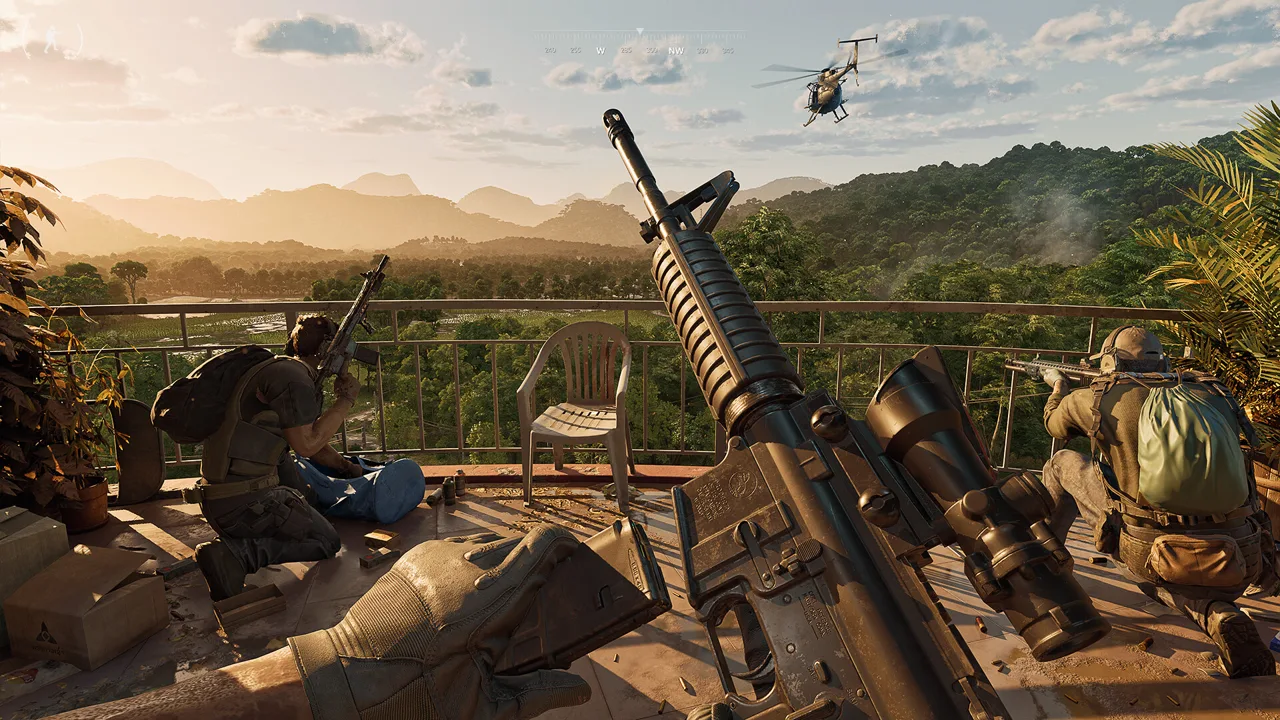 Image: Steam / MADFINGER Games, a.s.
Update 0.5 allows up to four playable characters on an account. Each has its own selected faction and game mode, with restrictions on duplicate combinations.
| Character detail | Update 0.5 rule |
|---|---|
| Account capacity | Up to four playable characters |
| Mode selection | Each character uses PvE or PvEvP |
| Faction selection | Each character has a selected faction |
| Duplicate combinations | Two characters cannot share the same mode-and-faction combination |
| Character deletion | One character can be deleted per week |
Put your mode, faction, region, objective, and availability in a recruitment message. Add whether you want a patient task run, a resource-gathering session, or a push into a difficult location.
For example:
Looking for a Joint Operations group. Playing my current faction character and gathering Hideout materials. Happy to help with tasks along the way. Share your region and availability.
Replace “current faction” with your character’s actual faction before posting. Name the task or material when you know it; that gives potential teammates something concrete to respond to.
Choose your progression transfer carefully
The 0.5 soft wipe preserves completed tasks, rank, unlocked apparel, vendor levels, and statistics from 0.4. Your locker contents and money are wiped.
When transferring existing progression into 0.5, you choose its destination mode. That choice is irreversible, and the character keeps its faction.
Discuss that decision with your regular group before selecting a mode. If your friends are organizing Joint Operations sessions while you intend to play Warfare, settle the plan before transferring your established progression.
When returning to a Gray Zone Warfare Discord after a break, update your recruitment details too. Your old message might describe a character or mode you no longer intend to use.
Get Useful Help With Hideout Upgrades and Crafting
Rogue Ops gives loot another purpose: building an operation back at your Hideout. That makes community questions about components, recipes, and production more valuable than a simple “sell or keep?” discussion.
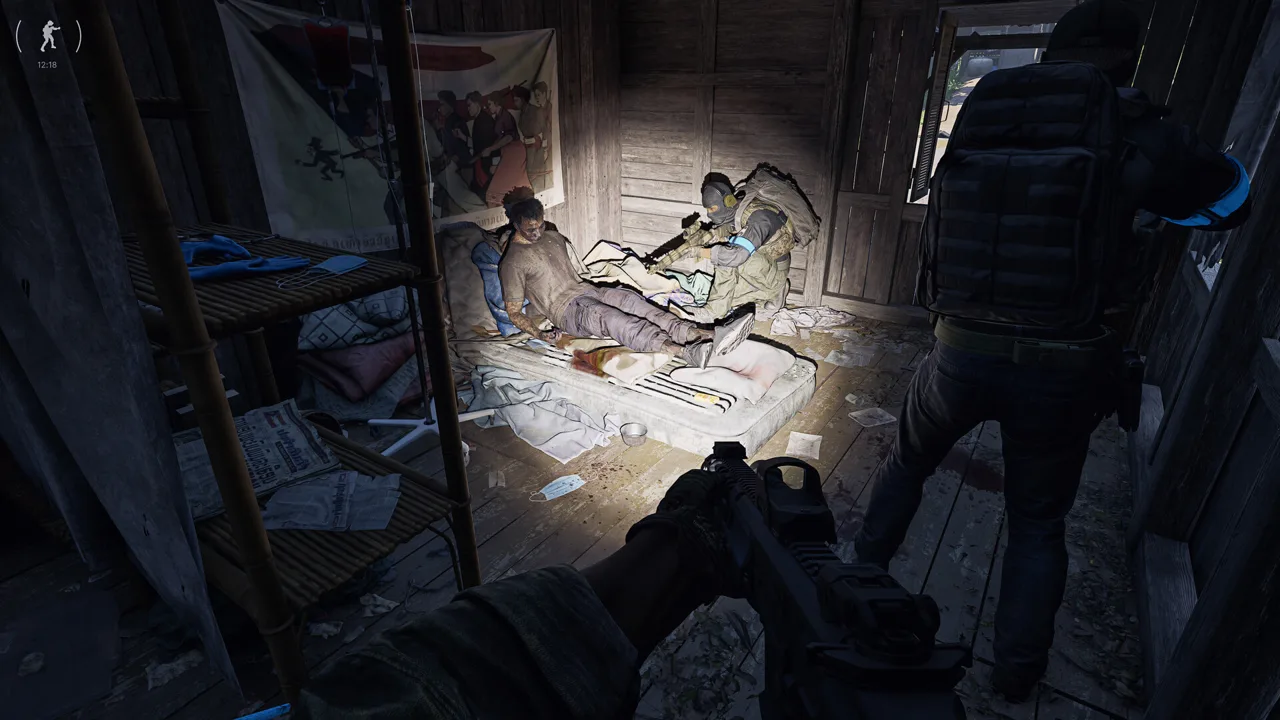 Image: Steam / MADFINGER Games, a.s.
The Hideout begins with three rooms, each with three upgrade levels in Update 0.5.
| Hideout room | Function | Details to include when asking for help |
|---|---|---|
| Laboratory | Produces specialized substances, including medical products and drugs | The product, equipment, or ingredient you are working toward |
| Electronics Workshop | Supports disassembly, modification, and assembly of mechanical and electronic components | The item, component, device, or recipe involved |
| Utility Room | Supplies electricity for Hideout equipment and other rooms | The equipment or room you are trying to power |
Use your Gray Zone Warfare Discord questions to narrow the problem. “What should I loot?” leaves people guessing. “I’m upgrading my Laboratory and looking for this component” gives the conversation a clear target.
The Laboratory requires specialized equipment, along with resources and production ingredients gathered in Lamang. It also supports products needed for certain smuggling contracts. Identify the contract requirements before organizing a supply run.
Separate recipes from materials
Crafting recipes must be unlocked before their corresponding items can be produced. Workshop devices can also be unlocked and upgraded to expand crafting capabilities.
Check the recipe and device requirements before assuming missing materials are your only obstacle. When requesting help, explain whether you are trying to unlock production or gather ingredients for something already available.
Timing matters as well. Crafting is almost instantaneous, while production and disassembly take longer. Discuss what needs preparation before the group agrees to depart.
Hacking tools are another useful discussion topic. They come in three tiers and let players bypass electronic locks to access restricted areas. State the tool tier when asking about a planned route.
Tracking Tags and Stims also changed in 0.5: they are no longer sold by vendors and must be crafted. Update your shopping and preparation plans before heading out with teammates who expect those items.
Coordinate Smuggling Runs and Difficult Locations
A Gray Zone Warfare Discord can help turn a vague plan to “run contraband” into an organized session. Start by making sure everyone understands the mode and contract objective.
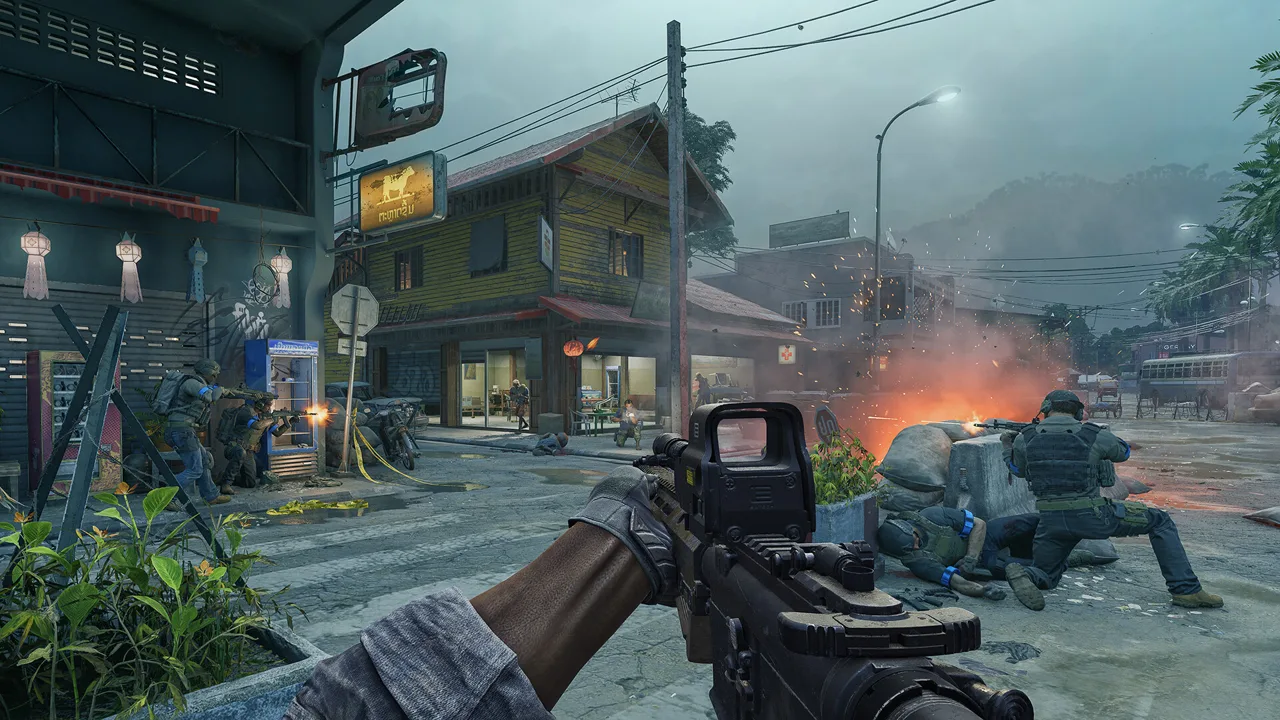 Image: Steam / MADFINGER Games, a.s.
In Warfare, the PvEvP mode, smugglers and hunters have opposing goals that create opportunities for player combat. In Joint Operations, the PvE mode, hunting activities involve regular AI enemies.
Discuss that distinction before recruiting. Players looking for a cooperative AI-focused session need different expectations from a group preparing for interception by other players.
Understand the smuggling sequence
| Stage | Contract requirement |
|---|---|
| Prepare | Gather the resources and contraband required for the contract |
| Hand over contraband | Give it to the relevant vendor |
| Collect the shipment | Retrieve the smuggling backpack from the location marked by the vendor |
| Transport | Move the shipment across Lamang within the one-hour contract limit |
| Deliver | Deposit it in the designated smuggling zone before time expires |
The backpack visibly identifies its carrier. The contract fails if the smuggler dies, the timer expires, or the backpack goes into another player’s stash.
Confirm the pickup, destination, and carrier before accepting the contract. Gather the required materials first, and settle questions about the route before the timer starts.
Keep voice communication focused during transport. Call out threats, movement, and any change that affects the delivery. Save lengthy equipment discussions for preparation.
Name the destination when recruiting
Rogue Ops adds three Tier 4 points of interest with high-difficulty enemies:
| Location | Identity |
|---|---|
| Lakevale Sanctuary | Asylum |
| Northern Reach | Military Research Site |
| RLSL-1 | Radio Observatory |
Name the location and objective in your recruitment post. “Exploring RLSL-1” communicates a different plan from “collecting materials and leaving.”
Update 0.5 also increases AI difficulty in Tier 3 and Tier 4 locations. AI can use bandages, and selected AI factions can throw grenades. Include those changes in your preparation discussion, especially when someone is returning from an older version.
Ask teammates what they need from the visit before deploying. A shared destination becomes a clearer plan when everyone knows whether the group is completing tasks, exploring, or collecting resources.
Ask Questions That Get Useful Answers
The useful part of a Gray Zone Warfare Discord is the conversation you make possible. Give other players enough detail to understand the situation without making them interrogate you for the basics.
For a task or crafting question, include:
- The exact task, item, recipe, or location name.
- Your game mode.
- The step you have already completed.
- The specific obstacle stopping you.
- Whether the question concerns Update 0.5.
For equipment questions, describe what you want the weapon to do. Rogue Ops adds seven weapons, including the AUG, Benelli M4, G3, G36, FAMAS, UMP, and Glock 18C. Most new weapons are found in the world rather than purchased from vendors, so separate acquisition questions from attachment discussions.
Update your medical assumptions
Explain the injured body part and the supplies you have when asking for healing help. In 0.5, treatment works by body part rather than individual wound.
A single splint treats multiple broken bones within one leg. Injuries affecting both legs still require separate treatment for each leg. Tourniquets cannot be applied to the head or torso, while surgical kits can address broken bones, organ damage, and bleeding.
Those details make “Why can’t I use this medical item?” a much easier question to answer.
Keep technical questions specific
For performance problems, include your CPU, GPU, RAM, resolution, and a clear description of when the issue happens. Distinguish crashes from low frame rates or momentary hitches.
Rogue Ops includes client and server improvements, crash fixes, and memory-leak fixes. Compare advice against your installed version before changing your setup.
Use the official Gray Zone Warfare website for update and event information, then bring a focused question to your community. The clearer your objective, the easier it is to find someone ready to help—or deploy alongside you.
FAQ
Where should I start looking for the Gray Zone Warfare Discord?
Start at the official Gray Zone Warfare website and look for community entry points. Keep developer channels separate from independent player-run servers when following announcements or joining discussions.
What should I include in a squad recruitment message?
Include your character’s faction, game mode, region, objective, and availability. Specify Joint Operations or Warfare so potential teammates understand the session you are organizing.
Does every Discord server have item and ballistics commands?
Community tools belong to individual servers. Check the server’s command list for options such as /items, /ballistics, and /marketplace before using them.
Why does Update 0.5 matter when asking for help?
Rogue Ops changes character progression, crafting, healing, loot distribution, and vendor access. Naming Update 0.5 keeps the discussion focused on the mechanics you are playing.
Continue with
 Gray Zone Warfare Reddit: Your Guide to Rogue Ops 0.5Use Gray Zone Warfare reddit to navigate Rogue Ops 0.5, understand the soft wipe, plan your Hideout, and ask questions about PvE, PvP, and performance.
More in Community
Gray Zone Warfare Steam Charts: Rogue Ops Population
Track Gray Zone Warfare steam charts, compare player counts and peaks, and see how Rogue Ops changes the outlook for returning squads and new players.
Gray Zone Warfare Twitch Drops: Rewards & Claim Guide
Get Gray Zone Warfare twitch drops with this Rogue Ops guide to campaign dates, reward packs, account linking, claims, and apparel that survives wipes.
Continue exploring
Gray Zone Warfare Invite Friends: Squad Setup Guide
Gray Zone Warfare invite friends guide: learn squad setup, match factions and modes in Update 0.5, join deployed teammates, and troubleshoot invite issues.
Gray Zone Warfare Roadmap: Rogue Ops and What's Next
Explore the Gray Zone Warfare roadmap after Rogue Ops: Update 0.5 features, Hideout upgrades, progression changes, and plans for your next deployment.
Join the community
Official channels for news, updates and player help: