Gray Zone Warfare Steam Charts: Rogue Ops Population
Track Gray Zone Warfare steam charts, compare player counts and peaks, and see how Rogue Ops changes the outlook for returning squads and new players.
Jump to
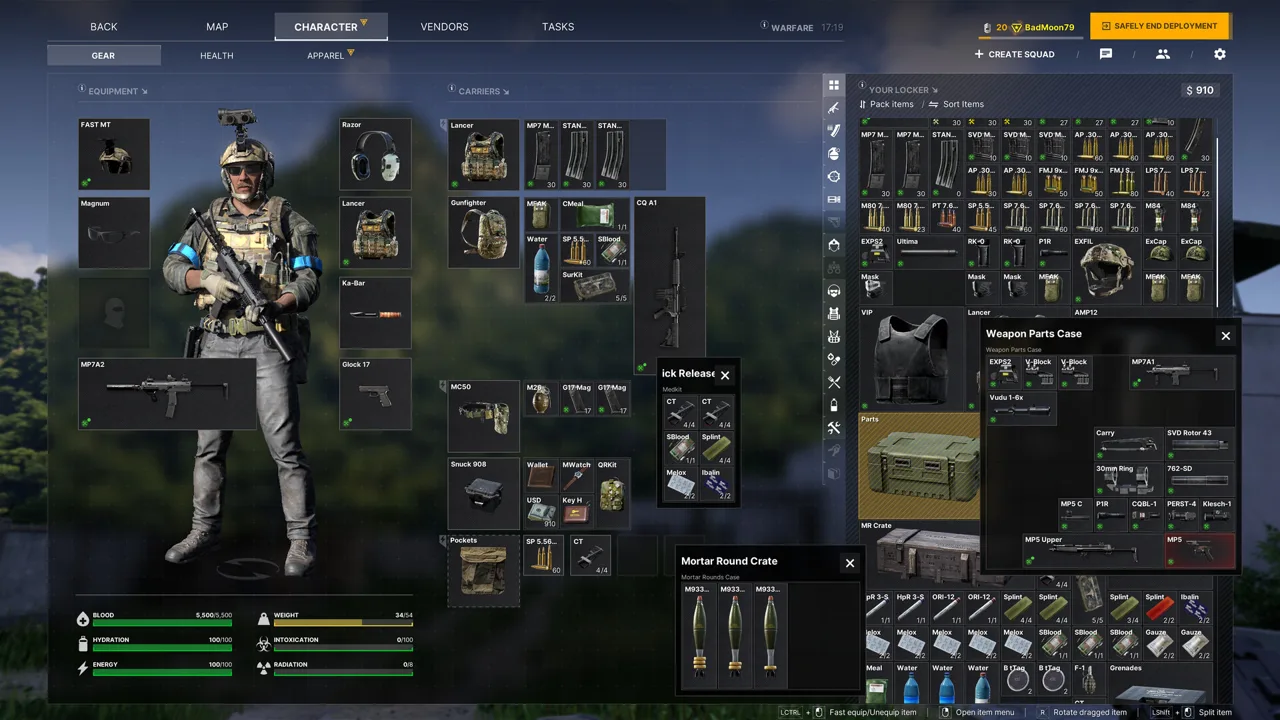
Gray Zone Warfare Steam Charts: How Many People Are Playing?
Gray Zone Warfare steam charts show a 24-hour peak of 16,473, giving returning squads a useful starting point for planning their next deployment. The latest hourly reading shows concurrent activity of 7,602, while the rolling 30-day average stands at 2,475.3. Reading Gray Zone Warfare steam charts across those different windows helps you judge activity before planning your next deployment.
Here’s the population snapshot:
| Population metric | Player count | What it measures |
|---|---|---|
| Latest hourly reading | 7,602 | Concurrent players in the reading labeled “playing an hour ago” |
| 24-hour peak | 16,473 | Highest simultaneous player count over that daily window |
| Last 30 days average | 2,475.3 | Average concurrent population across the rolling period |
| Last 30 days gain | +628.1 / +34.00% | Increase relative to September’s average |
| All-time peak | 71,503 | Highest recorded simultaneous player count |
The 7,602 figure is an hourly snapshot, not a continuously updating counter. The daily peak and rolling average describe different stretches of time, so each answers a different question.
Use the hourly reading to understand activity near that moment. Check the daily peak for the busiest point within the preceding day. Follow the average to see how population holds up across a longer period.
Concurrent players also differ from total owners or unique daily users. Someone who plays in the morning and someone who logs in that evening can both contribute to daily activity without appearing online together.
For squad planning, these numbers provide a broad population picture. They don’t break activity down by region, faction, or game mode. Keep your own deployment time and preferred mode in mind when interpreting the headline count.
How the Current Population Compares With Earlier Months
Gray Zone Warfare steam charts show substantial swings between busy periods and quieter stretches. The rolling average sits above September’s level after several months of declining monthly averages, making the latest increase a meaningful change in direction.
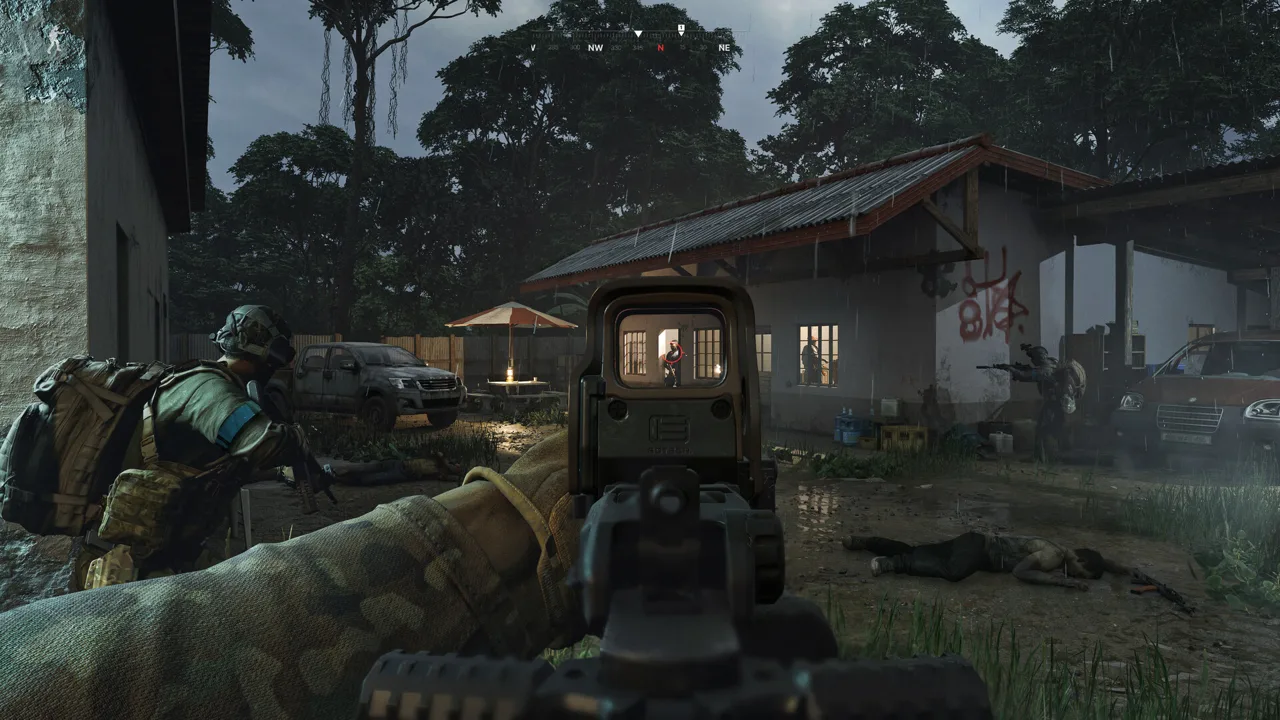 Image: Steam / MADFINGER Games, a.s.
| Period | Average concurrent players | Peak concurrent players |
|---|---|---|
| May 2024 | 21,568.5 | 71,503 |
| June 2025 | 5,815.6 | 15,865 |
| January 2026 | 1,039.6 | 1,990 |
| March 2026 | 3,218.0 | 29,790 |
| April 2026 | 19,106.2 | 43,696 |
| May 2026 | 7,146.3 | 15,543 |
| June 2026 | 3,984.9 | 7,196 |
| July 2026 | 3,402.6 | 7,219 |
| August 2026 | 2,367.8 | 4,467 |
| September 2026 | 1,847.2 | 4,241 |
| Last 30 Days | 2,475.3 | 16,473 |
April 2026 stands out with average concurrency of 19,106.2 and peak concurrency of 43,696. Population then declined through September, when average concurrency reached 1,847.2.
The current rolling average of 2,475.3 sits above September’s level. The 16,473 daily peak also exceeds the monthly peaks recorded from June through September. Together, those figures show stronger activity than September across the average and peak measurements.
Keep the comparison consistent, though. April’s 19,106.2 figure covers a completed calendar month. The current 2,475.3 figure covers a moving 30-day window.
Likewise, comparing the snapshot’s hourly reading directly with the 71,503 all-time peak mixes an ordinary measurement with the game’s highest recorded moment. Use the record for historical perspective, then compare recent averages and recurring peaks to understand present activity.
The next useful signal is the population that persists after launch. Watch whether later averages remain above September’s level and whether daily peaks stay elevated as players move deeper into the update.
What Rogue Ops Adds to the Population Picture
Timing matters when reading Gray Zone Warfare steam charts: Update 0.5, Rogue Ops, released on October 22, following its October 19 Supporter Preview. Compare subsequent population readings with that release date when tracking activity around the update.
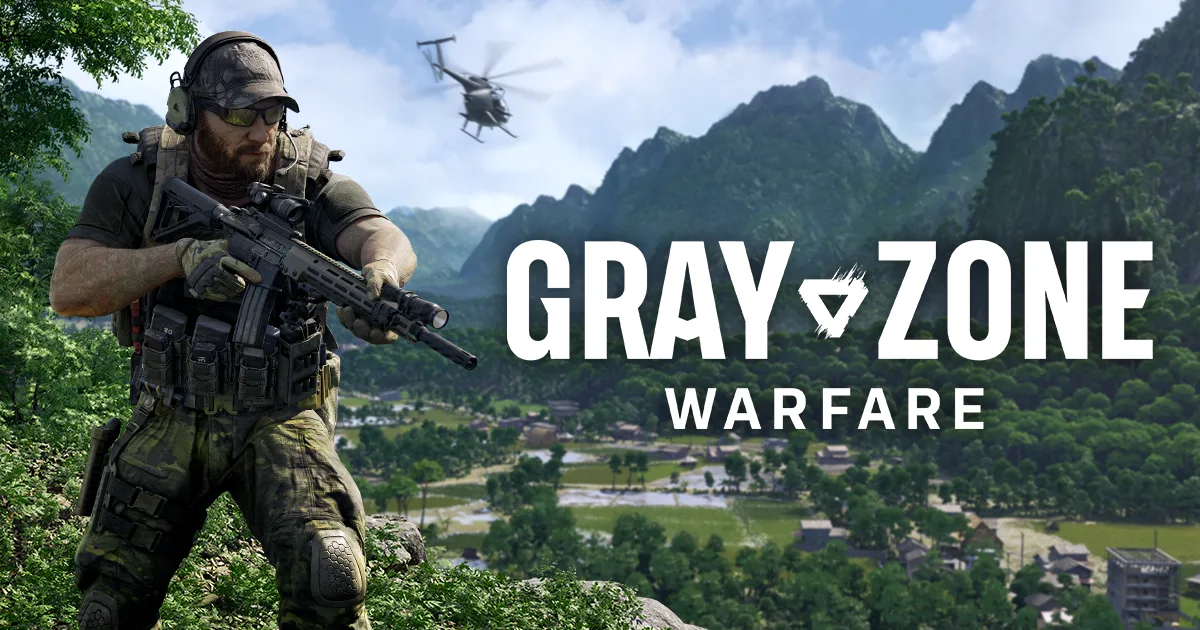 Image: www.grayzonewarfare.com
Rogue Ops expands what you can work toward between deployments. Alongside tasks, combat, loot, and vendor reputation, you now have Hideout construction, crafting, and smuggling activities.
| Update 0.5 addition | What changes in your sessions |
|---|---|
| Hideout | Three rooms, each with three upgrade levels |
| Laboratory | Production of medical products and drugs, including goods for certain vendor contracts |
| Electronics Workshop | Component disassembly, modification, assembly, and crafting |
| Utility Room | Electricity for equipment and other Hideout rooms |
| Smuggling and hunting | Additional activities involving shipments, interception, or AI combat |
| New locations | Three Tier 4 points of interest and 15+ smaller locations |
| Expanded arsenal | Seven new weapons, including the G3, G36, FAMAS, and Benelli M4 |
These systems give the population trend useful gameplay context. A brief login to inspect new weapons and a longer effort to build a Hideout both register as activity, but they represent different reasons to keep playing.
Give Your Loot Runs a Specific Purpose
The Electronics Workshop lets you turn certain items into components and craft equipment after unlocking the corresponding recipes. Hacking tools come in three tiers and let you bypass electronic locks.
Check your crafting requirements before heading out. Search for the components tied to your current projects instead of judging every item solely by its sale value.
The Laboratory adds another resource demand through production and upgrades. Gather its required equipment and ingredients alongside the supplies needed for your regular tasks.
Understand the Smuggling Commitment
Smuggling contracts require you to gather the requested resources and contraband before acceptance. After handing over the contraband, you receive a marked pickup location for a smuggling backpack.
Once the contract begins, you have one hour to deliver the shipment to its designated zone. Death, an expired timer, or placing the backpack in another player’s stash causes failure.
Set aside enough time for that delivery before accepting. The visibly identifiable backpack also makes its carrier a potential target.
In Warfare, smugglers and hunters have opposing objectives that create PvP opportunities. In Joint Operations, hunting involves regular AI enemies. Choose your mode around the encounters you want from these activities.
These mechanics create reasons to revisit Lamang beyond inspecting the update. Follow subsequent population averages to see how activity develops as those longer projects progress.
Returning Players: Characters, Progression, and the Soft Wipe
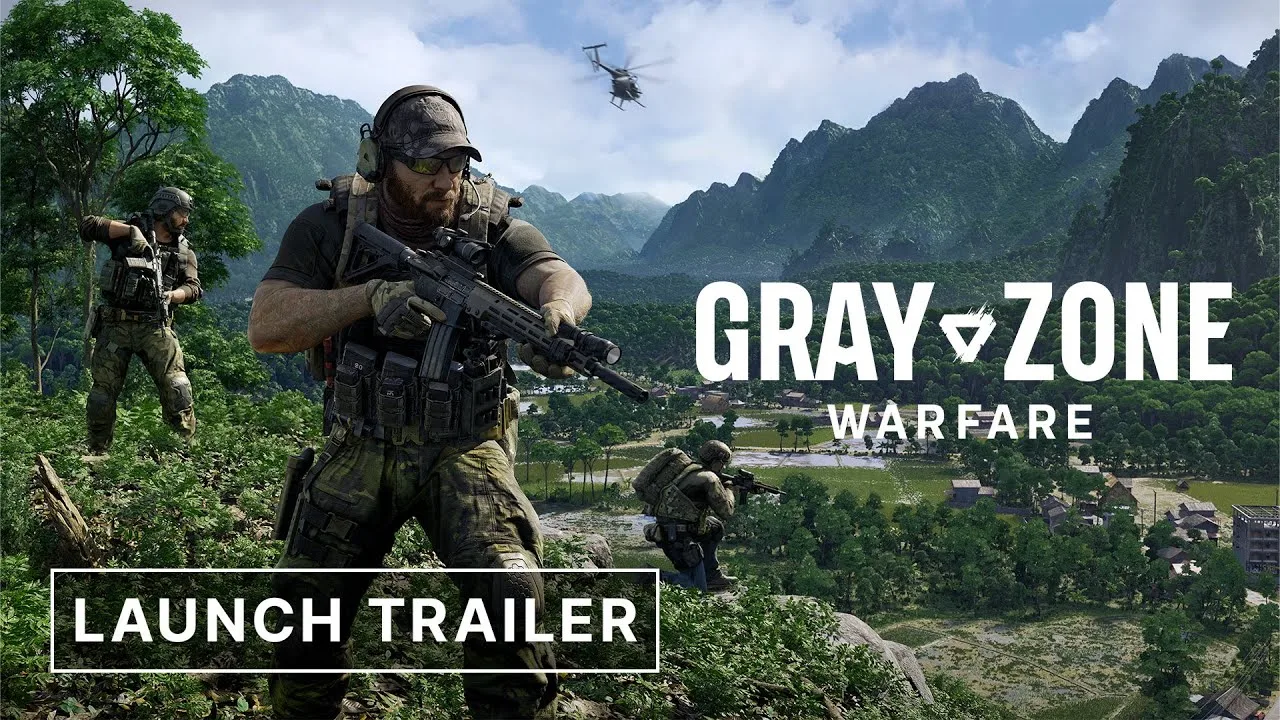
Before letting Gray Zone Warfare steam charts decide your return date, check what Update 0.5 means for your existing character. Rogue Ops uses a soft wipe, with progression retained and stored resources reset.
| Progression element | Update 0.5 behavior |
|---|---|
| Completed tasks and rank | Retained from Update 0.4 |
| Unlocked apparel, vendor levels, and statistics | Retained |
| Locker contents and money | Wiped |
| Existing progression transfer | Choose PvE or PvEvP when entering Update 0.5; the choice is irreversible |
| Existing character’s faction | Remains the same |
| Playable characters | Up to four per account |
| Character combinations | Duplicate combinations of faction and game mode are prohibited |
| Character deletion | One character can be deleted per week |
Choose the destination mode for your existing progression carefully. PvE and PvEvP now have separate progression, and the transfer decision cannot be reversed.
Coordinate with friends before creating additional characters. Each character has a selected mode and faction, while the duplicate-combination restriction limits how you arrange those slots.
The soft wipe also changes your immediate priorities. Your completed tasks and vendor levels carry forward, but your locker and money require rebuilding. Review your available supplies before committing to a demanding run.
Combat deserves another look, too. In Update 0.5, AI enemies can use bandages, and selected factions can throw grenades. Tier 3 and the new Tier 4 locations have increased AI difficulty.
Review your medical loadout as well. Healing now works by body part rather than individual wound, and some supplies have body-part restrictions. Tourniquets, for example, cannot treat the head or torso. Read the updated health panel before relying on old treatment habits.
How to Use Player Counts Before Your Next Session
Use Gray Zone Warfare steam charts as one part of your deployment decision. The population curve measures activity; your chosen mode, progression goals, and technical experience determine what you get from the session.
Follow this checklist when checking the numbers:
- Check the timestamp. Keep this hourly snapshot separate from any later reading.
- Compare matching metrics. Measure daily peaks against daily peaks and averages against averages.
- Account for the release window. October 22 introduced a major update, with a launch livestream and Twitch Drops campaign alongside it.
- Track the following weeks. Watch how the rolling average develops as more post-release days enter the calculation.
- Coordinate your characters. Agree on faction and mode before creating characters or transferring existing progression.
Performance is another practical part of returning. Update 0.5 includes crash fixes, memory-leak fixes, networking changes, and optimization work. Its performance benchmarks include combat averages moving from 65 to 75.4 FPS on an RX 6700 XT and from 53 to 62 FPS on an RTX 3050.
Those results describe specific benchmark configurations. Check performance on your own PC before heading into demanding locations, especially if technical problems interrupted your earlier sessions.
For new players, review the Windows requirements and current purchase options on the Gray Zone Warfare Steam page. The game requires an SSD, with 16 GB of RAM listed as the minimum and 32 GB recommended.
The useful takeaway from Gray Zone Warfare steam charts is the combination of rising recent activity and a substantial new progression loop. Plan your return around something concrete: rebuilding supplies, advancing a Hideout room, or trying smuggling with your squad. Then watch whether the population settles into a stronger average after launch.
FAQ
What do Gray Zone Warfare steam charts show in this snapshot?
The snapshot shows concurrent activity of 7,602 in the latest hourly reading, a 24-hour peak of 16,473, and a rolling 30-day average of 2,475.3. These figures cover different time windows and represent concurrent activity.
What is Gray Zone Warfare’s all-time player peak?
The recorded all-time peak is 71,503 concurrent players. The historical table places that peak in May 2024, when average concurrency was 21,568.5.
How does the rolling population compare with September 2026?
The rolling 30-day average stands at 2,475.3, above September 2026’s 1,847.2 average. The snapshot’s gain field is +628.1, or +34.00%, and its 24-hour peak is 16,473.
Does Update 0.5 reset all character progression?
Update 0.5 wipes locker contents and money while retaining completed tasks, rank, unlocked apparel, vendor levels, and statistics. Returning players choose whether to transfer existing progression into PvE or PvEvP. That mode choice is irreversible, and the existing faction stays the same.
Continue with
 Gray Zone Warfare Twitch Drops: Rewards & Claim GuideGet Gray Zone Warfare twitch drops with this Rogue Ops guide to campaign dates, reward packs, account linking, claims, and apparel that survives wipes.
More in Community
Gray Zone Warfare Discord: Find Squads and Get Help
Find your Gray Zone Warfare Discord community, plan squads by faction and mode, and get practical help with Rogue Ops crafting, tasks, and smuggling runs.
Gray Zone Warfare Reddit: Your Guide to Rogue Ops 0.5
Use Gray Zone Warfare reddit to navigate Rogue Ops 0.5, understand the soft wipe, plan your Hideout, and ask questions about PvE, PvP, and performance.
Continue exploring
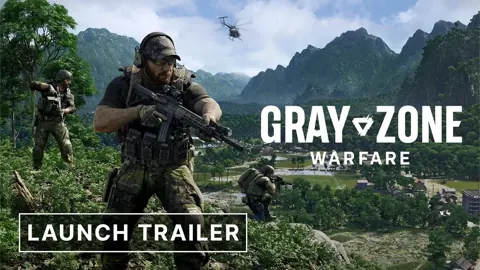
Gray Zone Warfare Best Video Settings for FPS: 0.5 Guide
Gray Zone Warfare best video settings for fps, clearer targets, and smoother combat. Tune upscaling, shadows, and textures for the Rogue Ops 0.5 update.
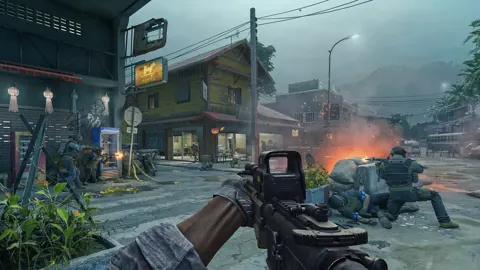
Gray Zone Warfare Keeps Crashing? Fixes for Update 0.5
Fix Gray Zone Warfare crashes with GPU crash dump fixes, driver settings, and shader cache checks. Change one thing at a time and test stability.
Join the community
Official channels for news, updates and player help: