Gray Zone Warfare Editions: Prices and Upgrade Guide
Compare Gray Zone Warfare editions, prices, storage perks, and Steam upgrades for Rogue Ops. Find out what each tier includes before you deploy to Lamang.
Jump to
Gray Zone Warfare Editions and Current Prices
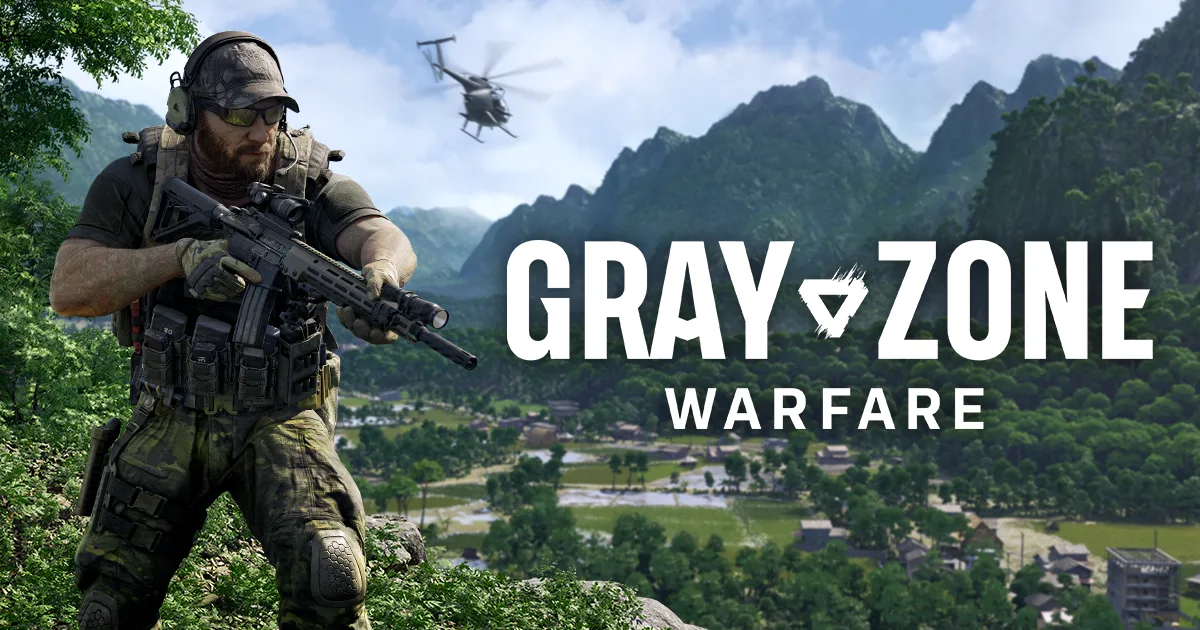
Your deployment into Lamang starts with a purchase decision: Gray Zone Warfare editions change your starting equipment, storage, and extras. Comparing Gray Zone Warfare editions matters because Steam upgrades and website purchases work differently, especially if you already own the game. Standard, Tactical, Elite, and Supporter all include access to PvE and PvEvP, so start by comparing their benefits and how you plan to purchase.
With Update 0.5: Rogue Ops now live, the edition lineup combines equipment packages with increasingly generous storage. Supporter also includes cosmetic extras and access to major-update previews.
Here are the U.S. dollar prices for the Rogue Ops promotion running October 22 through November 5:
| Edition | Regular price | Rogue Ops promotional price |
|---|---|---|
| Standard / Base Game | $39.99 | $25.99 |
| Tactical | $67.99 | $44.19 |
| Elite | $94.99 | $61.74 |
| Supporter | $119.99 | $70.19 |
The promotion is presented as 35% off the base game and editions. The Supporter promotional figure above does not match a straight 35% reduction from $119.99, so check the final Steam checkout total before paying.
Older launch-era prices, including $34.99 for Standard, belong to the 2024 lineup. Use the current Rogue Ops prices when budgeting your purchase.
When comparing Gray Zone Warfare editions, also distinguish a complete purchase from an upgrade. A website key includes another base-game license, while Steam offers upgrade paths that account for edition content you already own.
What Each Edition Includes
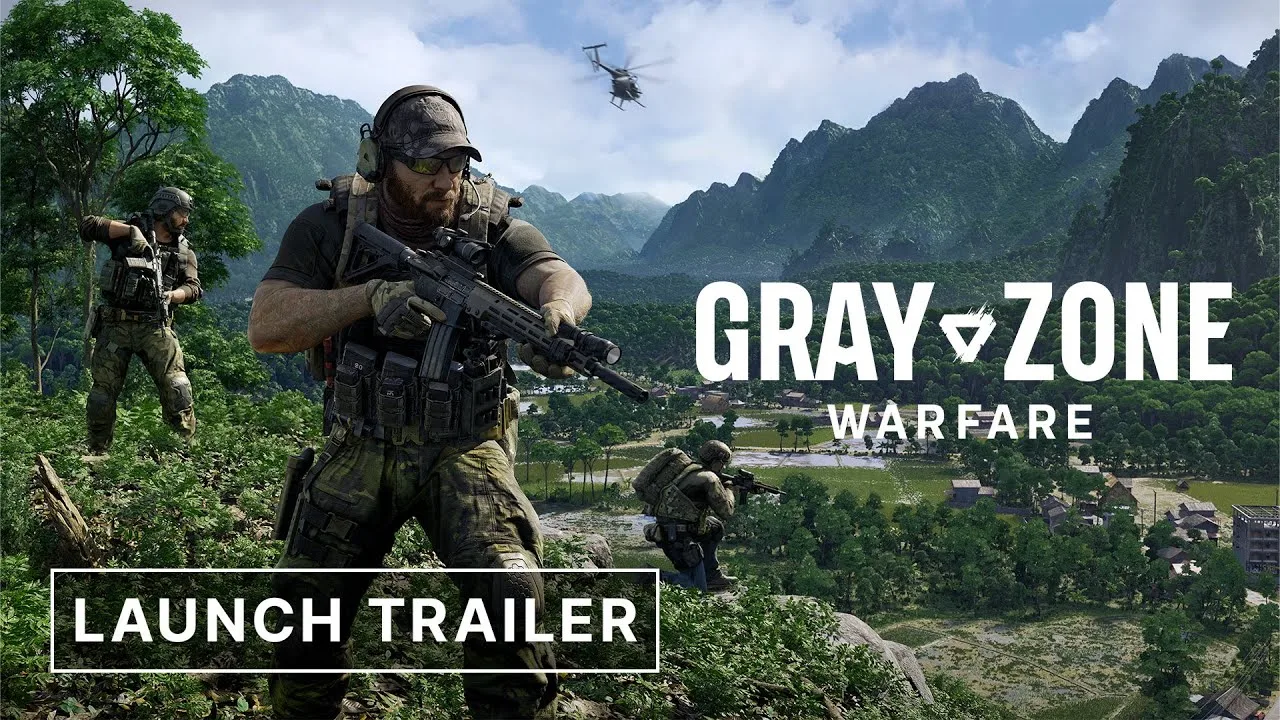
The practical differences between Gray Zone Warfare editions center on your equipment package, locker, and lockbox. Higher tiers add more equipment and storage, with Supporter adding cosmetic recognition and preview access.
| Edition | Equipment | Locker | Lockbox | Additional extras |
|---|---|---|---|---|
| Standard | Bonus starting equipment | Basic locker | Basic lockbox | PvE and PvEvP access |
| Tactical | Additional tactical equipment | Increased locker space | No lockbox expansion highlighted for this tier | PvE and PvEvP access |
| Elite | Additional elite equipment | More locker space than Tactical | Expanded lockbox | PvE and PvEvP access |
| Supporter | Additional equipment | Largest edition locker | Largest edition lockbox | Cosmetic apparel, special designation, morale patch, Supporter Preview |
Standard and Tactical
Standard includes the game, a starting equipment package, a basic locker, and a lockbox. Both Joint Operations, the PvE mode, and Warfare, the PvEvP mode, are included.
Tactical adds equipment and increases locker space. That makes locker capacity the specific storage benefit to compare at this tier.
Inspect the equipment package alongside the storage benefit before upgrading. Separate the items you receive from the capacity attached to the edition so you know exactly what your purchase adds.
Elite and Supporter
Elite adds another equipment package, more locker space, and an expanded lockbox. Its storage changes cover both the locker and lockbox.
Supporter has the largest locker and lockbox in the edition lineup. Its extras include cosmetic apparel, a special designation, and a morale patch. It also provides access to Supporter Preview, which opens major updates several days before their broader release.
For Rogue Ops, Supporter Preview began October 19, followed by the full update release on October 22. That preview window has already ended as of this guide’s date.
Included edition items can also be obtained through gameplay. The packages provide a more convenient starting point while supporting development. Keep that distinction in mind when weighing an immediate equipment grant against earning items during your deployments.
How Steam Upgrades and Equipment Claims Work
Gray Zone Warfare editions are upgradable on Steam: you can start with Standard and move to Tactical, Elite, or Supporter by paying the applicable difference. You can also buy a higher-tier bundle from the outset.
Purchasing through the game’s website follows a different model.
| Purchase route | What you receive | How existing ownership is handled |
|---|---|---|
| Standard on Steam | Base game | You can purchase an edition upgrade afterward |
| Higher-tier Steam bundle | Base game and the bundle’s edition content | The upgrade system accounts for edition content already owned |
| Steam upgrade for an existing owner | Additional edition content | You pay the applicable difference |
| Edition key from the game’s website | Standalone bundle including the base game | Existing Steam ownership does not provide a discount |
If you already own Standard on Steam, use the Steam upgrade route to purchase additional edition content. Buying a Tactical or Elite key from the website purchases a standalone bundle that includes the base game again.
The Supporter Bundle includes all edition DLCs. If you already own Tactical and Elite content, completing that bundle requires covering the remaining difference.
Claiming your equipment
After purchasing or upgrading, follow the equipment delivery process:
- Complete onboarding if you are a new player.
- Open the in-game message containing your edition equipment.
- Claim the equipment through that message.
DLC items are granted to every character you create. That matters more in Rogue Ops because accounts can now have multiple playable characters with separate progression across the two game modes.
Existing higher-edition ownership carries forward automatically. If you already purchased a higher tier, its edition update applies to your account without another purchase.
Before completing an upgrade, review the contents and checkout total carefully. Edition DLC purchases are non-refundable under the purchase terms described for these packages.
Open the Gray Zone Warfare Steam page to compare the purchase and upgrade options attached to your account. Check which edition content you already own before selecting another bundle.
What Rogue Ops Changes for Your Characters
The differences between Gray Zone Warfare editions sit alongside a substantial shared update. Rogue Ops introduces the Hideout, crafting, smuggling, hunting, new locations, and additional weapons.
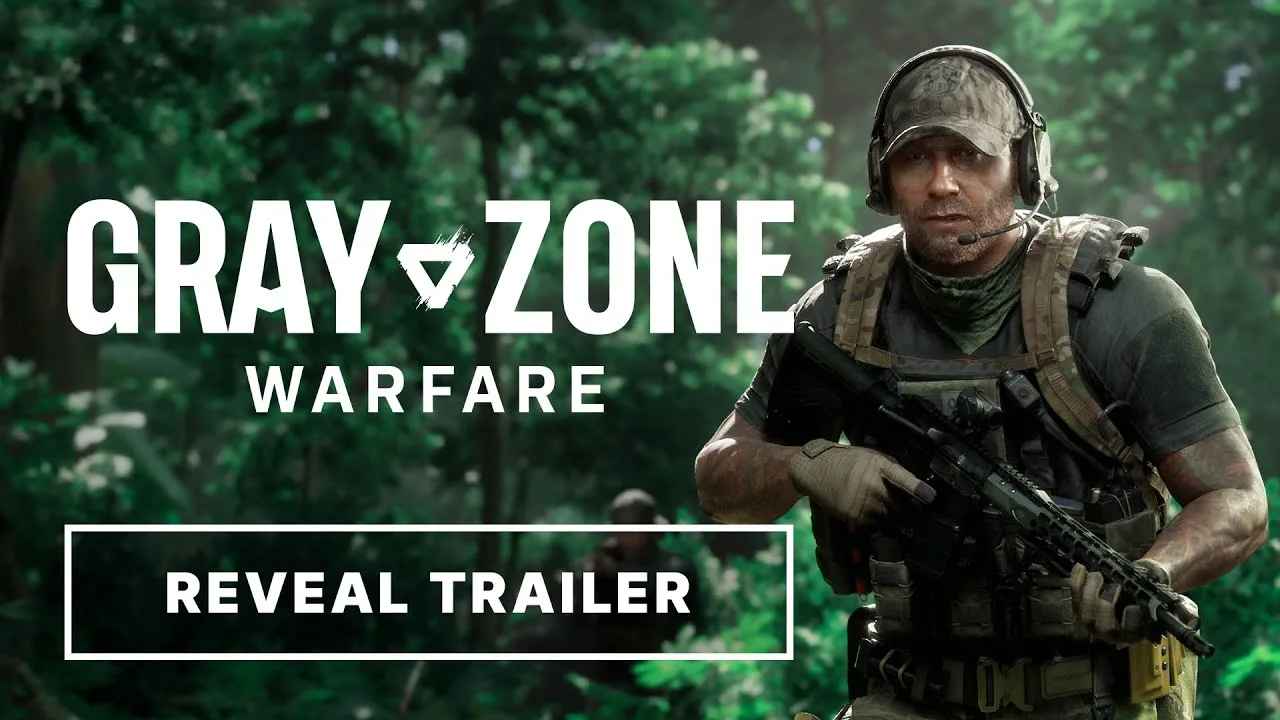
The Hideout has three rooms: the Laboratory, Electronics Workshop, and Utility Room. Each has three upgrade levels in this initial version. The Laboratory handles production, the Electronics Workshop supports component work and crafting, and the Utility Room supplies power.
Gather materials for your Hideout while exploring. Loot now has uses beyond selling it, including construction, crafting, and contracts. Crafting recipes must be unlocked before you can produce their corresponding items.
Multiple characters and separate progression
Rogue Ops allows up to four playable characters per account. Each character has a selected faction and either PvE or PvEvP mode, with progression separated between those modes.
| Character rule | How it works in Update 0.5 |
|---|---|
| Account capacity | Up to four playable characters |
| Character setup | Each character has a selected game mode and faction |
| Duplicate combinations | Two characters cannot share the same mode-and-faction combination |
| Character deletion | One character can be deleted per week |
| Edition equipment | DLC items are granted to every character created |
Plan your faction and mode combinations before filling your character slots. Coordinate those choices with friends if you intend to play across different factions or maintain separate PvE and PvEvP characters.
The weekly deletion limit makes that planning useful. Check your intended combinations before creating a character you would immediately want to replace.
Returning players and the soft wipe
Update 0.5 uses a soft wipe. Returning players keep completed tasks, rank, unlocked apparel, vendor levels, and statistics from Update 0.4. Locker contents and money are wiped.
When transferring an existing character’s progression into 0.5, you must choose whether it goes to PvE or PvEvP. That choice is irreversible, and the character’s faction stays the same.
Choose the destination mode carefully before accepting the transfer. Match it to where you intend to continue that character’s existing progression.
Smuggling works differently by mode
In Warfare, smugglers and hunters have opposing objectives that can produce PvP encounters. In Joint Operations, hunting activities involve regular AI enemies.
Smuggling contracts give you one hour to deliver a shipment after acceptance. Death, an expired timer, or placing the smuggling backpack in another player’s stash causes failure.
Prepare the required resources and contraband before accepting a contract, then plan your delivery around that deadline. Your edition equipment does not replace those contract requirements.
Check Your Edition Before You Buy
Compare Gray Zone Warfare editions against the specific additions you intend to purchase. Start with the storage differences, then inspect the equipment and Supporter extras.
Use this purchase checklist:
- Check your existing ownership. Review your Steam account before selecting an upgrade or bundle.
- Compare locker and lockbox benefits separately. Tactical increases locker space; Elite also expands the lockbox; Supporter has the largest of both.
- Review the equipment package. Distinguish the starting item grant from the edition’s storage benefits.
- Check the purchase route. Website edition keys always include the base game.
- Review preview timing. Rogue Ops is already fully released; its October Supporter Preview window has passed.
- Read the final total. Confirm the sale price and remaining upgrade cost at checkout.
If you are starting with Standard, you can upgrade later through Steam. Keep that option in mind before committing to a higher tier solely for its starting package.
If you are upgrading an existing account, compare the remaining bundle cost rather than treating the full edition price as your upgrade price. The amount of edition content you already own affects the purchase.
For returning players, handle the 0.5 progression transfer with the same care as the purchase itself. Check your destination mode, remember that your faction stays unchanged, and claim edition equipment through the in-game message when it becomes available.
FAQ
Do all Gray Zone Warfare editions include PvE and PvEvP?
Yes. Standard, Tactical, Elite, and Supporter include both Joint Operations for PvE and Warfare for PvEvP. Update 0.5 gives each character a selected mode and faction, with separate progression between modes.
Can I upgrade from Standard to Supporter later?
Yes. On Steam, you can upgrade from Standard to Tactical, Elite, or Supporter by paying the applicable difference. Website edition keys are standalone bundles containing the base game and do not discount existing Steam ownership.
What does the Supporter Edition add?
Supporter includes additional equipment, the largest edition locker and lockbox, cosmetic apparel, a special designation, and a morale patch. It also includes Supporter Preview access to major updates several days before their full release.
How do I receive edition equipment on a new character?
Complete onboarding, then claim the equipment through the in-game message. DLC items are granted to every character you create. Existing higher-edition ownership applies automatically without requiring you to purchase the edition again.
Continue with
 Gray Zone Warfare Roadmap: Rogue Ops and What's NextExplore the Gray Zone Warfare roadmap after Rogue Ops: Update 0.5 features, Hideout upgrades, progression changes, and plans for your next deployment.
More in Updates & Editions
Gray Zone Warfare 0.5 Release Date: Rogue Ops Is Live
Gray Zone Warfare 0.5 release date is October 22, 2026. Explore Rogue Ops, its soft wipe, Hideout crafting, new weapons, and what to do before deploying.
Gray Zone Warfare Wipe 2026: What Resets in Rogue Ops
Searching for Gray Zone Warfare wipe 2026? See what Rogue Ops resets, which progress you keep, how mode transfers work, and how to rebuild your operation.
Gray Zone Warfare Xbox: Release Plans and PC Details
Gray Zone Warfare Xbox release plans explained, including the console timeline, Rogue Ops 0.5 changes, and PC requirements. See what you can play now.
Join the community
Official channels for news, updates and player help: