Gray Zone Warfare Wipe 2026: What Resets in Rogue Ops
Searching for Gray Zone Warfare wipe 2026? See what Rogue Ops resets, which progress you keep, how mode transfers work, and how to rebuild your operation.
Jump to
Does Rogue Ops Wipe Your Progress in 2026?
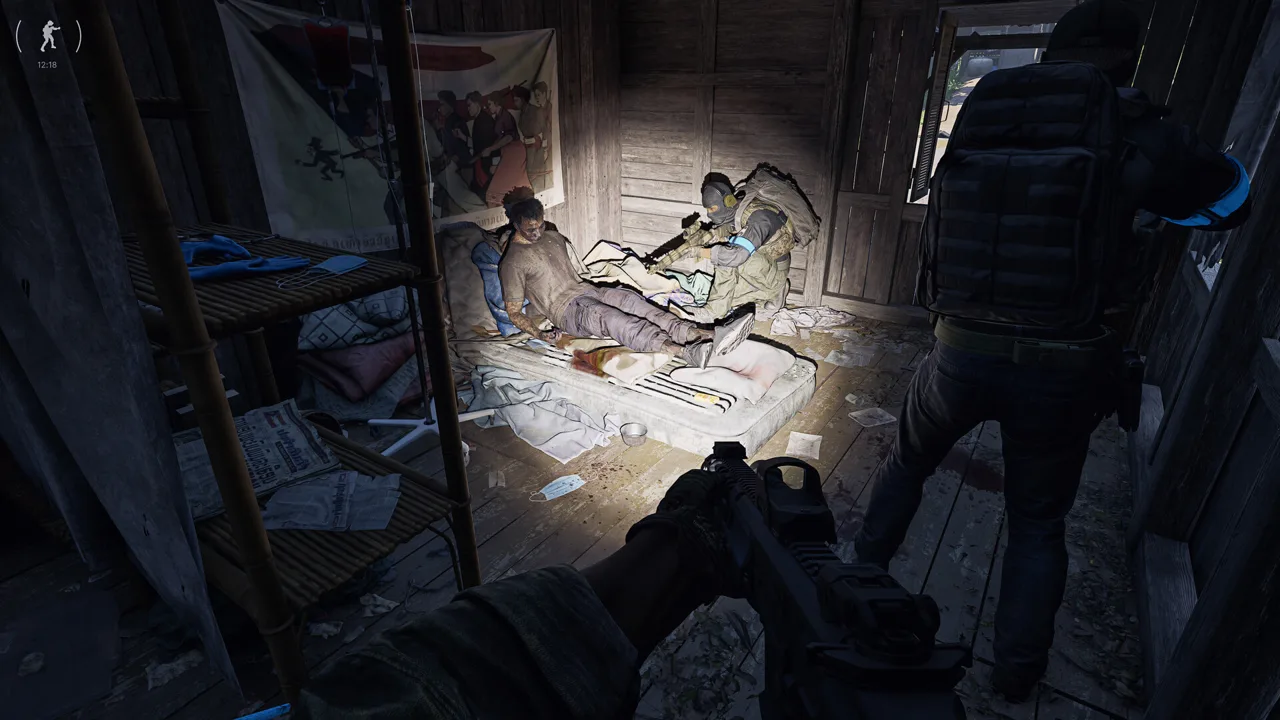
If you’re searching for Gray Zone Warfare wipe 2026, here’s the key distinction: Update 0.5 clears your locker while keeping completed tasks. Update 0.5: Rogue Ops uses a soft wipe, letting you keep your established progression while resetting your stored equipment and money. This Gray Zone Warfare wipe 2026 guide also covers an irreversible choice in Update 0.5: which game mode receives your existing character’s progression.
Rogue Ops is live, following its October 22 release. If you’re returning from Update 0.4, prepare to rebuild your supplies while keeping your rank, vendor levels, completed tasks, unlocked apparel, and statistics.
Here’s the release timeline and how progression fits into it:
| Milestone | Date | Progression details |
|---|---|---|
| Supporter Preview | October 19 | Supporter Edition owners received early access to Update 0.5 |
| Full Rogue Ops release | October 22 | Update 0.5 became available beyond the preview |
| Preview-to-release transition | October 22 | Progress earned during the preview carries into the full release |
The economy reset arrives alongside Hideout construction, crafting, smuggling, and changes to loot distribution. Your next objective stretches beyond refilling an empty locker: resources now support a broader operation.
Before transferring your character, talk to your squad about which mode everyone plans to play. That decision deserves more attention than choosing your next weapon.
Official page: Gray Zone Warfare (grayzonewarfare.com)
What You Keep and Lose in the Soft Wipe
For your Gray Zone Warfare wipe 2026 checklist, separate retained Update 0.4 progression from the supplies you need to rebuild. You retain completed tasks and vendor levels, so returning players avoid repeating that entire climb.
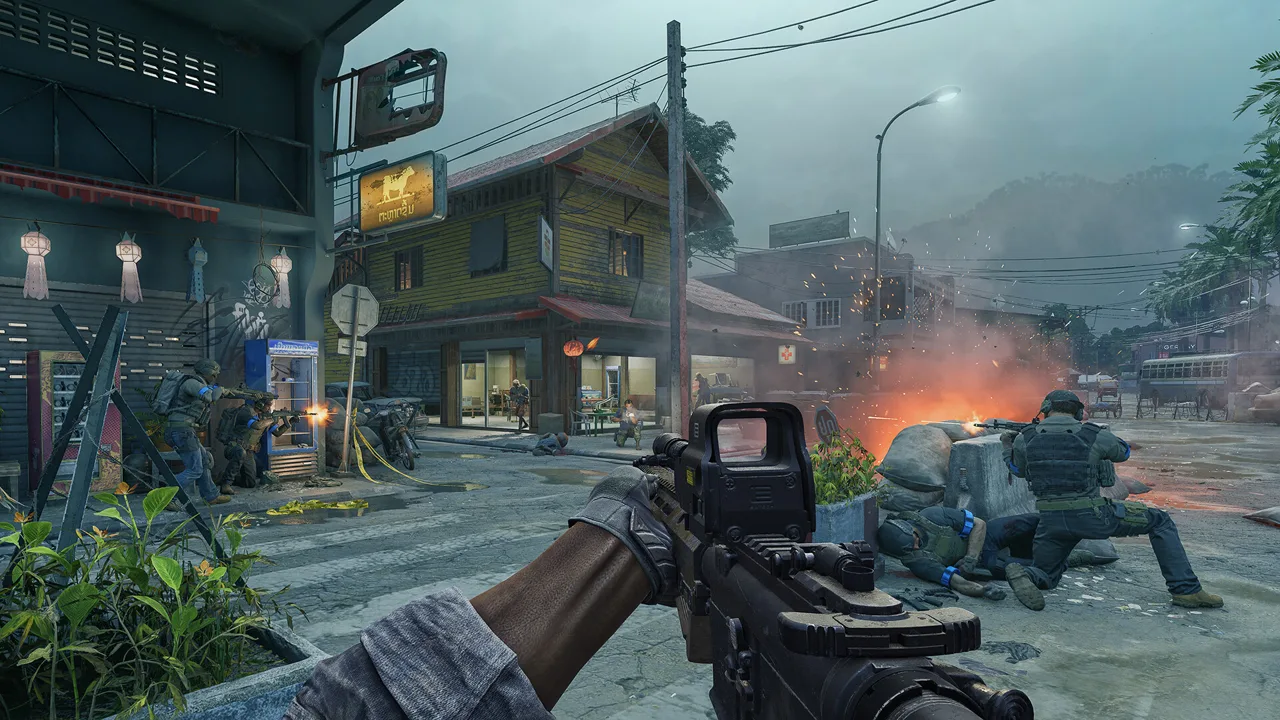 Image: Steam / MADFINGER Games, a.s.
Your locker and money are wiped. That makes the reset significant even when your character’s accomplishments remain intact.
| Character data or resource | Update 0.5 soft wipe result |
|---|---|
| Completed tasks | Retained |
| Rank | Retained |
| Unlocked apparel | Retained |
| Vendor levels | Retained |
| Statistics | Retained |
| Locker contents | Wiped |
| Money | Wiped |
| Existing character’s faction | Remains unchanged |
Think of your return in two parts: your established progression survives, while your stockpile needs rebuilding. Keeping vendor levels preserves an important part of your advancement, but the money reset still affects what you can afford.
Check your balance and available supplies before planning an expensive deployment. Build a shopping list around equipment you can afford to replace, then expand it as you earn money.
The economy also changes in Rogue Ops. High-value loot appears less frequently, and loot distribution better matches individual locations. Crafting and Hideout construction give materials another purpose beyond their sale price.
Inspect unfamiliar items before selling them. Look for a connection to an active task, available recipe, or Hideout upgrade, then decide whether the immediate cash is worth giving up that material.
For returning players, the practical benefit is clear: you can work toward the new systems without replaying every completed task. Your priorities shift toward supplies, crafting resources, and the activities introduced in 0.5.
Choose Your Progression Transfer and Character Setup
Your first entry into the Supporter Preview or full release of Update 0.5 requires you to choose which mode receives your existing character progression. This transfer is irreversible, and your faction stays the same.
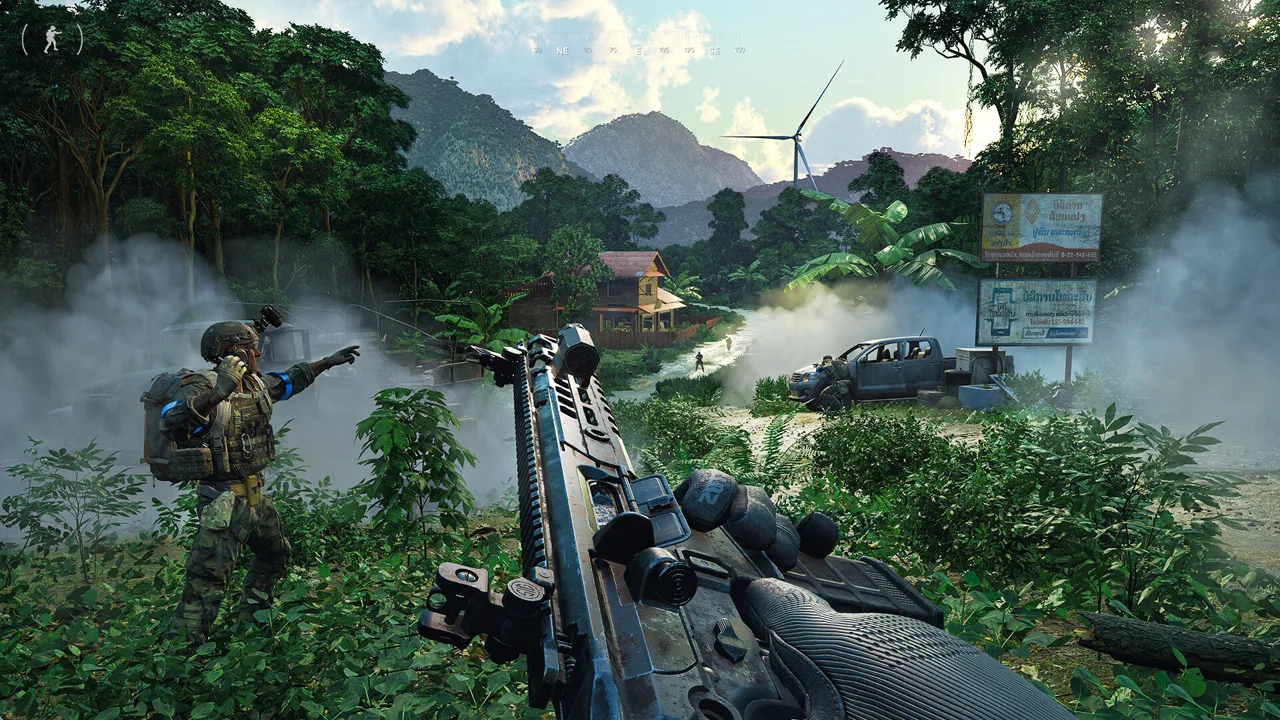 Image: Steam / MADFINGER Games, a.s.
Before closing your Gray Zone Warfare wipe 2026 checklist, settle the transfer choice with your squad. Choose the mode where you want to continue using your established rank, completed tasks, and vendor progression.
Rogue Ops separates progression between PvE and PvEvP characters. It also allows up to four playable characters on one account.
| Character rule | How it works in Update 0.5 |
|---|---|
| Account limit | Up to four playable characters at a time |
| Mode selection | Each character has either PvE or PvEvP selected |
| Faction selection | Each character has a selected faction |
| Duplicate combinations | Two characters cannot share the same mode-and-faction combination |
| Character deletion | One character can be deleted per week |
| Existing progression transfer | Choose its destination mode; the choice is irreversible |
Plan your character roster around the people you play with. Multiple characters give you room to play across different factions, but the duplicate-combination restriction still applies.
Before confirming your transfer:
- Agree on PvE or PvEvP with your regular squad.
- Check your existing faction against the group’s plans.
- Decide where you want your Update 0.4 progression to continue.
- Account for the weekly deletion limit when creating additional characters.
Joint Operations is the PvE mode, while Warfare includes PvEvP. Those differences extend into Rogue Ops activities: hunting in Joint Operations involves regular AI enemies, while Warfare gives smugglers and hunters opposing objectives.
Choose with your intended sessions in mind. If you want to continue your established character alongside a particular group, settle the mode question together before anyone confirms the transfer.
Rebuild Around the Hideout and Crafting
Build your Gray Zone Warfare wipe 2026 return plan around Rogue Ops’ Hideout and its resource requirements. Rogue Ops adds three rooms, each with three upgrade levels.
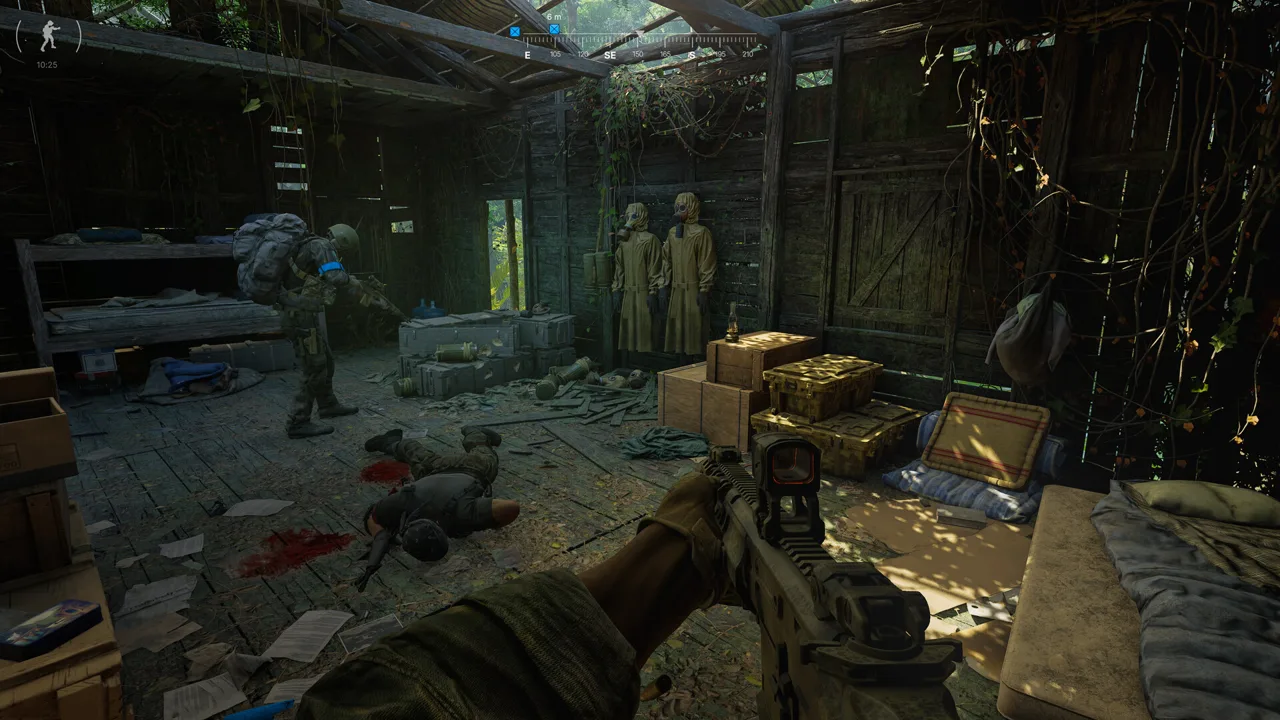 Image: Steam / MADFINGER Games, a.s.
Each room supports a different part of your operation:
| Hideout room | Main function | Relevant mechanics |
|---|---|---|
| Laboratory | Produces specialized substances, including medical products and drugs | Requires equipment, components, and production ingredients; supports certain smuggling contracts |
| Electronics Workshop | Disassembles, modifies, and assembles mechanical and electronic components | Recipes require unlocking; devices expand crafting capabilities |
| Utility Room | Provides electricity for Hideout equipment | Supplies power needed by equipment and other rooms |
The Laboratory introduces semi-passive income through production. Setting it up requires specialized equipment that can be expensive and difficult to obtain, so expect to gather resources and components around Lamang.
Use your current construction requirements to guide supply runs. Search for the materials your operation needs instead of judging every item solely by its resale value.
The Electronics Workshop adds another reason to inspect loot carefully. Certain items can be dismantled into components used for crafting hacking tools or completing tasks. Crafting itself is almost instantaneous, while production and disassembly take longer.
Check whether an item has a useful disassembly outcome before selling it. Start production or disassembly before heading out when you already have the required materials.
Hacking tools come in three tiers and let you bypass electronic locks to enter restricted areas. Their recipes must be unlocked before you can craft them. Work toward the required recipe and components as you develop the Workshop.
Tracking Tags and Stims also move away from vendor purchasing in 0.5 and must be crafted. Adjust your resupply expectations around that change rather than assuming your previous shopping routine still covers everything.
For your initial return, follow a manageable sequence:
- Check your retained progression and current supplies.
- Review the requirements for available Hideout construction and recipes.
- Gather materials tied to those requirements.
- Keep useful components and sell items you can spare.
- Expand into contraband production and smuggling when you have the required resources.
This connects your deployments to specific goals. A successful trip can support equipment replacement, a task, and construction instead of simply adding more saleable loot.
Plan Your First Rogue Ops Deployments
Use this Gray Zone Warfare wipe 2026 deployment checklist to account for more than an empty locker. Rogue Ops changes enemy behavior, medical treatment, weapon availability, and the risks attached to new activities.
Prepare for changed combat and healing
AI enemies can now use bandages, and selected factions can throw grenades. Tier 3 and new Tier 4 locations also have increased AI difficulty.
Reassess wounded enemies before advancing, and keep grenade threats in mind when choosing cover. Bring replacement supplies appropriate to the area you’re entering.
Medical treatment now works by body part rather than individual wound. Multiple broken bones in one leg require one splint, while broken bones across both legs require two.
Review your medical kit before deploying. Tourniquets cannot treat the head or torso, and surgical kits can handle broken bones, organ damage, and bleeding. Medical items also differ more clearly in quality and purpose.
Healing items and provisions measured by volume consume only the amount needed. Learn the updated health panel so you can match treatment to the injury instead of relying entirely on your old routine.
Approach the new locations with a clear objective
Rogue Ops adds three Tier 4 points of interest: Lakevale Sanctuary (Asylum), Northern Reach (Military Research Site), and RLSL-1 (Radio Observatory). At least 15 smaller locations expand the island as well.
Choose your destination around a task or needed resource. Give yourself a concrete reason to enter a difficult area while rebuilding your finances.
The update also adds seven weapons: AUG, Benelli M4, G3, G36, FAMAS, UMP, and Glock 18C. The AUG includes the AUG A3. Most new weapons are found in the world rather than purchased from vendors.
Keep that distribution in mind when planning equipment goals. Vendor access alone won’t cover most of the new firearms.
Prepare everything before accepting a smuggling contract
Smuggling requires you to gather the necessary resources and contraband before accepting the contract. After handing the contraband to the relevant vendor, you receive a marked pickup location for a smuggling backpack.
Once accepted, the contract gives you one hour to deliver the shipment to its designated zone. It fails if you die, run out of time, or place the backpack in another player’s stash.
Prepare your equipment and supplies before starting the timer. In Warfare, account for hunters trying to intercept you and the backpack’s recognizable appearance.
Successful deliveries offer another way to earn money and build vendor reputation. Choose contracts carefully, because actions within these activities can also damage your standing with vendors.
FAQ
Is the Gray Zone Warfare wipe 2026 a full reset?
Update 0.5: Rogue Ops uses a soft wipe. Your locker and money are wiped, while completed tasks, rank, unlocked apparel, vendor levels, and statistics from Update 0.4 remain.
When did Rogue Ops launch?
Rogue Ops launched on October 22. Supporter Edition owners received preview access beginning October 19, and progress earned during that preview carries into the full release.
Can I change my mind after transferring existing progression?
The destination-mode choice for your existing progression is irreversible. Your faction remains unchanged during that transfer. Decide between PvE and PvEvP before confirming.
How many characters can I create after the Gray Zone Warfare wipe 2026?
You can have up to four playable characters. Each has a selected mode and faction, and you cannot duplicate the same mode-and-faction combination. Character deletion is limited to one per week.
Continue with
 Gray Zone Warfare Xbox: Release Plans and PC DetailsGray Zone Warfare Xbox release plans explained, including the console timeline, Rogue Ops 0.5 changes, and PC requirements. See what you can play now.
More in Updates & Editions
Gray Zone Warfare 0.5 Release Date: Rogue Ops Is Live
Gray Zone Warfare 0.5 release date is October 22, 2026. Explore Rogue Ops, its soft wipe, Hideout crafting, new weapons, and what to do before deploying.

Gray Zone Warfare Editions: Prices and Upgrade Guide
Compare Gray Zone Warfare editions, prices, storage perks, and Steam upgrades for Rogue Ops. Find out what each tier includes before you deploy to Lamang.
Gray Zone Warfare Roadmap: Rogue Ops and What's Next
Explore the Gray Zone Warfare roadmap after Rogue Ops: Update 0.5 features, Hideout upgrades, progression changes, and plans for your next deployment.
Continue exploring
Gray Zone Warfare Fort Narith Buried Caches Location Guide
Find your Gray Zone Warfare fort narith buried caches location with landmark directions for four Tier 3 stashes, plus handy tips for your next loot run.
Gray Zone Warfare Helping Hand Key: Attic Loot Guide
Find the Gray Zone Warfare helping hand key, locate your starter town's restaurant, recover the attic intel, and bring it back to Handshake for rewards.
Join the community
Official channels for news, updates and player help: