Gray Zone Warfare Roadside Market: Location & Tasks
Find the Gray Zone Warfare roadside market at 152, 163 in Hunter's Paradise, check Nicked Shipment objectives, and prepare for Rogue Ops combat changes.
Jump to
Where Is the Gray Zone Warfare Roadside Market?
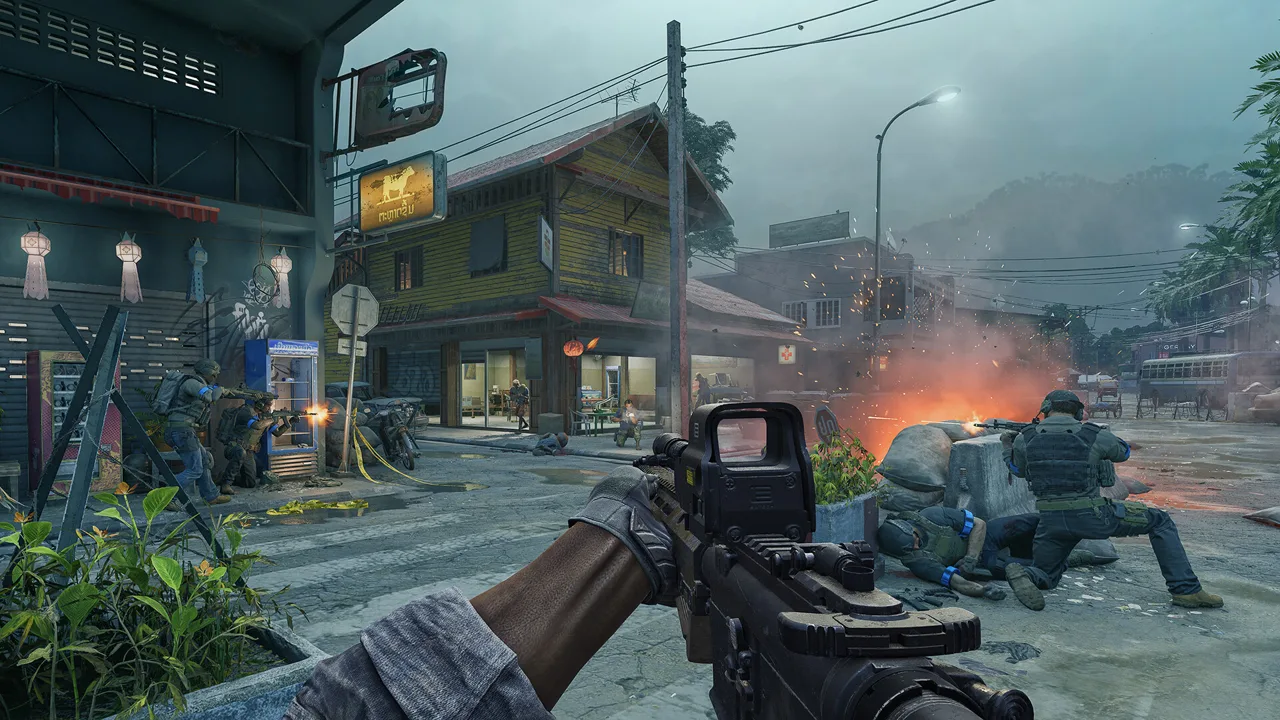
The Gray Zone Warfare roadside market is located at 152, 163 in the Hunter's Paradise area in Update 0.4. If Nicked Shipment brought you here, checking every market objective matters before you continue toward the truck. Use this Gray Zone Warfare roadside market guide to locate the area, work through task checks, and prepare for the combat changes introduced with Update 0.5: Rogue Ops.
Roadside Market is a smaller point of interest associated with Hunter's Paradise. Its location details place it at ground level, and it has been in the game since Update 0.3.
| Location detail | Roadside Market |
|---|---|
| Associated area | Hunter's Paradise |
| In-game coordinates | 152, 163 |
| Floor | Ground level |
| In the game since | Update 0.3 |
| Version for these location details | Update 0.4 |
Use the coordinate pair to orient yourself before moving into the area. Keep the market destination and your active task requirements together in your planning: reaching the correct grid square and completing an objective are separate checks.
For a task visit, read the objective text before searching. That gives you a reason to inspect the area instead of wandering around looking for an interaction that belongs to a later stage.
The Gray Zone Warfare roadside market is especially relevant when Nicked Shipment appears to stop progressing. Before leaving, review the individual task entries and look for anything still incomplete. A couple of completed entries can make the visit feel finished even when another market requirement remains.
The distinction between versions matters here. Use the Update 0.4 location information for navigation, while applying Rogue Ops mechanics to your current combat preparation. Update 0.5 launched on October 22, bringing changes to AI, healing, loot distribution, and crafting.
Official page: Gray Zone Warfare (grayzonewarfare.com)
Check Your Nicked Shipment Objectives Before Leaving
For Nicked Shipment, give the market stage your full attention before continuing toward the truck. Finding and reporting the empty boxes is part of the market-related task discussion, and overlooking an additional requirement can leave you searching the next area too early.
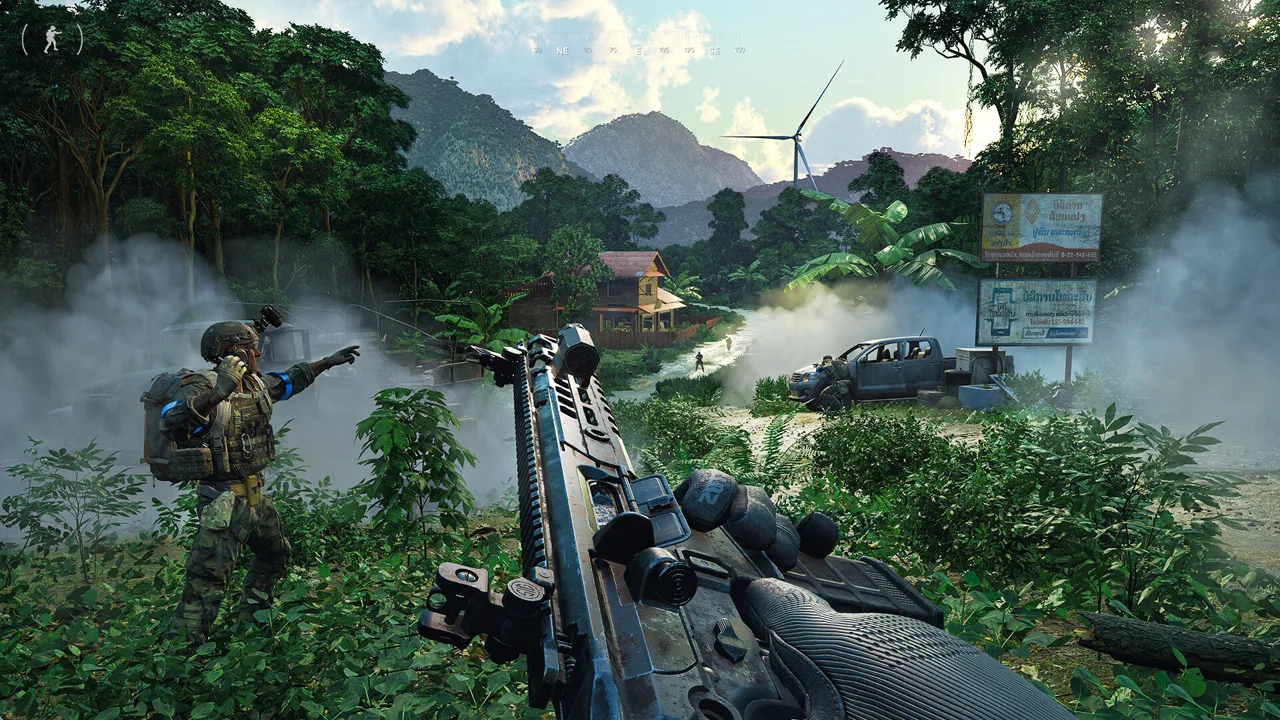 Image: Steam / MADFINGER Games, a.s.
If two completed market entries have left you stuck, check for a third market requirement. That is a useful check before assuming the task has broken.
Open your task list and read each entry individually. Focus on the wording and completion state rather than the overall impression that you have already searched the location.
Use this sequence during your Gray Zone Warfare roadside market visit:
- Read the active Nicked Shipment objectives. Identify which requirements still refer to the market.
- Check the empty-box requirements. Look for both the finding and reporting portions in your task progress.
- Review every remaining market entry. If two are complete, inspect the list for another requirement before moving on.
- Continue with the next objective once the market requirements are complete. Follow the task wording as you proceed.
These are task checks, so take a moment to perform them deliberately. Running through the location again without reviewing your objectives can send you back to the same already completed interaction.
The blue search circle deserves particular care. If it remains around the market while you expect to be working near the truck, use that moment to reopen the task list. Check unfinished requirements before spending more time searching elsewhere.
Do the same check before committing to another trip. Reviewing the task panel takes less effort than traveling back after discovering that you missed something.
Keep these questions in mind before departing:
- Have you found the empty boxes?
- Have you completed the associated reporting requirement?
- Does another market objective remain unfinished?
- Does the next task entry actually direct you onward?
Keep those checks tied to your current task text. They help you decide what to inspect next without relying on memory of what you thought you completed.
Troubleshoot Missing Pickups and Stalled Progress
A disabled pickup prompt, a missing interaction, and unfinished task progress call for different checks. Start with the symptom you can actually see.
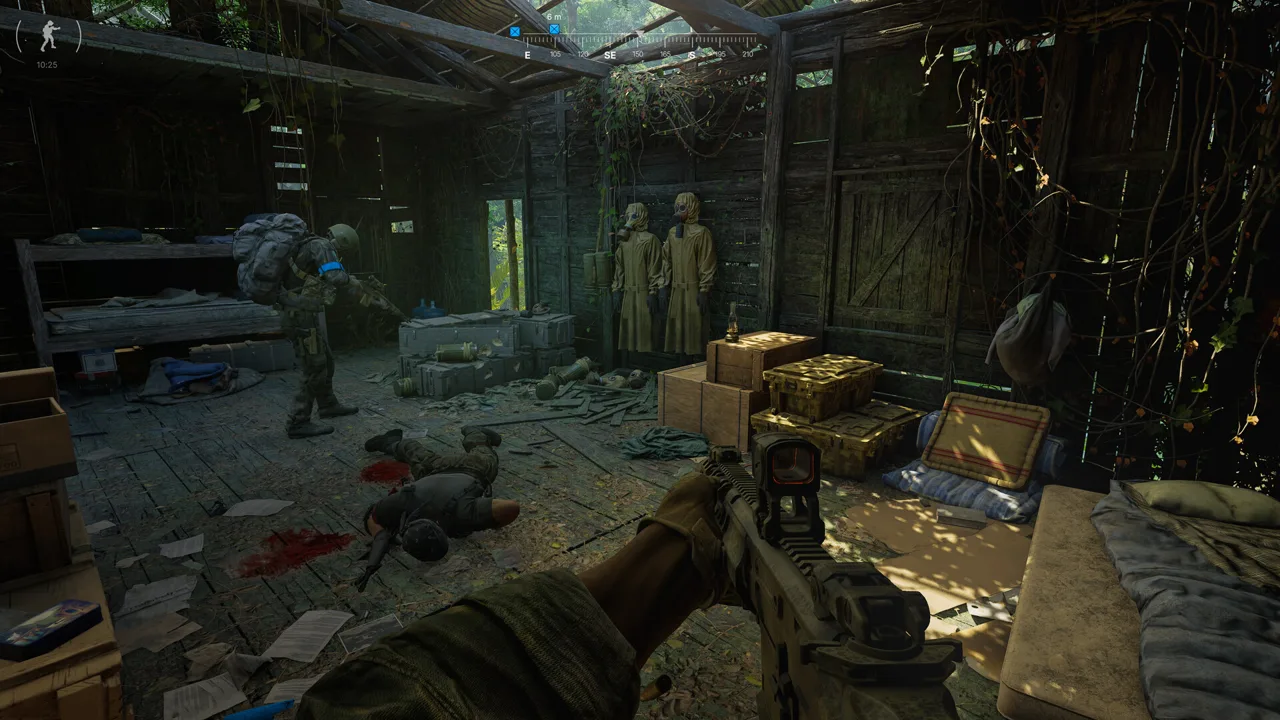 Image: Steam / MADFINGER Games, a.s.
Inventory space is worth checking when a pickup interaction appears but cannot be used. Pickup-and-delivery items can require an open area with the right shape inside your equipment. Several scattered empty slots might not provide the space a package needs.
| What you encounter | What to check |
|---|---|
| A pickup option appears but is grayed out | Rearrange your inventory to create an appropriately shaped open space |
| No interaction prompt appears | Review the active task stage and any unfinished requirements |
| Two market entries are complete, but progress feels stuck | Check for a third market requirement |
| The search circle remains at the market | Reopen the task list before continuing toward the truck |
For inventory trouble, rearrange items before giving up on the pickup. Group your equipment so the remaining space forms a usable opening. Focus on the shape of that opening as well as the amount of space available.
If your backpack is already empty and no interaction appears, move on to the task checks. Repeating the inventory fix adds little when space is no longer the issue.
For Gray Zone Warfare roadside market troubleshooting, examine one possible cause at a time. Read your objectives, inspect the relevant interaction, and then check storage space when there is a pickup to collect.
This also helps distinguish an objective you still need to complete from a package you cannot currently carry. The next action should follow what the interface shows.
Before retracing your entire route, make one deliberate pass through the task panel. Pay attention to unfinished entries that resemble completed ones. Finding something and reporting it can involve separate requirements, so read each line rather than recognizing a familiar phrase and moving past it.
Once you identify the outstanding objective, concentrate on that requirement. Avoid repeating completed steps simply because they are the parts of the task you remember most clearly.
Prepare for Rogue Ops Combat and Healing
Plan your Gray Zone Warfare roadside market trip around the current combat rules. Rogue Ops introduced AI self-healing, grenade use for selected AI factions, and a revised medical system.
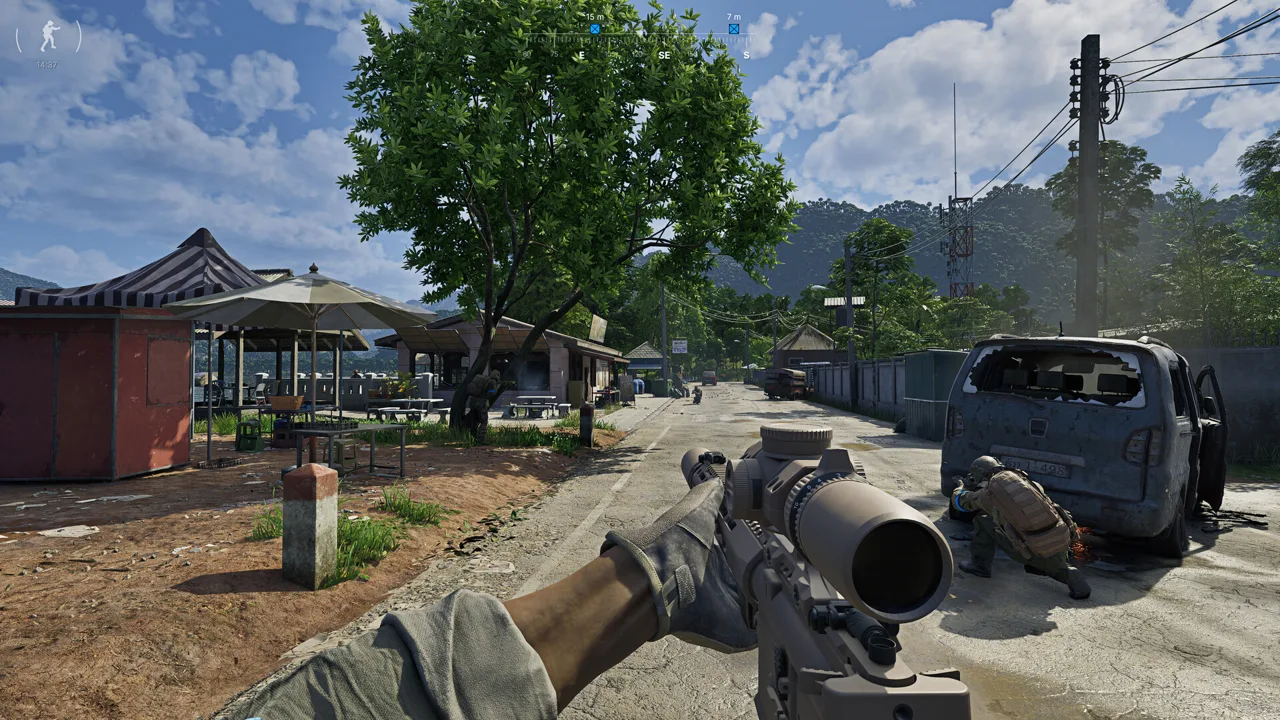 Image: Steam / MADFINGER Games, a.s.
All AI NPCs can now use bandages to heal themselves. Keep watching an enemy after landing a hit, and confirm the threat is down before opening your inventory or returning to a task interaction.
Selected AI factions can also throw grenades. During a fight, keep an escape route available and avoid becoming so absorbed in an objective that you stop watching the encounter.
Medical preparation deserves another look if you are returning from an earlier update.
| Update 0.5 mechanic | How to prepare |
|---|---|
| Healing works by body part | Check each injured body part before choosing treatment |
| Tourniquets cannot treat the head or torso | Carry supplies suited to injuries in those areas |
| Surgical kits can treat fractures, organ damage, and bleeding | Consider their treatment coverage when packing |
| Medical items differ in quality and speed | Compare supplies before deployment |
| Medical items and provisions use volume | Check the amount remaining in partially used supplies |
The body-part system changes how fractures are treated. Multiple broken bones in the same leg require one splint for that leg. If both legs are broken, each leg needs its own splint.
Use that distinction when packing supplies and reading your health panel. Count the body parts needing treatment instead of treating every fracture as a separate medical action.
Check partially used items before leaving base, too. Healing supplies and provisions now hold a remaining volume, and your character consumes the amount needed during use. An item occupying a slot can therefore contain less than a fresh replacement.
Military-grade medical supplies generally provide faster, more effective treatment than civilian alternatives. Compare their capabilities before choosing what to carry, particularly when you expect combat during a task run.
During the visit, finish dealing with an immediate threat before returning to your objective checks. AI self-healing gives you another reason to keep track of enemies you have wounded.
Manage Loot Without Losing Track of the Task
Keep your Gray Zone Warfare roadside market run centered on its purpose. If you are there for Nicked Shipment, preserve room for task pickups and review your progress before spending time sorting optional loot.
Rogue Ops gives ordinary materials more uses through Hideout construction, upgrades, and crafting. That makes your current requirements useful when deciding what deserves backpack space.
| Rogue Ops system | What to consider while sorting loot |
|---|---|
| Hideout construction and upgrades | Keep track of the resources your current upgrades require |
| Electronics Workshop | Consider components needed for crafting and related activities |
| Item disassembly | Check whether an item's components serve an active need |
| Laboratory production | Keep required ingredients and equipment in mind |
| Reduced high-value loot spawn rates | Avoid planning the trip around a guaranteed valuable find |
Some items can be dismantled into components for crafting hacking tools or completing tasks. Check those uses before deciding that an item is valuable only for its sale price.
Crafting recipes must be unlocked before you can produce their items. Use your unlocked recipes and current upgrade requirements to guide collection decisions. That gives you a concrete reason to carry a component instead of filling your bag with materials you have no immediate use for.
Keep package space in mind throughout the visit. If a task involves collecting something, leave a connected opening rather than allowing small pieces of loot to spread across every available slot.
Before leaving, pause for a final task check. Read unfinished entries, inspect the amount of medical supplies remaining, and decide whether you are ready to continue.
Make the trip serve your active objective. Reach the market, complete the required interactions, and organize what you need to carry before heading onward.
FAQ
Where is the Gray Zone Warfare roadside market?
The Gray Zone Warfare roadside market is at 152, 163 in the Hunter's Paradise area in Update 0.4. It is a ground-level sub-location that has been in the game since Update 0.3.
Why is Nicked Shipment stuck after two market objectives?
Check your task list for a third market requirement. Review the empty-box finding and reporting requirements, then inspect every remaining entry before continuing toward the truck.
Why is the pickup option grayed out?
Check your inventory layout. A package can require empty space in a particular shape, so rearrange your equipment to create a connected opening before trying again.
What should I prepare for in Update 0.5?
Prepare for AI that can heal with bandages, grenade use by selected factions, and healing organized by body part. Check your medical supplies' treatment coverage and remaining volume before deploying.
Continue with
 Gray Zone Warfare Where Is the Mithras Command Tent?Gray Zone Warfare where is the Mithras command tent? Find the green tent, collect the Native Negotiations briefcase, and follow the Mithras delivery route.
More in Maps & Locations
Gray Zone Warfare All LZ: Locations and Unlock Guide
Gray Zone Warfare all lz guide: Find landing zone groups, unlock helicopter routes, check Golf 2's location, and plan your next trip across Lamang Island.
Gray Zone Warfare Fort Narith Buried Caches Location Guide
Find your Gray Zone Warfare fort narith buried caches location with landmark directions for four Tier 3 stashes, plus handy tips for your next loot run.
Gray Zone Warfare Map: Rogue Ops Locations and Tips
Explore the Gray Zone Warfare map with Rogue Ops locations, Tier 4 threats, smuggling rules, and practical route tips. Plan your next trip across Lamang.
Gray Zone Warfare Na Thong Farms: Map & Task Guide
Find Gray Zone Warfare Na Thong Farms at grid 178, 129 in the 0.4 map, explore its Like A Boss task connection, and plan your trip through Blue Lagoon.
Continue exploring
Gray Zone Warfare Best Night Vision: NVG Gear Guide
Gray Zone Warfare best night vision guide: compare PVS-7, PVS-14, and PVS-31A, build a compatible helmet setup, and handle IR aiming and glare after dark.
Gray Zone Warfare Flashlight: How to Equip and Use It
Get your Gray Zone Warfare flashlight working with mounting steps, tactical controls, M4A1 and Glock 17 setups, plus fixes for common attachment problems.
Join the community
Official channels for news, updates and player help: