Gray Zone Warfare Flashlight: How to Equip and Use It
Get your Gray Zone Warfare flashlight working with mounting steps, tactical controls, M4A1 and Glock 17 setups, plus fixes for common attachment problems.
Jump to
How to use a Gray Zone Warfare flashlight
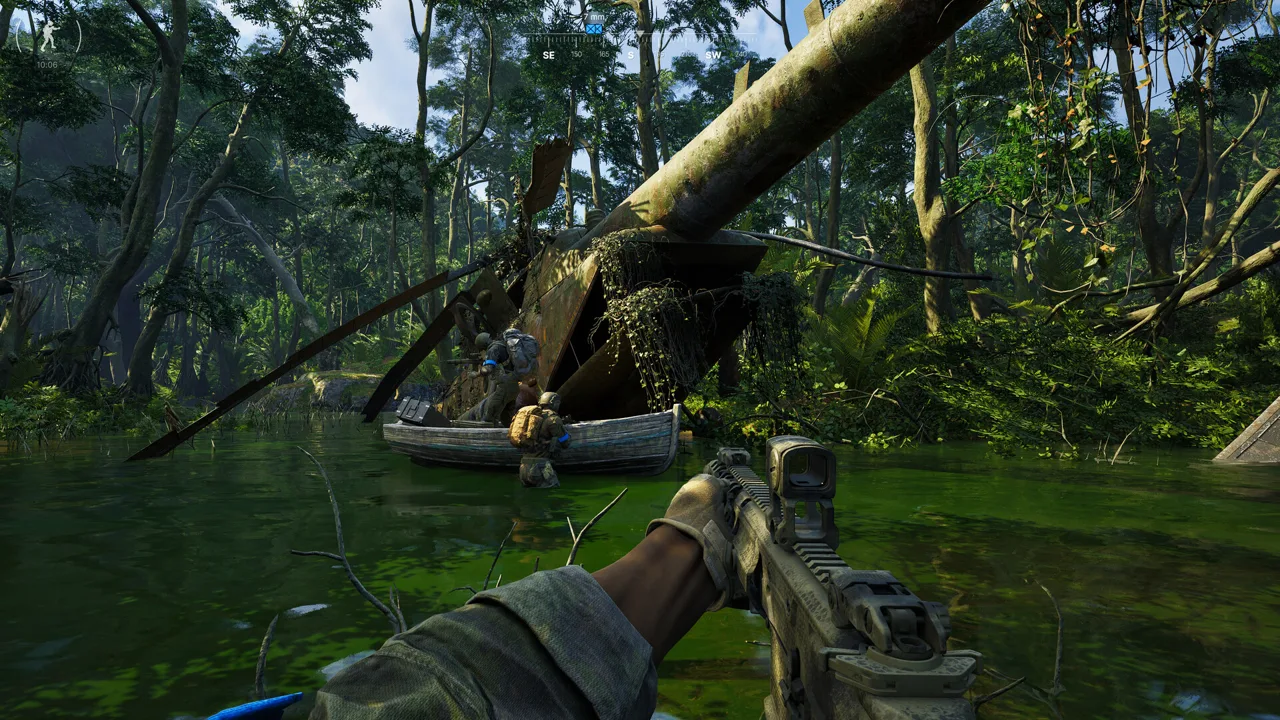
Dark rooms are a rough place to discover your weapon light isn’t ready. To use a Gray Zone Warfare flashlight, attach it to a compatible weapon, equip that weapon, and press T to activate the tactical device. Getting your Gray Zone Warfare flashlight mounted correctly matters because carrying the light in a pocket won’t let you switch it on.
The mounting examples below cover the Night Ops flashlight setups, including the P1R with a V-Block and the NcStar Light. Rogue Ops 0.5 launched on October 22, bringing changes to equipment availability and a locker-and-money wipe, so check your current inventory before planning around older starter equipment.
The basic controls are straightforward:
| Action | Control or requirement |
|---|---|
| Activate the equipped flashlight | Press T |
| Open the Tactical Menu | Hold T |
| Use the weapon-mounted light | Equip the weapon carrying it |
| Prepare a P1R for a compatible rifle | Combine it with a V-Block, then attach the assembly to a compatible rail |
Pressing and holding the same key serve different purposes. Use a press for activation and a hold when you need to inspect your available tactical equipment.
If nothing happens, check the attachment chain before repeatedly pressing the button. The light, its mount, and the weapon’s rail all need to fit together. An item sitting beside your rifle in the inventory is still just cargo.
Check your key bindings if you’ve customized your controls. T is the default tactical-device key used by these setups.
Official page: Gray Zone Warfare (grayzonewarfare.com)
Where to get a Gray Zone Warfare flashlight
Start by checking your locker for both lights and mounting hardware. During Night Ops, starting equipment included Surefire P1R Peacekeeper flashlights, and the Standard Edition included two. Those starter arrangements belong to that update; use your actual locker contents when assembling a loadout in Rogue Ops.
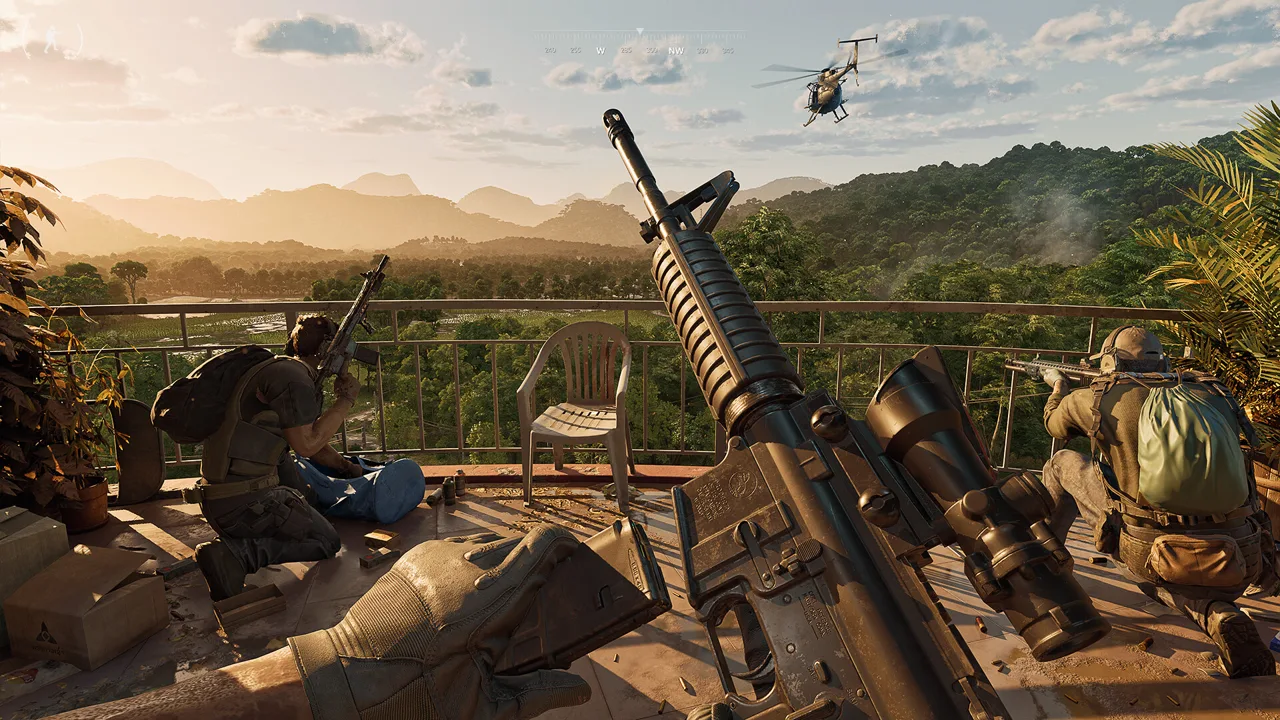 Image: Steam / MADFINGER Games, a.s.
The other early option was the NcStar Light from Gunny, priced at $96 in-game during Night Ops. Check Gunny’s current inventory and displayed price before purchasing.
These two lights use different mounting arrangements:
| Item | Attachment arrangement | Weapon example |
|---|---|---|
| Surefire P1R Peacekeeper flashlight | Requires a V-Block for the illustrated rifle setup | M4A1 with a compatible rail |
| V-Block | Mount that combines with the P1R | Compatible rifle rail |
| NcStar LED FlashLight | Includes a quick-release mount for compatible Weaver/Picatinny rails | Glock 17 or a compatible M4A1 rail |
The NcStar’s item description gives it 150 lumens of peak output. That identifies the device’s stated output, but it doesn’t provide a reason to rank it against the P1R. Choose around the attachments your weapon accepts and the equipment you already own.
Before buying a Gray Zone Warfare flashlight, inspect the complete setup. Buying a P1R won’t solve a missing V-Block, and buying the mount won’t solve a rifle that lacks a compatible rail.
Vendor reputation affects the equipment offered for sale. Check the selection available to your character instead of assuming every replacement part will be immediately purchasable.
How to mount a flashlight on the M4A1 and Glock 17
The weapon name alone doesn’t tell you whether a light will fit. Two M4A1 builds can have different handguards and attachment options, which is why replacing a lost rifle can leave you with a familiar weapon that won’t accept your old flashlight setup.
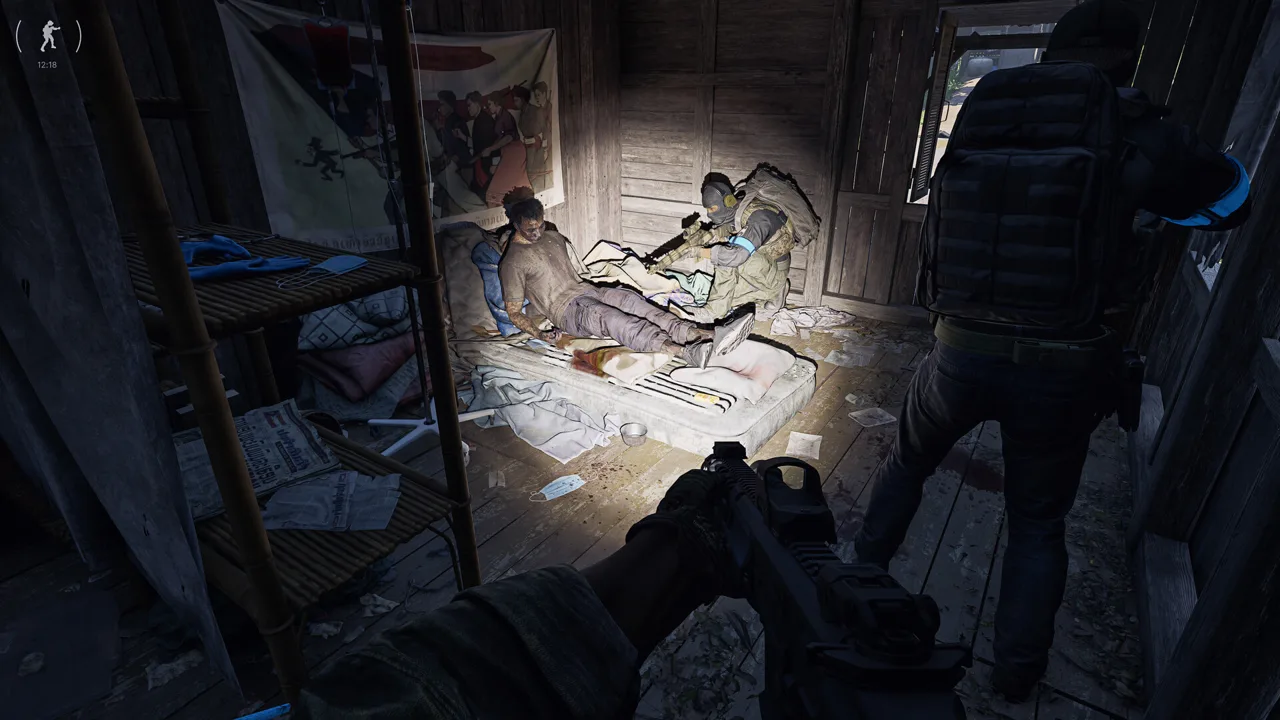 Image: Steam / MADFINGER Games, a.s.
Inspect the parts on the replacement before spending money on another light.
M4A1 with the P1R and V-Block
The P1R setup has three pieces to check: the flashlight, its V-Block mount, and a compatible rail on the rifle.
- Find the P1R flashlight and V-Block in your inventory.
- Combine the flashlight with the V-Block.
- Inspect your M4A1’s handguard and rail arrangement.
- Attach the assembled light and mount to a compatible rail.
- Equip the M4A1 and press T.
Keep the middle step in mind. Trying to attach the bare P1R directly to the rifle skips the hardware that makes this build work.
The DD RIS II 9.5 Handguard is the named handguard used in the Night Ops M4A1 example. Some vendor M4A1 builds lacked that handguard, leaving them without the attachment arrangement used by the starter build.
Check the handguard already installed on your rifle before purchasing a replacement. Use the DD RIS II 9.5 example as a concrete setup to inspect, rather than assuming every M4A1 arrives equipped the same way.
M4A1 with the NcStar Light
The NcStar Light can attach to a compatible rail on the M4A1 without using the P1R-and-V-Block combination.
Inspect the rifle’s rail, attach the NcStar to an accepted slot, and equip the weapon before testing T. Keep the two mounting routes separate when sorting your inventory: the V-Block belongs to the P1R setup described above.
Glock 17 with the NcStar Light
The Glock 17 provides another supported attachment example. Night Ops Glock 17 builds from the locker and Gunny accepted the NcStar Light.
Attach the NcStar to the pistol’s compatible slot, equip the Glock, and test the tactical-device control. This avoids the rifle-handguard requirement involved in the M4A1 example, though you still need the compatible light and weapon.
| Setup | Parts to assemble | Detail to check |
|---|---|---|
| M4A1 with P1R | P1R, V-Block, compatible rifle rail | Combine the light and mount before attaching |
| M4A1 with NcStar | NcStar Light and compatible rifle rail | Inspect the installed handguard and rail |
| Glock 17 with NcStar | Glock 17 and NcStar Light | Attach the light to the pistol’s compatible slot |
Finish your Gray Zone Warfare flashlight setup before deploying. Confirming the assembly in your inventory gives you a chance to catch missing hardware while you can still change equipment.
Why your Gray Zone Warfare flashlight won’t work
Check for an incompatible combination of parts or a pocketed light when troubleshooting these builds. Mount the light on a compatible weapon before trying to activate it as a tactical device.
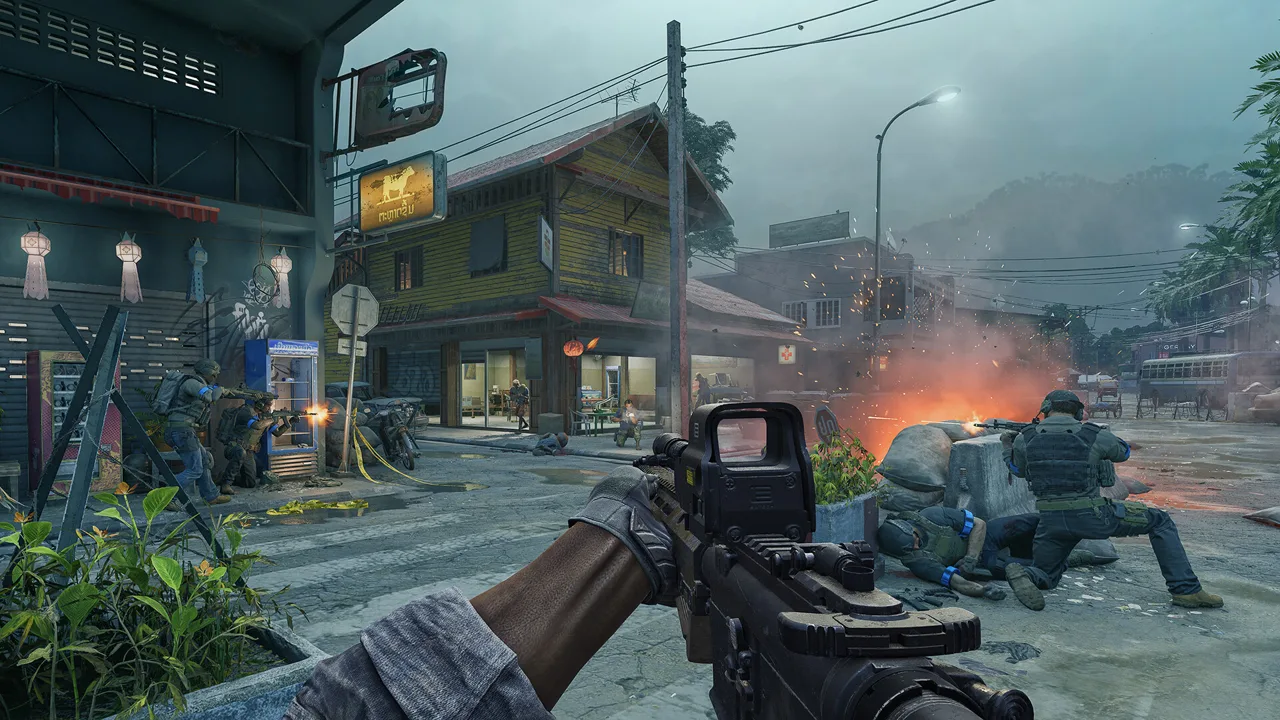 Image: Steam / MADFINGER Games, a.s.
Work through the setup in order. Start with where the flashlight is located, then check its mount, then inspect the weapon.
| Problem | What to check | What to do |
|---|---|---|
| The light is in a pocket and won’t activate | Whether it is attached to a weapon | Mount it on a compatible weapon |
| The P1R won’t attach directly | Whether the V-Block is present | Combine the P1R and V-Block first |
| The assembled P1R won’t attach to an M4A1 | Whether the rifle has a compatible rail | Inspect the handguard and rail arrangement |
| A replacement M4A1 won’t accept the old setup | Whether its parts match the previous build | Check the installed handguard before buying more equipment |
| Pressing T doesn’t activate the intended device | Equipped weapon, tactical selection, and controls | Equip the correct weapon, hold T to inspect the menu, and check your binding |
A flashlight attached to one weapon doesn’t prepare every weapon in your loadout. Check the weapon you’re currently holding when testing activation, especially after switching between your rifle and pistol.
If the light and V-Block combine successfully but the assembly won’t fit the rifle, inspect the rifle next. Repeating the flashlight assembly won’t add a missing rail to the handguard.
After losing equipment on a run, rebuild the whole attachment chain. Check which pieces you still have and which need replacing. A newly purchased M4A1 can require attention to its handguard before it supports the same tactical device as your previous rifle.
Avoid buying duplicate lights while troubleshooting. Identify the missing connection first, then purchase the part that completes it.
Using your flashlight during night operations
A working beam helps you see into dark spaces, but visible light also attracts attention. Use your Gray Zone Warfare flashlight deliberately: illuminate the area you need to inspect, then switch it off when that extra visibility no longer helps.
Keep the tradeoff in mind when moving through darkness. Leaving the beam on continuously makes your light an obvious feature of the scene. Use it with a purpose instead of treating activation as the final step of your loadout preparation.
Before leaving with your weapon, run through this short checklist:
- Confirm the light is attached to the weapon you intend to use.
- Check the V-Block if you’re carrying the P1R setup.
- Inspect the rifle’s rail if you’ve changed handguards or replaced the weapon.
- Test the tactical-device control.
- Open the Tactical Menu and check your available equipment.
Night vision and weapon lights can be used together in the Night Ops system. Pay attention to existing illumination when combining them, since strong light sources can interfere with NVGs. Switch your visible light off when it stops helping you read the scene.
What Rogue Ops changes about replacing gear
Rogue Ops 0.5 retained progression from Update 0.4, including completed tasks, rank, vendor levels, unlocked apparel, and statistics, while wiping locker contents and money.
That distinction matters when returning to an older flashlight build. Retained vendor progression doesn’t put your previous flashlight, mount, or rifle back into your locker.
Inspect your equipment after the update, check the vendor selection available to your character, and assemble the parts you actually have. Keep the Gray Zone Warfare flashlight mounting requirements in view throughout that process: a compatible light still needs the correct connection to the weapon.
FAQ
What key turns on a Gray Zone Warfare flashlight?
Press T, the default tactical-device key, after attaching the flashlight to a compatible weapon and equipping it. Hold T to open the Tactical Menu. Check your bindings if you’ve changed the default controls.
Can you use a flashlight from your pocket?
The weapon lights covered here must be attached to a compatible weapon. Moving a P1R into a pocket doesn’t make it usable. For the illustrated M4A1 setup, combine the P1R with a V-Block and attach that assembly to a compatible rifle rail.
Why won’t the P1R attach to my M4A1?
Check both the V-Block and the rifle’s rail. The P1R requires the mount in this setup, and the mounted assembly still needs a compatible attachment point. The DD RIS II 9.5 Handguard is the handguard used in the Night Ops M4A1 example.
Where can you buy the NcStar Light?
Gunny sold the NcStar Light for $96 in-game during Night Ops. Check his current inventory and price before buying. The light works with the Glock 17 and compatible M4A1 rail setups described above.
Continue with
 Gray Zone Warfare L403A1 Location: Sawmill Item GuideFind the Gray Zone Warfare L403A1 location at Sawmill, check the Range & Rifle collectible coordinates, and plan your search for Rogue Ops Update 0.5.
More in Weapons & Ammo
Gray Zone Warfare All Weapons: Rogue Ops Arsenal Guide
Explore Gray Zone Warfare all weapons, including Rogue Ops additions, rifle options, sidearms, ammo changes, and practical tips for building your loadout.
Gray Zone Warfare Best Night Vision: NVG Gear Guide
Gray Zone Warfare best night vision guide: compare PVS-7, PVS-14, and PVS-31A, build a compatible helmet setup, and handle IR aiming and glare after dark.
Gray Zone Warfare M14 Location: Black Hawk Unlock Guide
Find the Gray Zone Warfare m14 location at Hunter's Paradise, collect the Range & Rifle magazine, and unlock Banshee's Black Hawk rifle with this guide.
Gray Zone Warfare When Should I Switch Ammo Types? Guide
Gray Zone Warfare when should I switch ammo types? Learn how SP, HP, FMJ, and AP differ, match rounds to armor, and prepare magazines for Rogue Ops combat.
Continue exploring
Join the community
Official channels for news, updates and player help: