Gray Zone Warfare Best Night Vision: NVG Gear Guide
Gray Zone Warfare best night vision guide: compare PVS-7, PVS-14, and PVS-31A, build a compatible helmet setup, and handle IR aiming and glare after dark.
Jump to
Gray Zone Warfare Best Night Vision: Which NVG Wins?
The Gray Zone Warfare best night vision choice among the three Night Ops devices is the PVS-31A, the top-tier option with dual tubes and a white phosphor image. Its improved situational awareness matters when darkness makes navigating buildings and tracking threats harder. A complete Gray Zone Warfare best night vision setup also needs compatible mounting hardware, a usable aiming solution, and careful control of illumination.
The PVS-31A sits above the PVS-14 and PVS-7 in the Night Ops equipment lineup. Each eye receives its own image, giving the dual-tube system a more natural view than the PVS-14 monocular.
That advantage comes with the same underlying limitations that define night vision in GZW: restricted peripheral vision, grain in dark environments, glare around lights, and difficulty viewing objects outside the focal area.
| Device | Tube configuration | Image characteristics | Place in the Night Ops lineup |
|---|---|---|---|
| PVS-7 | One tube feeding two eyepieces | Green phosphor; small field of view | Entry-level device |
| PVS-14 | Monocular | Green image; high-quality light intensification | Upgrade from the PVS-7 |
| PVS-31A | Dual tubes, with an image for each eye | White phosphor; more natural view | Top-tier device |
The PVS-7’s two eyepieces can be misleading. It is a biocular system, but both eyes receive an image generated by the same tube. The PVS-31A uses separate tubes.
Choose the PVS-31A when upgrading for the situational awareness offered by that design. Keep the PVS-14 in consideration as the intermediate device, and use the PVS-7 to learn the game’s night vision limitations before changing equipment.
Whatever you equip, practice reading the environment through it. Vegetation appears lighter under NVGs, while metal, glass, and water appear darker. Familiar scenery can take on a noticeably different appearance once the goggles come down.
Official page: Gray Zone Warfare (grayzonewarfare.com)
Assemble a Compatible Helmet and Weapon Setup
Build your Gray Zone Warfare best night vision loadout around the entire equipment chain. Goggles, mounting hardware, and weapon attachments need to work together.
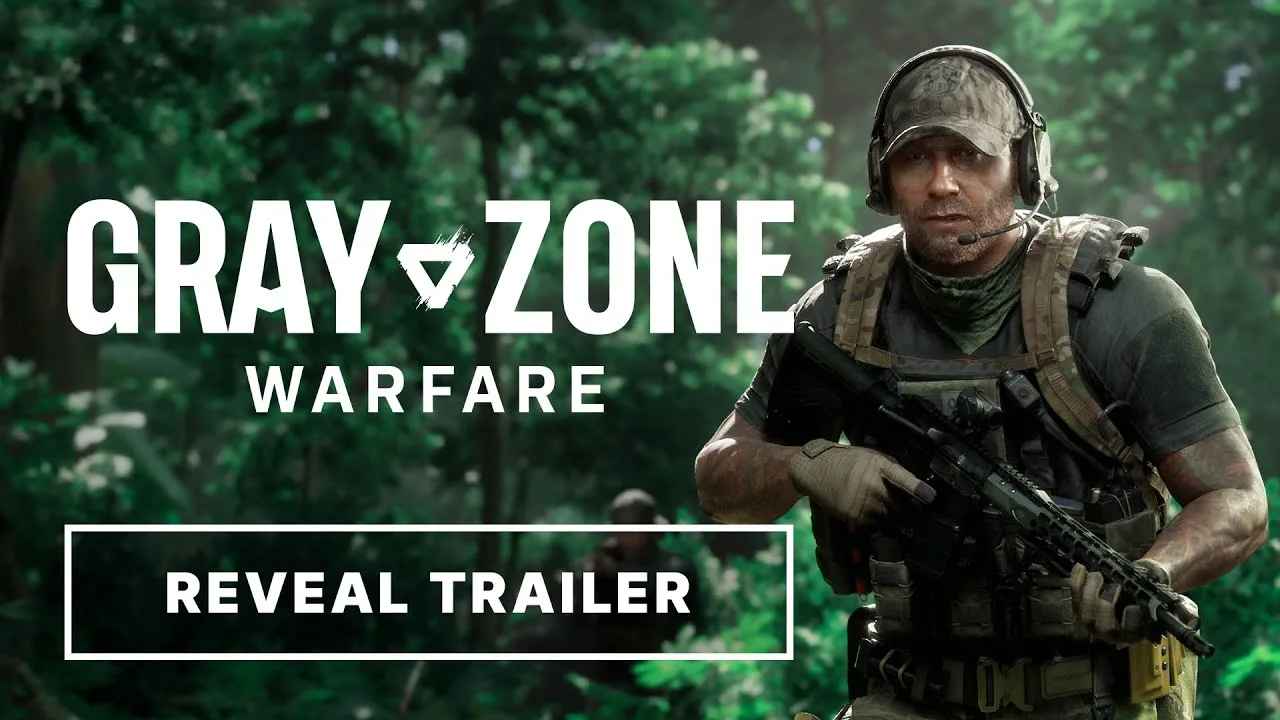
Helmet-mounted NVGs require compatible mounting hardware. The mounting components available in the Night Ops equipment system include the G24 mount, Rhino, and J-Arm. Check compatibility for the particular device and helmet combination before buying parts.
An incompatible item produces a red indicator in its equipment slot. Resolve that warning before heading into the field.
| Component | Function | What to check |
|---|---|---|
| Helmet and mounting hardware | Support the NVG assembly | Compatibility with the selected device |
| Night vision goggles | Amplify available light | Image condition and usable visibility |
| NV-compatible collimator | Provide a reticle suitable for NVG use | Lower-intensity night vision mode |
| IR laser | Provide an aiming reference and signaling beam | Correct operating mode |
| IR illuminator | Illuminate a broader area through NVGs | Visibility and glare in the intended space |
| Flashlight | Provide visible illumination | Interaction with the goggles |
Match Your Optic to the Goggles
Some collimators have night vision modes that reduce reticle intensity. That matters because an excessively bright reticle can overwhelm the sight picture.
Select an optic with an NV-compatible mode when planning to aim through it. Check the reticle against both dark surroundings and illuminated backgrounds before committing to a mission.
Attachments without appropriate brightness adjustments can look blurry or excessively bright through NVGs. An expensive pair of goggles cannot correct an unsuitable sight.
Canted aiming provides another option when the primary optic is difficult to use. Practice that aiming position with the complete weapon build so the transition feels familiar.
Give the IR Tools Separate Jobs
An IR laser provides a narrow aiming or signaling reference. An IR illuminator spreads infrared light across a larger area.
Use the laser for aiming and marking targets. Use the illuminator when the scene needs additional light.
Both operate in the infrared spectrum, making their illumination visible through appropriate night vision equipment. Opponents without that equipment cannot see the IR emission with unaided vision, but another NVG-equipped PMC can see it.
Switch the equipment on only when it serves a purpose. Carrying infrared tools does not make their use invisible to everyone.
Handle Grain, Glare, and Difficult Aiming
Even a Gray Zone Warfare best night vision setup depends on the available light. Analog NVGs amplify existing illumination; they do not create a clear image independently of their surroundings.
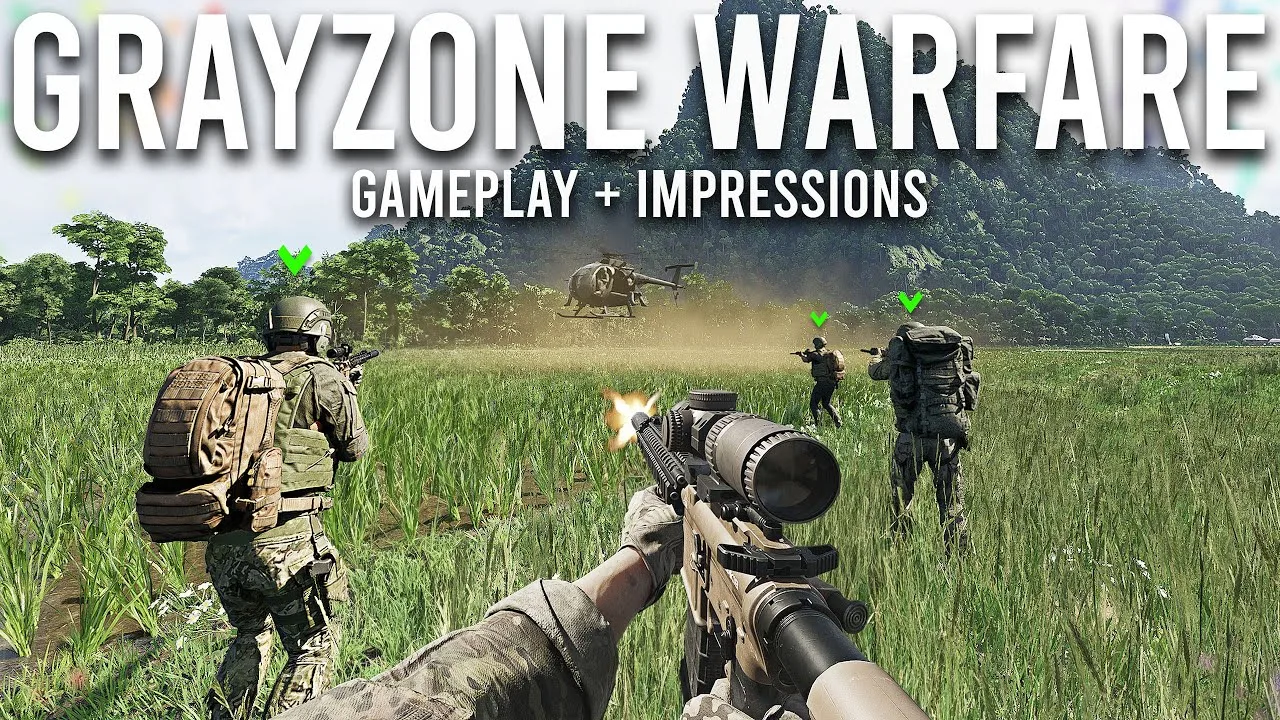
That explains why visibility can deteriorate in a darker area despite wearing the same goggles. Grain becomes stronger as the available light decreases.
Use an IR illuminator when you need additional illumination, and check the resulting image before moving deeper into the space. More light can help, but bright sources introduce their own problems.
| Visual effect | What happens in GZW | How to respond |
|---|---|---|
| Low-light grain | The image becomes grainier in darker areas | Add suitable illumination when needed |
| Restricted field of view | The device limits the visible scene | Turn and scan deliberately |
| Focal blur | Objects outside the focal area appear blurred | Check the target and sight picture separately |
| Light halos | Bright sources develop surrounding halos | Reposition to change the viewing angle |
| Intense illumination | Strong light can trigger automatic shutdown | Check the scene without NVGs when necessary |
| Lens wear | Cracks, dirt, and blemishes obstruct vision | Inspect the device before deployment |
Scan Beyond the Center of the Image
The visible area through the goggles is restricted. Keep turning to inspect the edges of your route, especially when entering a building or moving between pieces of cover.
Avoid judging an entire area from the central image alone. Pause long enough to inspect the approaches you cannot see without moving your view.
The PVS-31A improves situational awareness over the monocular design, but it still belongs to a system built around limited vision. Keep the same scanning habit after upgrading.
Respect Bright Lights
Lamp posts, interior lighting, and muzzle flashes can interfere with your view. Strong illumination can even trigger an NVG shutdown.
Check a doorway’s lighting before entering. If the goggles make the scene harder to read, assess the room without them before advancing.
Some buildings also have fuse boxes that let you control their lights. Use those environmental controls when changing the lighting supports your approach.
Avoid treating every dark room as a reason to activate every attachment. Check what the goggles already reveal, then add the illumination you need.
Inspect the Image Before Blaming the Device Tier
A poor sight picture can have several causes: a bright reticle, insufficient ambient light, lens damage, or an unsuitable viewing distance.
Check each part of the setup individually. Look at the environment without aiming, bring up the optic, and compare the image with the illuminator activated.
That comparison helps you identify which part of the loadout needs attention. Replace obstructed equipment and adjust your aiming setup before assuming the next NVG upgrade will solve everything.
Account for Rogue Ops 0.5 Changes
Your Gray Zone Warfare best night vision setup operates inside a changing game. Rogue Ops 0.5 arrived on October 22, bringing lighting improvements, additional weapon attachments, and changes to the economy and enemy behavior.
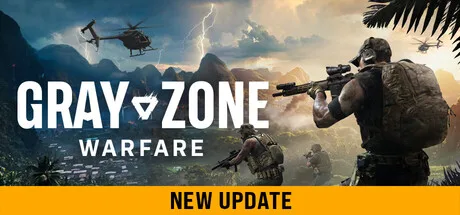 Image: Steam / MADFINGER Games, a.s.
Recheck familiar equipment combinations after moving into this update. The expanded selection includes 22 collimators, counting color variants and different reticle colors, plus 4x and 6x magnifiers.
Those additions expand weapon customization. Check each selected optic’s NV behavior rather than assuming a new attachment will suit a night loadout.
| Rogue Ops 0.5 change | Detail | Preparation tip |
|---|---|---|
| Lighting improvements | Updated environmental lighting | Reassess familiar approaches after dark |
| Sunset transitions | Refined transition into outdoor lighting activation | Watch how a route changes around dusk |
| HDR support | Added support for HDR displays | Check image readability on your display |
| Expanded attachments | Additional collimators and magnifiers | Inspect the complete aiming setup |
| Economy adjustment | Reduced high-value loot spawn rates | Budget for the full equipment package |
| Harder locations | Increased AI difficulty in Tier 3 and new Tier 4 areas | Prepare beyond the NVG purchase |
The update’s soft wipe also matters when rebuilding a night kit. Existing progression from 0.4 carries over, including completed tasks, rank, vendor levels, unlocked apparel, and statistics, while money and locker contents are wiped.
Plan purchases around your current funds and retained vendor access. Price the helmet assembly and aiming equipment together instead of spending the entire budget on goggles.
Rogue Ops also increases the danger in higher-tier locations. AI can use bandages, and selected factions can throw grenades. Keep medical supplies and a plan for repositioning alongside the night equipment.
Better visibility helps you read a fight. Keep preparing for the enemies’ behavior as carefully as you prepare for the darkness.
Check the Complete Kit Before a Night Mission
Put your Gray Zone Warfare best night vision loadout through a short equipment check before taking it into a difficult area.
Use the same helmet, goggles, optic, and tactical attachments you intend to carry. Changing one component afterward can change the sight picture you just checked.
- Inspect the mounting assembly. Resolve red compatibility indicators.
- Check the lens image. Look for cracks, dirt, and other obstructions.
- Aim through the optic. Confirm that the reticle remains readable through the goggles.
- Check canted aiming. Practice the alternative position before relying on it.
- Activate the IR laser. Identify its aiming reference against the surroundings.
- Activate the illuminator. Check how it changes visibility and glare.
- Compare lighting conditions. Examine a darker space and a lit background.
- Review the rest of the kit. Include ammunition, medical supplies, and replacement costs in your preparation.
Coordinate illumination with your squad, too. IR lasers can mark targets and communicate direction, while illuminators reveal a broader scene through NVGs.
Agree on what those signals mean before contact. Keep checking who can see your equipment: another operator with night vision can read infrared light as well.
FAQ
What Is the Gray Zone Warfare Best Night Vision Device?
The PVS-31A is the top-tier option among the PVS-7, PVS-14, and PVS-31A introduced with Night Ops. Its dual-tube design provides an image to each eye and improves situational awareness over the PVS-14 monocular.
Does the PVS-7 Have Two Independent Tubes?
No. The PVS-7 has two eyepieces, but a single tube generates the image. The PVS-31A uses a dual-tube design.
Why Does Night Vision Look Grainy or Washed Out?
Darker environments increase grain because NVGs amplify available light. Bright lights create halos and can trigger automatic shutdown, while overly bright reticles can interfere with aiming.
Can Other Players See an IR Laser?
Players using suitable night vision equipment can see infrared illumination. Players without that equipment cannot see the IR emission with unaided vision. Use the laser deliberately when other NVG-equipped PMCs could be nearby.
Continue with
 Gray Zone Warfare Flashlight: How to Equip and Use ItGet your Gray Zone Warfare flashlight working with mounting steps, tactical controls, M4A1 and Glock 17 setups, plus fixes for common attachment problems.
More in Weapons & Ammo
Gray Zone Warfare All Weapons: Rogue Ops Arsenal Guide
Explore Gray Zone Warfare all weapons, including Rogue Ops additions, rifle options, sidearms, ammo changes, and practical tips for building your loadout.
Gray Zone Warfare L403A1 Location: Sawmill Item Guide
Find the Gray Zone Warfare L403A1 location at Sawmill, check the Range & Rifle collectible coordinates, and plan your search for Rogue Ops Update 0.5.
Gray Zone Warfare M14 Location: Black Hawk Unlock Guide
Find the Gray Zone Warfare m14 location at Hunter's Paradise, collect the Range & Rifle magazine, and unlock Banshee's Black Hawk rifle with this guide.
Gray Zone Warfare When Should I Switch Ammo Types? Guide
Gray Zone Warfare when should I switch ammo types? Learn how SP, HP, FMJ, and AP differ, match rounds to armor, and prepare magazines for Rogue Ops combat.
Continue exploring
Join the community
Official channels for news, updates and player help: