Gray Zone Warfare Upgrade Stash Size: Locker Guide
Gray Zone Warfare upgrade stash size explained: compare locker milestones, edition sizes, and Rogue Ops storage priorities to make room for your next run.
Jump to
How to Upgrade Your Stash Size in Gray Zone Warfare
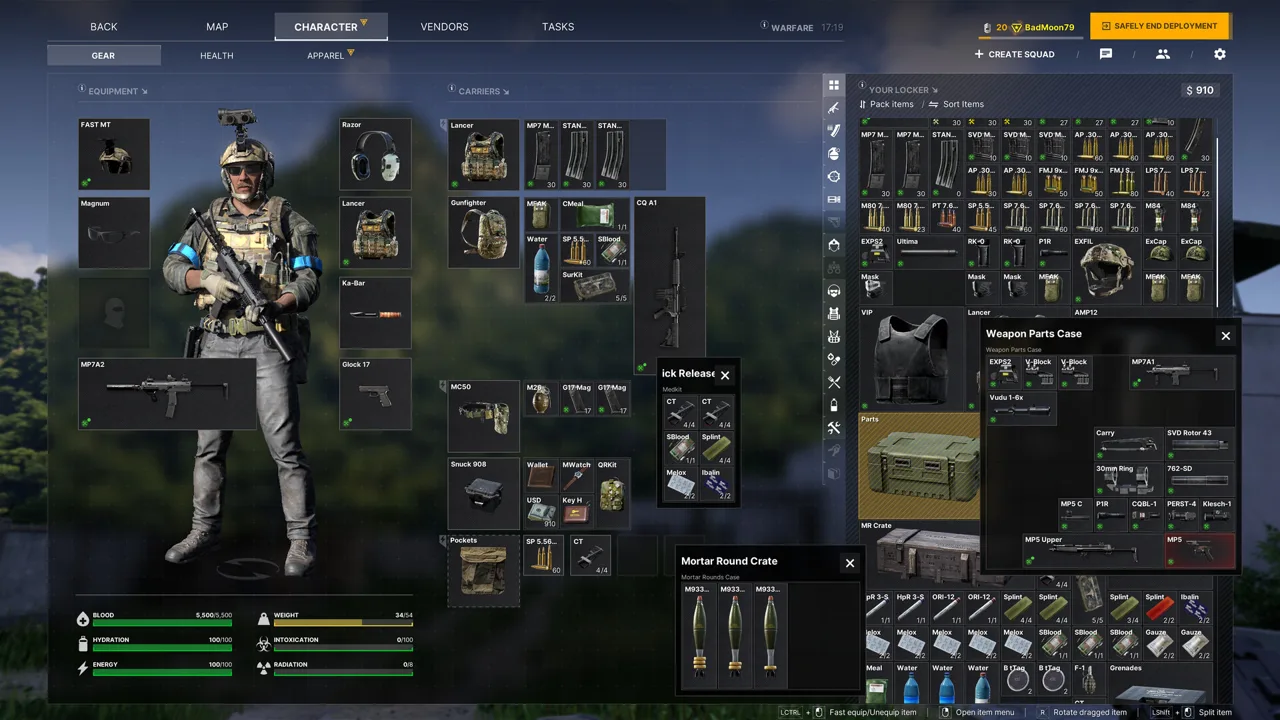
A packed locker turns every return to base into another sorting session, making Gray Zone Warfare upgrade stash size planning worth tackling early. More storage gives you breathing room for equipment, task items, and the crafting materials introduced with Rogue Ops. This Gray Zone Warfare upgrade stash size guide covers locker progression, edition differences, and practical storage priorities without mixing up your locker, secure container, and Hideout.
Locker expansion has been available through PMC progression and edition upgrades. Earlier progression milestones placed larger lockers at PMC levels 20, 30, and 40, while higher editions provided larger starting grids.
Rogue Ops, Update 0.5, launched on October 22, bringing Hideout construction, crafting, and separate character progression for PvE and PvEvP. Keep those changes in mind when organizing your equipment: materials now compete with weapons and supplies for your attention.
Earlier Locker Progression Milestones
The earlier locker progression followed these capacity thresholds:
| PMC level | Locker dimensions | Total grid slots |
|---|---|---|
| 20 | 10 × 35 | 350 |
| 30 | 10 × 45 | 450 |
| 40 | 10 × 60 | 600 |
These figures describe total grid capacity at each milestone. A 10 × 35 locker contains 350 squares; individual weapons and other large items occupy multiple squares.
The difference between the earlier level-20 and level-40 grids is 250 slots. That extra room matters when you want to maintain replacement equipment while keeping materials for another project.
For your Gray Zone Warfare upgrade stash size plan, separate long-term capacity goals from immediate clutter. Work through progression, then organize around the space your character currently has. Keep supplies for upcoming deployments accessible, and give task materials a recognizable place so they do not disappear among spare attachments.
Edition Sizes and What to Check Before Buying
Higher editions have offered more starting locker space. The earlier edition structure used the following dimensions:
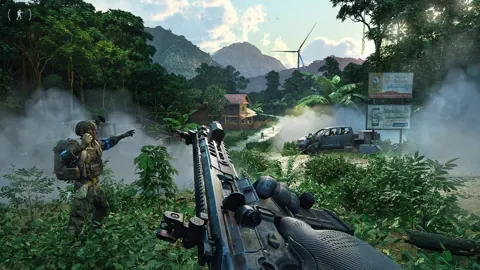
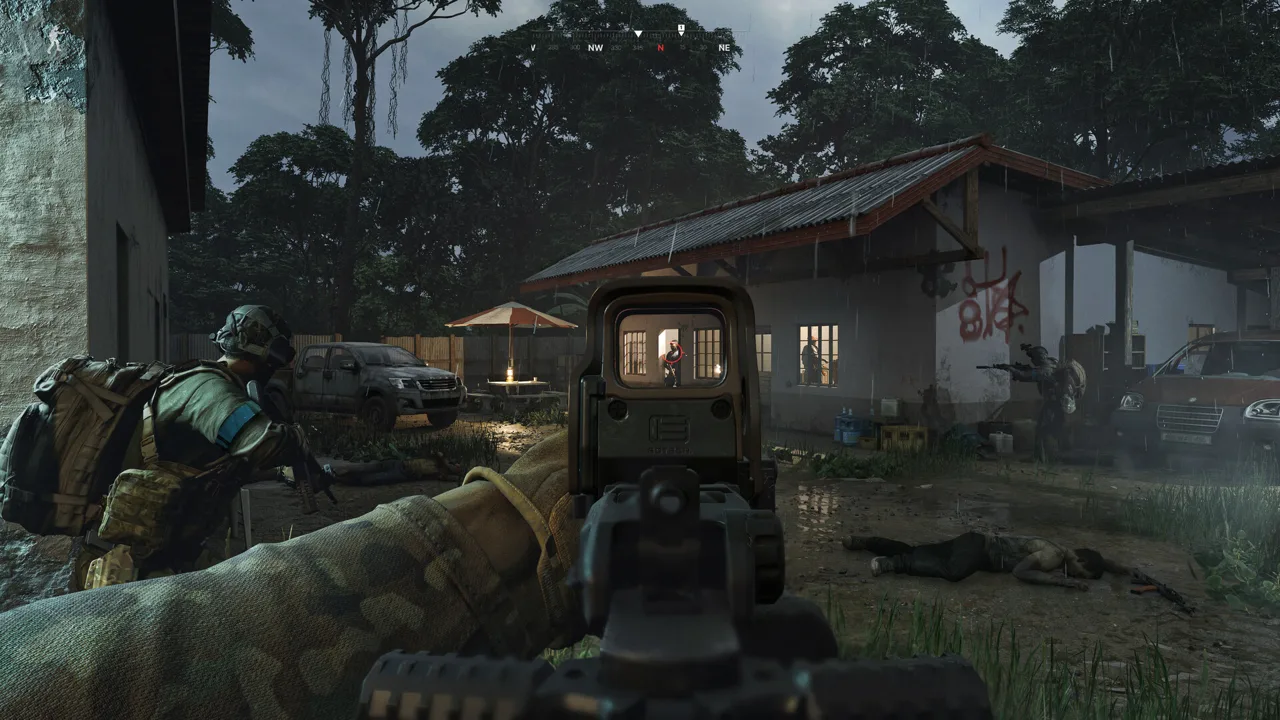 Image: Steam / MADFINGER Games, a.s.
| Edition | Earlier starting locker dimensions | Total grid slots |
|---|---|---|
| Standard Edition | 10 × 25 | 250 |
| Tactical Edition | 10 × 35 | 350 |
| Elite Edition | 10 × 45 | 450 |
Under that structure, Tactical started with 100 more slots than Standard, while Elite started with 200 more.
Keep the timeline straight when shopping. These are earlier starting capacities, while the current Rogue Ops website presents Base Game, Tactical Edition, and Elite Edition packages.
For an existing owner, the purchase format deserves attention. Packages purchased through the official website are standalone bundles that include the base game. They are not separate upgrades, and existing Steam ownership does not reduce their price.
Before spending money:
- Check which edition you already own.
- Read the current package contents for the additional storage you want.
- Distinguish a full game bundle from an edition upgrade.
- Compare the checkout total with the benefit you actually need.
Review the Gray Zone Warfare purchase options on Steam when comparing purchases. Check whether your selected purchase is an upgrade or a bundle that includes the base game.
Keep your Gray Zone Warfare upgrade stash size spending focused on the purchase that fits your account. Buying another full bundle deserves a different decision than upgrading an existing copy, especially if storage is your main reason for paying more.
Locker Space, Containers, and Hideout Upgrades
Several storage-related systems appear in the same conversations, but each serves a different purpose. Your locker holds equipment between deployments. Your carried inventory supports your field loadout. A secure lockbox protects its contents when you die.
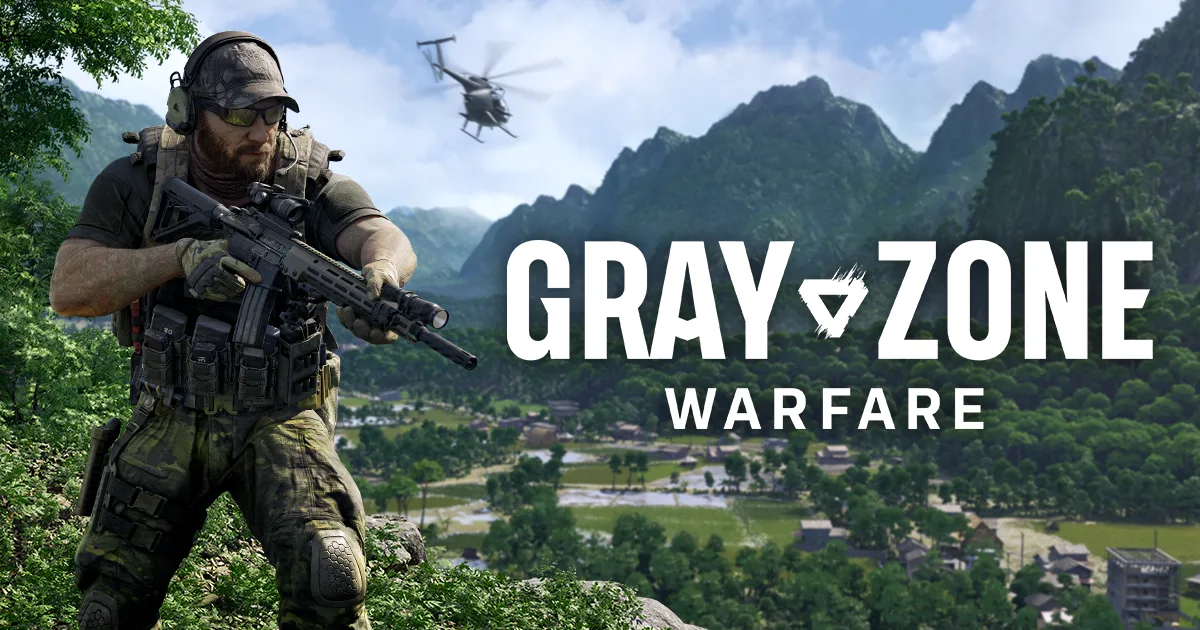 Image: www.grayzonewarfare.com
Rogue Ops adds another progression track through the Hideout, where you build equipment and develop production capabilities.
| System | Function |
|---|---|
| Locker | Stores your items safely between deployments |
| Carried inventory | Holds equipped gear and supplies taken into the field |
| Secure lockbox | Protects the container and its contents from loss on death |
| Hideout | Supports building, crafting, production, and related activities |
Organize around those functions. Keep deployment supplies easy to find in the locker, prepare your carried equipment before leaving, and use your secure container deliberately.
Evaluate Storage Containers by Their Actual Function
Storage discussions also include ammo tins, coolers for food and drinks, and vendor containers. Pay attention to the item itself before committing money.
One earlier example involved a container associated with Gunny: it was initially described as a gun box, then corrected to a mortar crate. That distinction matters when you are trying to solve a specific storage problem.
Read the container description, check what it accepts, and compare its exterior footprint with its usable interior. Buy around the items crowding your locker rather than the name alone.
Keep Hideout Progression on Its Own Checklist
Each of the Hideout’s three rooms has three upgrade levels in Rogue Ops. Those upgrades develop different parts of your operation.
For Gray Zone Warfare upgrade stash size planning, track locker capacity and Hideout construction separately. A room upgrade has its own resource requirements and purpose; organize the materials for that project alongside your storage goals.
Avoid collecting an unlimited reserve for every possible future build. Choose your next project, inspect its requirements, and concentrate your scavenging around that target.
Plan Your Stash Around Rogue Ops Crafting
Rogue Ops gives loot more uses beyond selling it for cash. You now need resources and components to build Hideout equipment, ingredients for production, and materials for crafting.
That changes the keep-or-sell decision. A component tied to your next upgrade deserves a different priority from another spare item you have no immediate use for.
| Hideout room | Role in Rogue Ops | Related materials or equipment |
|---|---|---|
| Laboratory | Produces specialized substances, including medical products and drugs | Specialized equipment, construction components, and production ingredients |
| Electronics Workshop | Disassembles, modifies, and assembles mechanical and electronic components | Components used for crafting and device upgrades |
| Utility Room | Supplies electricity for equipment and other rooms | — |
Your Gray Zone Warfare upgrade stash size priorities should reflect the projects you are actively pursuing. Keep those materials grouped so you can see what you have before heading back into Lamang.
Reserve Materials for Specific Recipes
Crafting recipes must be unlocked before you can produce their items. Workshop devices also have their own upgrades, which expand crafting capabilities.
Choose a recipe or device upgrade before building a large stockpile. Check its requirements, keep the relevant components, and avoid letting unrelated supplies consume the room needed for your current objective.
Certain items can be dismantled into components used for crafting hacking tools or completing tasks. Check those uses before selling something that appears to be ordinary loot.
Production and disassembly take time, while crafting is almost instantaneous. Account for that difference when preparing supplies for your next activity.
Make Room for Items You Must Craft
In Update 0.5, Tracking Tags and Stims are no longer sold by vendors and must be crafted. Hacking tools also come in three tiers and allow access through electronic locks.
Give the materials for your intended tools and supplies a clear place in the locker. Avoid filling every available gap with replacement weapons while the components needed for your next project become difficult to find.
The reduced spawn rate of high-value loot also makes selective scavenging relevant. Search with a material objective instead of evaluating every item only by its sale value.
Build a Storage Routine for Each Character
Rogue Ops allows up to four playable characters per account. Each character has a selected faction and game mode, with separate progression for PvE and PvEvP.
You cannot maintain two characters with the same faction-and-mode combination simultaneously. Character deletion is limited to one per week.
Build your Gray Zone Warfare upgrade stash size routine around the character you are preparing to play. Check that character’s progression, upcoming tasks, and equipment needs before deciding what to keep.
Use this sequence after returning to base:
- Prepare your next loadout. Identify the equipment and supplies you intend to bring.
- Review active task requirements. Keep relevant items together and use stash hand-ins where the task allows them.
- Check the next Hideout project. Set aside the components and ingredients tied to that objective.
- Review spare equipment. Keep replacements you intend to use and consider selling excess items.
- Leave unloading room. Preserve space for the loot you plan to bring back.
Account for the 0.5 Soft Wipe
The Rogue Ops soft wipe removed locker contents and money while retaining progression from Update 0.4. Completed tasks, rank, unlocked apparel, vendor levels, and statistics carried forward.
Players transferring existing progression must choose PvE or PvEvP. That choice is irreversible, and the character’s faction stays the same.
Choose the mode you intend to continue before rebuilding your supplies. Then restock around current activities rather than trying to recreate every item you previously owned.
Keep Smuggling Cargo Out of Storage Experiments
Smuggling contracts require you to gather the necessary resources and contraband before accepting the job. After handing over the contraband, you collect a smuggling backpack and have one hour to deliver the shipment.
The contract fails if you die, miss the deadline, or place the smuggling backpack in another player’s stash.
Prepare your equipment and storage before accepting the contract. Once it starts, concentrate on reaching the designated smuggling zone and depositing the shipment.
FAQ
Can You Upgrade Stash Size in Gray Zone Warfare Without Buying DLC?
Yes. Locker expansion has been available through PMC progression. Earlier milestones provided a 10 × 35 locker at level 20, 10 × 45 at level 30, and 10 × 60 at level 40.
What Does Gray Zone Warfare Upgrade Stash Size Mean Compared With a Secure Lockbox?
Stash size refers to your locker’s storage grid between deployments. A secure lockbox is a carried container whose contents remain protected when you die. Plan locker organization and secure-container contents separately.
Can Existing Steam Owners Buy a Separate Upgrade on the Official Website?
The official website sells standalone edition bundles that include the base game. Existing Steam ownership does not provide a discount on those bundles.
What Happened to Locker Items in the Rogue Ops Soft Wipe?
Update 0.5 wiped locker contents and money. Progression from Update 0.4 carried forward, including completed tasks, rank, unlocked apparel, vendor levels, and statistics. Rebuild your supplies around your chosen mode and current crafting goals.
Continue with
 Gray Zone Warfare Vendors: Reputation and 0.5 GuideLearn how Gray Zone Warfare vendors work in Rogue Ops, build reputation, find Vulture, and plan your gear purchases, crafting, and smuggling contracts.
More in Progression
Gray Zone Warfare Blueprints: Unlocks and Locations
Find Gray Zone Warfare blueprints, explore nine magazine locations, and understand weapon unlocks, Hideout crafting, and progression changes in Rogue Ops.
Gray Zone Warfare Handshake Level 3: Progression Guide
Work toward Gray Zone Warfare handshake level 3 with task and trading tips, reputation rules, and Rogue Ops progression advice for your trip into Lamang.
Gray Zone Warfare Hideout: Rooms, Crafting & Upgrades
Build your Gray Zone Warfare hideout with a guide to all three rooms, crafting, upgrades, and smuggling. Plan your loot runs and keep progression moving.
Continue exploring
Join the community
Official channels for news, updates and player help: