
Gray Zone Warfare Blueprints: Unlocks and Locations
Find Gray Zone Warfare blueprints, explore nine magazine locations, and understand weapon unlocks, Hideout crafting, and progression changes in Rogue Ops.
Jump to

What Are Gray Zone Warfare Blueprints?
Gray Zone Warfare blueprints give you a reason to search beyond the usual weapons and valuables: collectible magazines lead to tasks that unlock distinctive weapon variants. That matters when you want a particular camo weapon, while Rogue Ops adds crafting recipes and Hideout development to your progression goals. Start by separating Gray Zone Warfare blueprints tied to magazine tasks from the recipes used to produce items in Update 0.5.
The magazine system connects exploration with weapon unlocks. Find a magazine, complete its associated job, and unlock the corresponding variant. The nine-magazine collection from 0.4 Spearhead includes weapons such as the DDM4 Phantom Lance and MP7A2 Sentinel Company.
Rogue Ops, released October 22, introduces another system: crafting recipes that must be unlocked before you can produce their items.
| Progression element | What it involves | What it unlocks or enables |
|---|---|---|
| Range & Rifle Magazines | Finding magazines and completing associated jobs | Specific camo weapon variants |
| Crafting recipes | Unlocking recipes before producing items | Production of the corresponding items |
| Hideout development | Building rooms and upgrading equipment | Expanded production and workshop capabilities |
Keep these goals separate when planning a session. Search for a magazine when you want its weapon variant; gather Hideout resources when you want to expand production. Both encourage exploration, but they serve different purposes.
Gray Zone Warfare Blueprints: Magazine Locations
The following nine locations belong to 0.4 Spearhead’s Range & Rifle Magazine collection. Use this as a version-specific checklist. Update 0.5 adds new Chameleon magazine tasks, so the nine entries below describe the earlier collection rather than a complete Rogue Ops catalog.
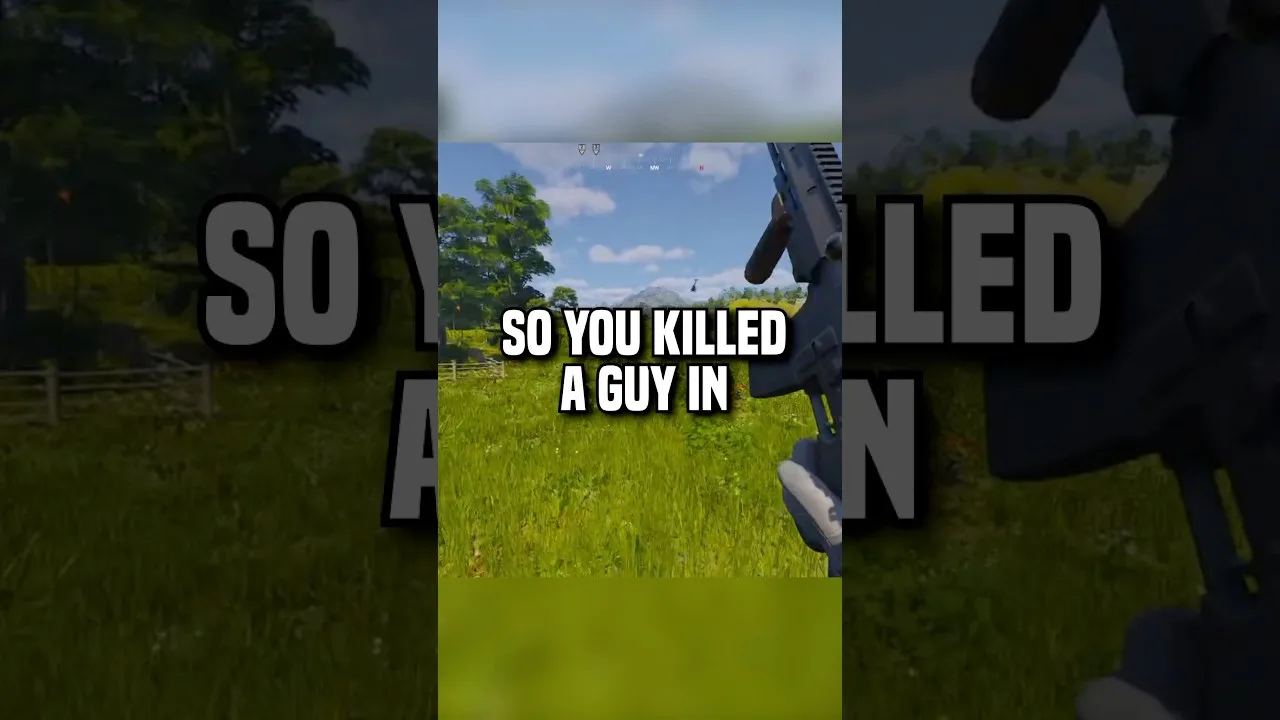
Some entries identify a building and floor. Others name only a campsite or broader destination. Plan your search around the level of detail shown.
| Weapon | Camo variant | 0.4 Spearhead magazine location |
|---|---|---|
| AK-308 | Hunter Team | Fort Narith — Jail |
| AKMN | Jackal Company | Campsite |
| DDM4 | Phantom Lance | Fort Narith — Barracks Building A, 2nd Floor |
| M14 | Black Hawk | Hunter's Paradise |
| M700 | Gray Company | Midnight Sapphire Hotel — Rooftop |
| Mossberg 590 | Raven Team | Remote Campsite |
| MP7A2 | Sentinel Company | Campsite |
| SIG MCX | Ghost Nomad | Midnight Sapphire Hotel — Lobby |
| SVD | Dragunov Silent Watch | Tiger Bay Mall — Bookstore |
Plan Around the Specific Building
Fort Narith has two separate magazine destinations: the jail for the AK-308 and the second floor of Barracks Building A for the DDM4. Keep both objectives on your checklist if you intend to search that area.
Midnight Sapphire Hotel also has two destinations, with the M700 magazine on the rooftop and the SIG MCX magazine in the lobby. Check your target before committing to a particular part of the hotel.
For Tiger Bay Mall, the SVD entry points specifically to the bookstore. Hunter's Paradise is the location associated with the M14 Black Hawk magazine.
Keep Campsite Entries Separate
The AKMN and MP7A2 entries both use the broad label “Campsite,” while the Mossberg 590 entry names a “Remote Campsite.” Keep each weapon as its own checklist item rather than combining these labels into a single destination.
Track the weapon and camo together. “MP7A2 Sentinel Company” is a more useful collection note than “SMG blueprint,” especially once you start juggling magazine tasks, crafting goals, and newly discovered weapons.
How Magazine Weapon Unlocks Work
The basic magazine progression is straightforward: find the magazine, complete its associated job, and unlock the weapon variant. Picking up the collectible is part of the process; the associated task still matters.
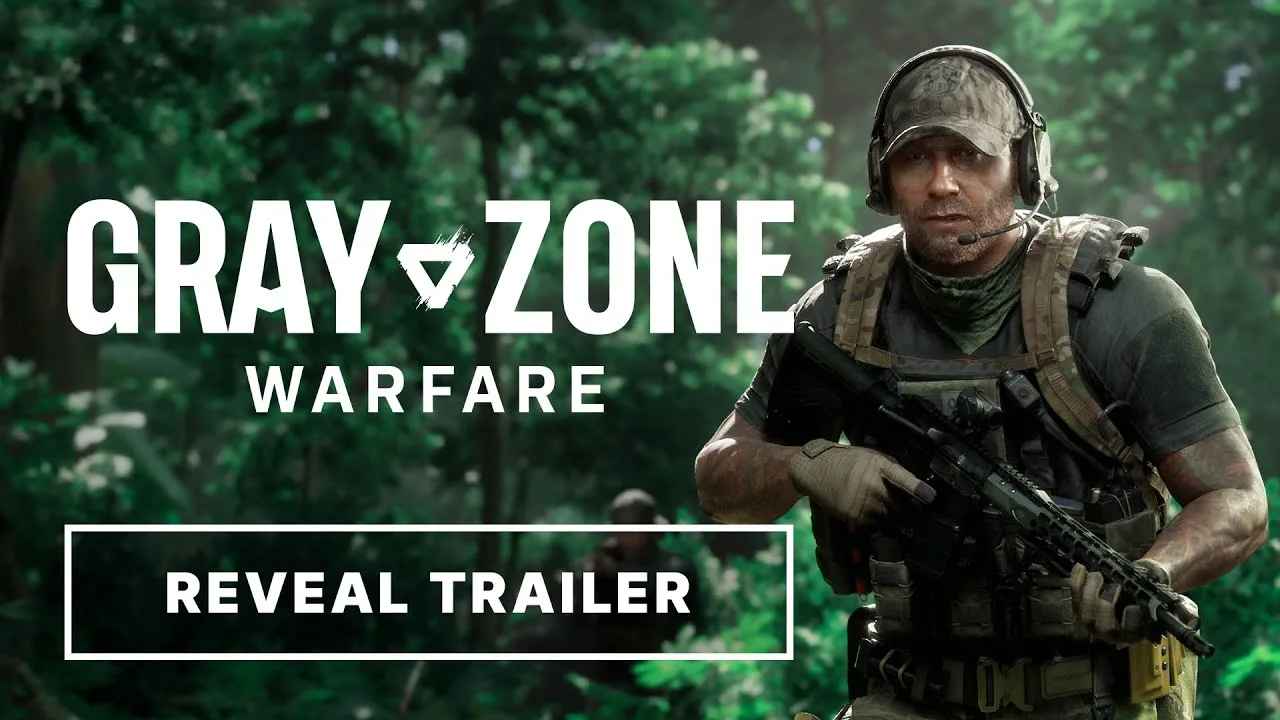
When pursuing Gray Zone Warfare blueprints, organize your progress around the actual objective:
- Choose the weapon variant you want.
- Search its version-specific magazine location.
- Complete the job associated with that magazine.
- Check the corresponding vendor listing after completing the task.
Use the task’s requirements to guide the job itself. The location table identifies magazine destinations; it does not replace the objectives attached to each unlock.
Choose a Variant Before Planning the Trip
Pick a specific target before heading into Lamang. If you want the DDM4 Phantom Lance, your 0.4 destination is Barracks Building A at Fort Narith. If you want the M700 Gray Company, your destination is the Midnight Sapphire Hotel rooftop.
Keep a short collection checklist:
- Weapon and camo name
- Magazine collected
- Associated task completed
- Vendor listing checked
This also helps distinguish a collected magazine from a completed unlock. Finding the item and finishing its job are separate milestones.
Separate Magazine Unlocks From Rare Weapon Loot
Rogue Ops adds rare weapon builds with low drop rates, alongside seven new weapons. Most of those new weapons are found in the world rather than purchased from vendors.
Keep world-loot hunting as a separate objective from magazine collection. A rare weapon build found during exploration and a camo variant unlocked through a magazine task follow different acquisition paths.
Update 0.5 also adds new Chameleon magazine tasks. Keep your current task list alongside the older collection checklist so your next objective matches the progression you are actively pursuing.
How Rogue Ops Crafting Fits Into Progression
Gray Zone Warfare blueprints can bring you to the game’s weapon-unlock systems, but Rogue Ops crafting deserves its own plan. Update 0.5 builds a second gameplay loop around your Hideout, resource collection, production, and smuggling.
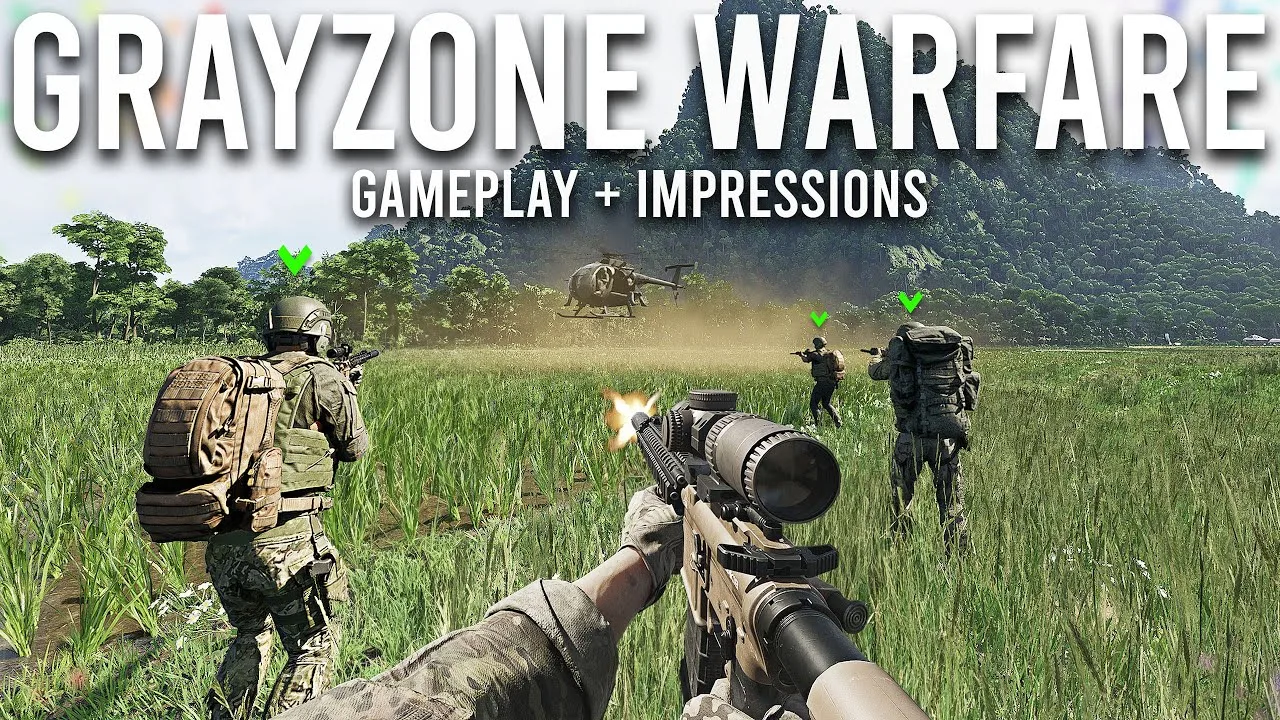
The Hideout contains three rooms, each with three upgrade levels in its initial implementation.
| Hideout room | Main function | Relevant progression |
|---|---|---|
| Laboratory | Produces specialized substances, including medical products and drugs | Equipment, ingredients, and products for certain smuggling contracts |
| Electronics Workshop | Disassembles, modifies, and assembles mechanical and electronic components | Devices, crafting recipes, and hacking tools |
| Utility Room | Supplies electricity to operate equipment and support other rooms | Power for Hideout operations |
Unlock Recipes and Expand Workshop Capabilities
Crafting recipes must be unlocked before their corresponding items can be produced. The Electronics Workshop also lets you unlock and upgrade devices to expand what the room can do.
Certain items can be dismantled into components for crafting hacking tools or completing tasks. That gives some loot another purpose beyond its sale value.
Before selling an item you can dismantle, compare its components with your active crafting and task needs. Prioritize materials tied to something you are currently building rather than collecting without a specific goal.
Crafting is almost immediate, while production and disassembly take longer. Start those longer operations before reviewing tasks or planning another deployment.
Build Toward Hacking Tools
Hacking tools come in three tiers and let you bypass electronic locks to access restricted areas. They are a concrete reason to develop the Electronics Workshop.
Gather components with your intended tool in mind, and follow the recipe requirements shown in your game. Keep workshop development on your progression checklist alongside magazine tasks, since it opens another way to interact with Lamang.
Support Laboratory Production
The Laboratory needs specialized, expensive equipment, along with components and production ingredients gathered in the world. It produces medical products and drugs, including goods required by specific vendor contracts.
Build your collection plan around the equipment and production goals you are pursuing. The Utility Room supplies the electricity needed to operate equipment and support the other rooms, so include power requirements when reviewing your Hideout’s development.
Progression Changes and Missing Weapon Unlocks
Gray Zone Warfare blueprints sit within a broader progression system that changed with Rogue Ops. Vendor reputation remains relevant, while the Hideout introduces additional reasons to collect materials and develop production.
| Update 0.5 change | Practical consequence |
|---|---|
| Tracking Tags and Stims removed from vendor sales | Crafting becomes part of obtaining these supplies |
| Vulture moved to the standard vendor screen | Access him alongside the other vendors |
| Separate PvE and PvEvP progression | Track progress on the character and mode you are playing |
| Soft wipe of locker contents and money | Existing task progress, rank, apparel unlocks, vendor levels, and statistics carry forward |
Choose Your Progression Transfer Carefully
When transferring an existing character into 0.5, you choose whether that progression goes to PvE or PvEvP. That choice is irreversible, and the character’s faction stays the same.
The update supports up to four playable characters. You cannot have two characters with the same combination of faction and game mode at the same time.
Check which character you are playing before reviewing your collection or planning task progress. Keep notes by character and mode so your checklist matches the progression you are working on.
Keep Crafting and Smuggling Objectives Connected
Laboratory products can feed into smuggling contracts. Gather the required resources and contraband before accepting a contract.
Once accepted, a smuggling contract gives you one hour to transport the shipment to its designated zone. Death, expiration of the timer, or placing the smuggling backpack in another player’s stash causes failure.
Finish your preparation before starting that clock. Keep magazine searches outside a timed delivery unless they fit your route without jeopardizing the shipment.
Handle a Missing Unlock Without Repeating Everything
Gray Zone Warfare blueprints have a history of disappearing from vendor inventories after logout. The April issue affected unlocks including the MP7A2 Sentinel Company, with additional cases involving the MCX and DDM4. Some affected tasks also reappeared as repeatables.
Later in that April discussion, affected unlocks returned after maintenance, and a completed unlock remained available after relogging. Those events describe the earlier issue, rather than a diagnosis for every missing listing in Rogue Ops.
If a listing disappears, check the character, vendor inventory, and associated task state. Record the weapon name and what changed before repeating a long collection trip. Check current in-game notices or the Gray Zone Warfare official website for maintenance announcements.
FAQ
Where do you find Gray Zone Warfare blueprints?
The 0.4 Spearhead magazine collection includes locations at Fort Narith, Midnight Sapphire Hotel, Hunter's Paradise, Tiger Bay Mall, and campsites. Match the location to the specific weapon variant in the table above.
Does finding a magazine immediately finish the weapon unlock?
The magazine progression includes an associated job. Find the magazine and complete that job to unlock its weapon variant. Keep collection and task completion as separate checklist items.
Are magazine blueprints the same as Hideout crafting recipes?
Magazine tasks unlock specific weapon variants. Rogue Ops crafting recipes enable production of corresponding items once unlocked, while Hideout equipment and upgrades expand your production capabilities.
Can you still buy Tracking Tags and Stims from vendors in 0.5?
Tracking Tags and Stims were removed from vendor sales in Rogue Ops and must be crafted. Include their production requirements in your Hideout goals when planning supplies for future deployments.
Continue with
 Gray Zone Warfare Handshake Level 3: Progression GuideWork toward Gray Zone Warfare handshake level 3 with task and trading tips, reputation rules, and Rogue Ops progression advice for your trip into Lamang.
More in Progression
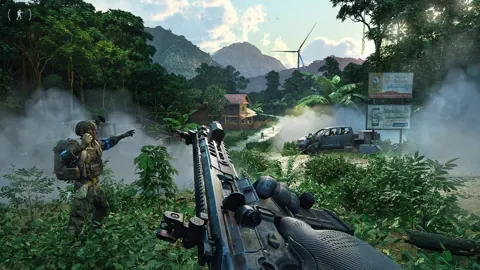
Gray Zone Warfare Hideout: Rooms, Crafting & Upgrades
Build your Gray Zone Warfare hideout with a guide to all three rooms, crafting, upgrades, and smuggling. Plan your loot runs and keep progression moving.
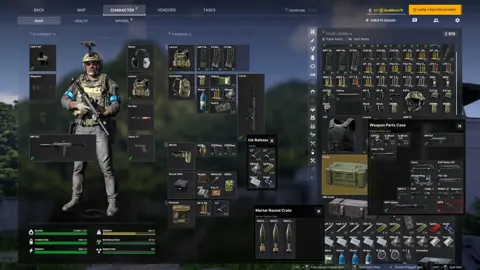
Gray Zone Warfare Upgrade Stash Size: Locker Guide
Gray Zone Warfare upgrade stash size explained: compare locker milestones, edition sizes, and Rogue Ops storage priorities to make room for your next run.

Gray Zone Warfare Vendors: Reputation and 0.5 Guide
Learn how Gray Zone Warfare vendors work in Rogue Ops, build reputation, find Vulture, and plan your gear purchases, crafting, and smuggling contracts.
Continue exploring
Gray Zone Warfare L403A1 Location: Sawmill Item Guide
Find the Gray Zone Warfare L403A1 location at Sawmill, check the Range & Rifle collectible coordinates, and plan your search for Rogue Ops Update 0.5.
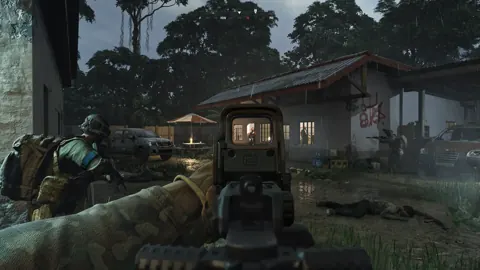
Gray Zone Warfare M14 Location: Black Hawk Unlock Guide
Find the Gray Zone Warfare m14 location at Hunter's Paradise, collect the Range & Rifle magazine, and unlock Banshee's Black Hawk rifle with this guide.
Join the community
Official channels for news, updates and player help: